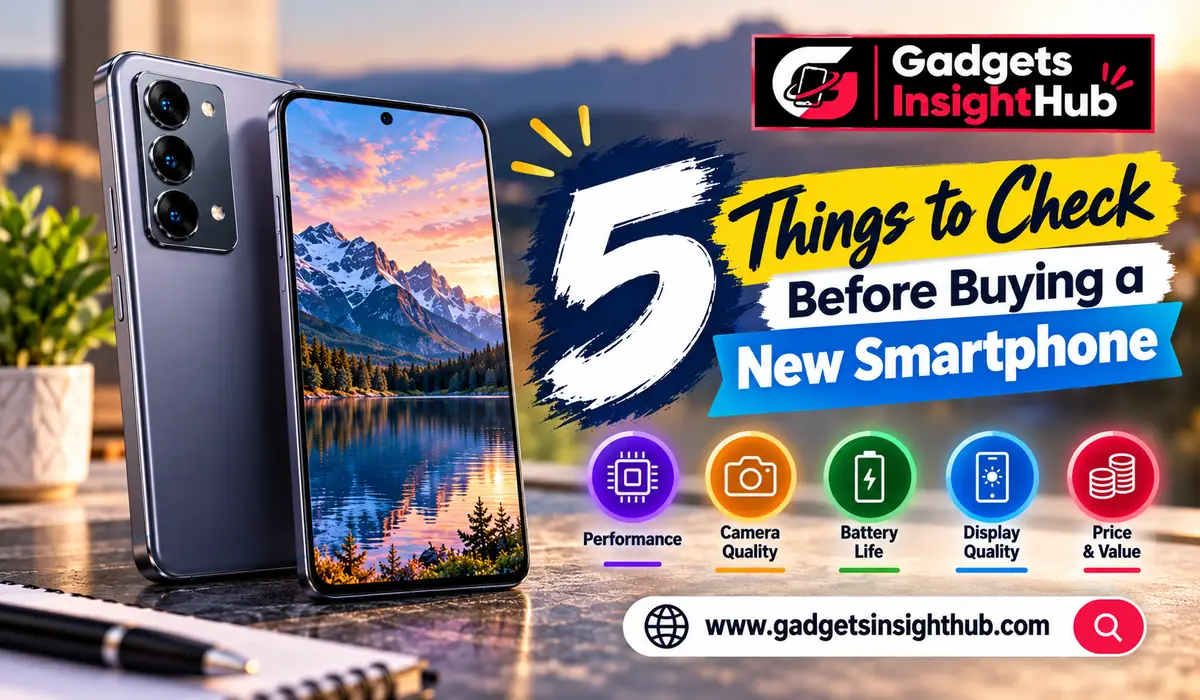
Buying a new smartphone can be confusing because manufacturers advertise powerful processors, advanced cameras, fast charging, and AI features. However, the most expensive phone is not always the best choice for your needs. The right smartphone should offer a good balance of performance, battery life, camera quality, software support, and price.
Before making a purchase, think about how you use your phone every day. You may need a reliable camera for photography, a powerful processor for gaming, or a long-lasting battery for work and travel. Comparing a few essential features can help you avoid unnecessary spending and choose a phone that remains useful for years.
Here are five things to check before buying a new smartphone.
1. Processor and Overall Performance
The processor plays a major role in how quickly your smartphone opens applications, handles multitasking, runs games, and edits videos. A capable chipset can also help your phone manage newer applications and software features over time.
However, you do not always need a flagship processor. If you mainly use messaging apps, browse the internet, watch videos, and take occasional photographs, a good mid-range smartphone may provide all the performance you need.
What should you check?
- Processor model: Compare the chipset rather than relying only on the manufacturer’s performance claims.
- RAM: At least 8GB is a useful target for many users who want smooth everyday multitasking.
- Storage: Consider 256GB if you take frequent photographs, download videos, or install many applications.
- Gaming performance: Look for stable frame rates and good temperature control if you play demanding games.
- Everyday speed: Check reviews to see how quickly the phone opens apps and switches between tasks.
For example, a student who mainly uses online learning apps may not need the same processing power as someone who edits 4K videos on a phone. Therefore, match the hardware to your actual needs.
Buying tip: Choose a phone that handles your current tasks comfortably without paying extra for performance you are unlikely to use.
2. Battery Life and Charging Speed
Battery performance affects how convenient your smartphone is throughout the day. A phone with a powerful processor and excellent camera can still become frustrating if you need to recharge it frequently.
Many smartphones offer batteries around 5,000mAh or larger, but capacity alone does not determine battery life. Display brightness, processor efficiency, network conditions, and your usage habits also make a difference.
What should you check?
- Battery capacity: Consider your daily usage and whether you regularly spend long periods away from a charger.
- Charging speed: Compare the supported wattage and real-world charging times.
- Charger availability: Check whether a compatible power adapter is included in the box.
- Wireless charging: Useful if you prefer charging pads or compatible accessories.
- Battery health features: Look for options that help manage charging and reduce unnecessary battery stress.
If you travel frequently, use navigation, or watch videos for several hours, prioritise strong battery endurance. On the other hand, fast charging is particularly useful if you often have only short breaks to recharge.
Buying tip: Check independent battery tests instead of relying entirely on advertised battery capacity or charging wattage.
3. Camera Quality and Useful Photography Features
A smartphone camera is useful for everyday photographs, travel memories, video calls, and social media content. However, choosing a camera based only on megapixels can lead to disappointment.
Image quality depends on several factors, including sensor size, lens quality, autofocus, image processing, and stabilisation. A well-optimised 50MP camera can produce better results than a poorly implemented camera with a higher megapixel count.
What should you check?
- Main camera: Look for detailed images, natural colours, and reliable performance in different lighting conditions.
- Ultrawide camera: Useful for landscapes, group photographs, and architecture.
- Telephoto camera: Provides optical zoom for distant subjects and portraits.
- Optical image stabilisation (OIS): Helps reduce blur caused by small hand movements.
- Video recording: Check resolution, frame rates, autofocus, and stabilisation.
- Front camera: Important if you take selfies or record videos of yourself.
Your photography habits should guide your choice. For example, travel enthusiasts may benefit from an ultrawide camera and optical zoom, while content creators should pay attention to video quality, microphone performance, and storage capacity.
Buying tip: Compare sample photos and videos from independent reviews, particularly in low light. This provides a more realistic picture of camera performance than specifications alone.
4. Display Quality and Software Updates
You interact with your smartphone display every day, so its quality can affect your overall experience. A good screen should provide sharp text, comfortable colours, smooth scrolling, and sufficient brightness for outdoor use.
At the same time, software support determines how long your phone continues receiving security patches and operating system updates. This is especially important if you plan to keep your device for several years.
What should you check?
For the display:
- Resolution: Full HD+ is suitable for most users, while higher resolutions can provide additional sharpness.
- Refresh rate: A 120Hz display can make scrolling and animations feel smoother.
- Brightness: Check outdoor visibility rather than relying only on peak-brightness figures.
- Display technology: OLED and AMOLED screens generally offer deep blacks and strong contrast.
For software:
- Update policy: Check how many major operating system upgrades are promised.
- Security updates: Confirm how long the phone will receive security patches.
- User interface: Consider whether the software is easy to use and includes unwanted applications.
- Feature availability: Some AI tools and advanced functions may require specific hardware or an internet connection.
A high refresh rate is useful, but it should not be your only consideration. Similarly, a phone with excellent hardware may offer less long-term value if its software support ends too soon.
Buying tip: If you intend to use your smartphone for three to five years, prioritise a clear update commitment alongside a good display.
5. Price, Warranty, and Long-Term Value
Your budget should reflect both the phone’s purchase price and the cost of keeping it in good condition. A discounted flagship may look attractive, but an older model with limited software support may not be the best long-term investment.
Before buying, compare phones within your budget and identify the features that matter most to you. This helps prevent you from paying extra for specifications that do not improve your everyday experience.
What should you check?
- Total price: Compare prices across authorised retailers and official stores.
- Warranty: Confirm the warranty period and what it covers.
- Service availability: Check whether authorised service centres are accessible in your area.
- Repair costs: Consider the cost of replacing the screen or battery.
- Accessories: Check whether you need to purchase a charger, case, or screen protector separately.
- Software support: Make sure the phone will receive updates for a reasonable period.
For example, a mid-range smartphone with a good camera, reliable battery, and long software support may offer better value than a premium phone with features you rarely use.
Buying tip: Set your budget first, list your three most important features, and compare phones against those priorities before making a decision.
Before making your next smartphone purchase, explore these 10 smartphone technologies that could shape the future to understand emerging innovations and features that may influence your buying decision.
Frequently Asked Questions
1. What is the most important thing to check before buying a smartphone?
Performance, battery life, camera quality, and software support are important for most users. The best priority depends on your budget and how you use your phone.
2. How much RAM and storage should a new smartphone have?
For many users, 8GB RAM and 256GB storage provide a practical balance. However, lighter users may need less, while gamers and content creators may benefit from more memory and storage.
3. Is a 120Hz display necessary?
No. A 120Hz display makes scrolling and supported games feel smoother, but a good 60Hz or 90Hz screen can still provide a satisfying experience for everyday tasks.
4. Should I buy an older flagship or a new mid-range phone?
An older flagship may offer better cameras and premium materials, while a new mid-range phone may provide a larger battery or longer remaining software support. Compare their current prices, update policies, and features before deciding.
5. How long should I keep a new smartphone?
You can often use a well-maintained smartphone for several years. Its useful lifespan depends on battery health, hardware performance, repairability, and how long the manufacturer provides software and security updates.