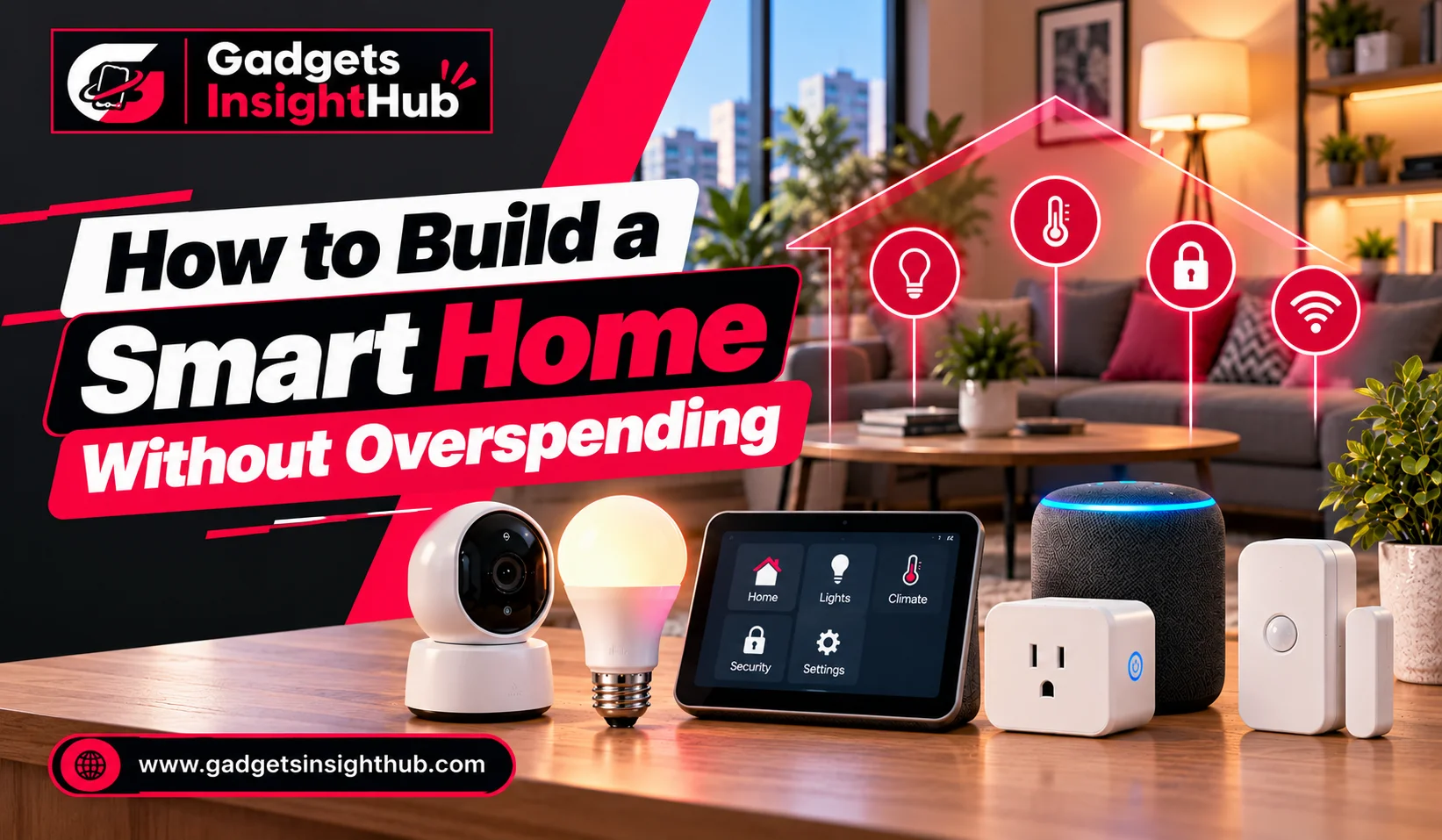
Building a smart home does not have to cost a fortune. With the right devices and a little planning, you can make your home more convenient, comfortable, and energy-efficient without spending too much money. The key is to focus on products that solve everyday problems instead of buying every new gadget you see.
When you learn how to build a smart home without overspending, you can start with affordable devices such as smart bulbs, smart plugs, motion sensors, and voice assistants. These products can improve your daily routine while keeping your initial investment manageable. You can also upgrade your existing appliances instead of replacing them with expensive smart alternatives.
In this guide, you will discover practical ways to create a budget-friendly smart home, choose compatible devices, reduce energy waste, and avoid unnecessary expenses. Whether you live in an apartment or a large house, you can build a connected home gradually and add new features whenever your budget allows.
1. Start With a Clear Smart Home Budget
Before purchasing smart home devices, decide how much you can comfortably spend. A budget helps you focus on essential upgrades rather than buying products that offer little value.
You do not need to automate your entire house at once. Instead, identify the areas where smart technology can make the biggest difference.
For example, you might want to control your lights remotely, manage electricity use, improve home security, or automate your morning routine.
Consider dividing your budget into three categories:
- Essential devices: Smart bulbs, smart plugs, and basic sensors.
- Convenience upgrades: Voice assistants, smart switches, and automated routines.
- Advanced features: Smart locks, security cameras, and climate control systems.
Start with one or two essential devices. Once you understand how they work, you can decide which upgrades are worth the additional cost.
2. Choose Smart Bulbs for Affordable Lighting Control
Smart bulbs are among the easiest ways to begin building a connected home. They allow you to control lighting through a smartphone app, voice assistant, or scheduled routine.
Depending on the model, you can adjust brightness, change colours, and set automatic on-and-off schedules.
For example, you can schedule your bedroom lights to switch on shortly before you wake up. You can also turn off forgotten lights remotely when you leave home.
How to save money on smart lighting
- Start with the rooms you use most frequently.
- Choose basic white smart bulbs if you do not need colour effects.
- Check bulb fittings and voltage compatibility before buying.
- Use schedules to prevent lights from staying on unnecessarily.
- Compare the cost of smart bulbs with smart switches before upgrading multiple rooms.
You do not need smart bulbs in every room. Installing them in your bedroom, living room, or frequently used workspace can provide enough convenience to get started.
3. Use Smart Plugs to Upgrade Existing Appliances
Smart plugs can make selected ordinary appliances easier to control without replacing them with expensive smart models.
A compatible appliance plugged into a smart plug can often be switched on or off remotely or according to a schedule. Some models also provide electricity monitoring.
For example, you could schedule a lamp to turn on in the evening or switch off a compatible device automatically.
However, smart plugs do not make every appliance fully smart. They generally control the power supply rather than the appliance’s individual functions.
Check compatibility before purchasing
Before buying a smart plug, check its maximum power rating, socket type, voltage compatibility, and supported Wi-Fi requirements.
In India, choose a model designed for local electrical standards. High-power appliances such as geysers, heaters, and air conditioners require particular care. Do not connect them to a smart plug unless the device is specifically rated for that load and intended use.
Smart plugs work best for suitable low-power devices, lamps, and other appliances that can safely operate when power is restored.
4. Select One Smart Home Ecosystem
One of the easiest ways to overspend is to buy devices that require different apps, hubs, and subscriptions.
Before shopping, choose an ecosystem that supports the products you want to use. Popular options include Amazon Alexa, Google Home, and Apple Home.
Each ecosystem offers different compatibility options and features. Your best choice depends on the phones, speakers, and devices you already own.
| Ecosystem | Suitable for | What to consider |
| Amazon Alexa | Voice control and routines | Check device compatibility and available features |
| Google Home | Android users and Google services | Confirm support for your preferred smart devices |
| Apple Home | Users invested in Apple’s ecosystem | Check compatible devices and any hub requirements |
| Matter-compatible devices | Homes using multiple supported ecosystems | Confirm the device’s specific compatibility and setup requirements |
Why compatibility matters
A device may support one ecosystem but not another. Therefore, check compatibility before buying rather than assuming every smart product will work with your existing setup.
Matter can simplify compatibility between supported products and ecosystems. However, some devices still require a compatible controller, hub, or additional network setup.
Choosing carefully from the beginning can help you avoid replacing devices later.
5. Reuse Your Existing Appliances and Electronics
You do not need to replace every appliance to create a smart home. In many cases, upgrading what you already own is more affordable.
For example, you can use a smart plug with a suitable lamp or add a compatible smart bulb to an existing light fitting.
You can also improve your existing entertainment setup with a compatible streaming device or use a smart infrared controller to operate supported air conditioners and televisions.
Before purchasing anything, ask yourself whether the device you already own can perform the task with a simple upgrade.
Affordable upgrade ideas
- Add a smart bulb instead of replacing an entire lighting fixture.
- Use a compatible smart plug for suitable ordinary appliances.
- Add a smart infrared controller for supported remote-controlled equipment.
- Use an existing smartphone as your main control device.
- Keep working appliances instead of replacing them just for smart features.
These small upgrades can reduce upfront costs while making your home more convenient.
6. Automate Everyday Tasks With Simple Routines
Smart home automation can provide more value than buying additional gadgets. A well-designed routine allows several compatible devices to work together automatically.
For instance, a bedtime routine could switch off selected lights and turn off compatible plugs. A morning routine could turn on a bedroom light and announce the day’s weather through a supported voice assistant.
You can create these routines through the relevant smart home app, provided your devices support the required actions.
Start with these practical automations
- Morning routine: Turn on selected lights at a scheduled time.
- Leaving-home routine: Switch off selected lights and suitable devices.
- Evening routine: Turn on living room lights after sunset.
- Bedtime routine: Switch off lights and activate supported sensors.
- Energy-saving routine: Schedule suitable devices to avoid unnecessary operation.
Keep your first routines simple. Add more conditions and devices only when they offer a clear benefit.
Remember that scheduled automation is not a substitute for safety precautions. Never use a routine to operate an appliance in a way that could create a fire, overheating, or other electrical hazard.
7. Improve Energy Efficiency Without Expensive Upgrades
A smart home can help you understand and manage electricity use. However, smart devices do not automatically reduce energy bills. Savings depend on how you use them, the appliances involved, and the electricity they consume.
Start by identifying common sources of waste, such as lights left on in empty rooms or compatible devices that remain powered unnecessarily.
Practical ways to reduce energy waste
- Use timers for lights in predictable daily routines.
- Turn off suitable devices when they are not needed.
- Choose energy-efficient LED bulbs.
- Use energy-monitoring smart plugs with compatible appliances.
- Review electricity consumption before and after making changes.
- Avoid leaving unnecessary hubs and devices running if they provide no useful benefit.
Energy monitoring can help you identify which devices consume the most electricity. Nevertheless, check whether the cost of the monitoring device is justified by the potential savings.
For larger appliances, compare their energy ratings and operating costs before deciding whether a replacement is worthwhile.
8. Add Smart Security Devices Gradually
Smart security can improve convenience and awareness, but it does not require a complete security system on day one.
Start with the feature that addresses your biggest concern. For example, a door or window sensor can notify you when an entry point opens, while a compatible camera can help you check a specific area.
Motion sensors can also trigger lights when someone enters a room or approaches a suitable outdoor area.
Budget-friendly security options
- Door and window contact sensors
- Motion-activated lights
- A compatible indoor security camera
- Doorbell cameras, where suitable
- Basic notifications through a supported smart home app
Before purchasing a camera, check whether live viewing, recording, cloud storage, and notifications require a subscription.
Also, secure your devices with strong, unique passwords and enable two-factor authentication where available. Keep firmware updated and avoid placing indoor cameras in private areas.
Smart security devices should complement sensible physical security practices rather than replace them.
9. Avoid Hidden Costs and Unnecessary Features
The purchase price is only one part of the cost of a smart home. Some products require additional hubs, subscriptions, batteries, or accessories.
For this reason, compare the total cost before making a decision.
| Expense | What to check |
| Hub or controller | Is a separate device necessary? |
| Subscription | Are recording or advanced features paid? |
| Batteries | How often do sensors need replacement batteries? |
| Wi-Fi requirements | Does the device require a specific network band? |
| Installation | Will you need professional electrical work? |
| Compatibility | Will it work with your existing devices? |
| Replacement costs | Are accessories or proprietary components expensive? |
Avoid paying extra for features you are unlikely to use. For example, a basic smart bulb may be enough if you only want remote switching and scheduling.
Similarly, a device with many advanced functions may not offer better value if you only need one simple feature.
10. Build Your Smart Home in Affordable Stages
A gradual approach lets you test devices before investing in a larger system. It also makes it easier to identify problems with connectivity, compatibility, and everyday usability.
Here is a simple example of how to spread your upgrades across several stages.
| Stage | Suggested additions | Main benefit |
| Stage 1 | One or two smart bulbs | Convenient lighting control |
| Stage 2 | One suitable smart plug | Remote control of a compatible appliance |
| Stage 3 | A compatible voice assistant or controller | Easier device management |
| Stage 4 | Sensors or security devices | Alerts and simple automation |
| Stage 5 | Additional compatible devices | Broader home automation |
You can adjust this plan according to your needs and budget. You may not need every stage, especially if your primary goal is lighting control rather than whole-home automation.
After each upgrade, use the devices for a few weeks. Keep the ones that provide genuine value and avoid buying more products simply because they are available.
11. Example Smart Home Budgets
The amount you need depends on product quality, the number of devices, and whether you already own compatible equipment.
The following budgets are illustrative estimates in Indian rupees, not current market quotations.
| Budget level | Possible setup | Estimated budget |
| Basic | One or two smart bulbs and one smart plug | ₹2,000–₹5,000 |
| Starter | Lighting, smart plugs, and a basic controller | ₹5,000–₹12,000 |
| Expanded | More lighting, sensors, and selected security devices | ₹12,000–₹25,000 |
| Advanced | Multiple device categories and additional installation | ₹25,000 or more |
Actual prices vary by brand, features, availability, and sales. You can also spend less by buying fewer devices or using equipment you already own.
The best budget is one that covers your needs without creating unnecessary expenses. There is no requirement to build an advanced system immediately.
Frequently Asked Questions
1. What is the cheapest way to build a smart home?
Start with one or two affordable smart bulbs or a compatible smart plug. These devices can provide useful automation without requiring you to replace existing appliances or install a complete smart home system.
2. Can I build a smart home without a voice assistant?
Yes. Many smart devices can be controlled through a smartphone app. You can use schedules, notifications, and supported automation features without purchasing a separate voice assistant.
3. Do all smart home devices need Wi-Fi?
No. Some devices use Wi-Fi, while others communicate through Bluetooth, Zigbee, Thread, or other technologies. Certain products require a compatible hub or controller, so check the connectivity requirements before buying.
4. Will a smart home reduce my electricity bill?
It can help you reduce waste by automating lights and monitoring suitable appliances. However, actual savings depend on your existing electricity use, device consumption, and how effectively you use automation.
5. Is it better to buy all smart home devices from one brand?
Not necessarily. Buying from one brand can simplify setup, but it may limit your choices. The more important step is to check ecosystem compatibility, connectivity requirements, subscription costs, and whether each device meets your needs.