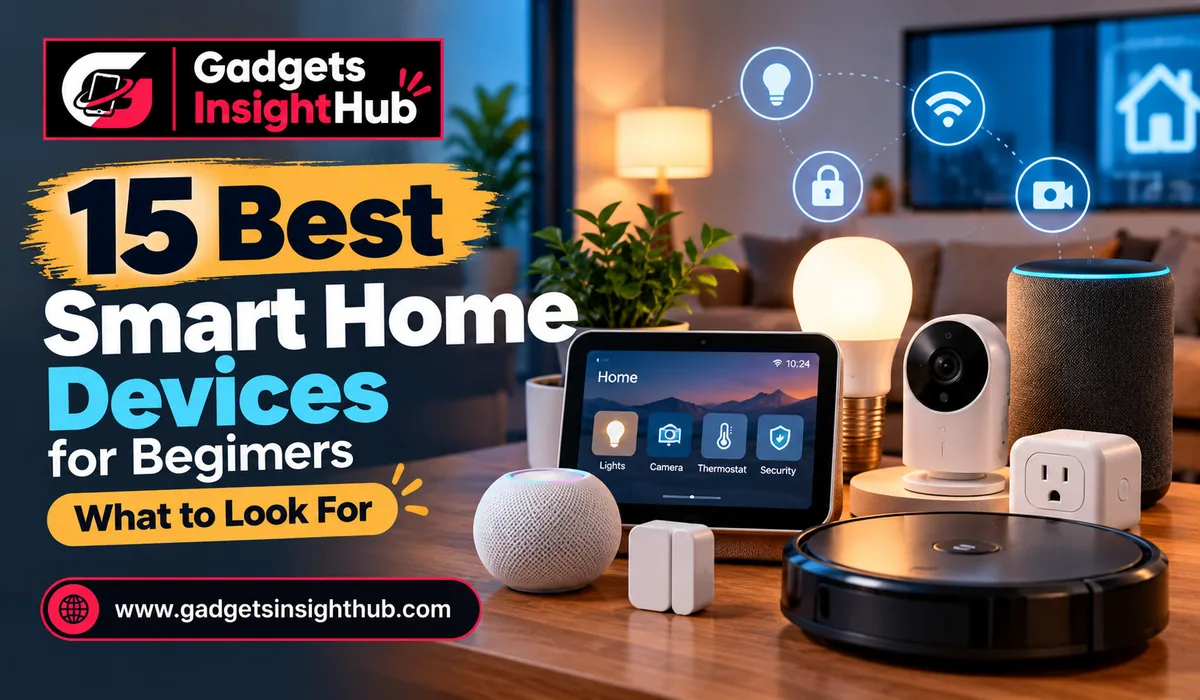
Smart home technology makes everyday tasks easier by allowing you to control lights, appliances, cameras, and other devices through your smartphone or voice commands. The 15 best smart home devices for beginners can help you create a more convenient, comfortable, and secure home without requiring advanced technical knowledge.
You do not need to automate your entire house at once. Instead, start with affordable devices such as smart plugs, smart bulbs, and voice assistants. Once you understand how they work, you can add security cameras, motion sensors, smart locks, and other connected gadgets.
In this guide, you will discover 15 beginner-friendly smart home devices, their main features, and how to choose the right options for your home.
1. Smart Speakers

Smart speakers are among the easiest devices to introduce into a connected home. They allow you to control compatible devices using voice commands instead of opening an application every time.
Popular options include Amazon Echo and Google Nest speakers. Apple HomePod models are another option for people who prefer Apple’s smart home ecosystem.
Key Features
- Voice control for compatible lights and appliances.
- Music playback and internet radio.
- Timers, reminders, and alarms.
- Hands-free access to supported smart home routines.
- Integration with compatible smart home platforms.
Best for: Beginners who want simple voice control and hands-free convenience.
Before purchasing, check which smart home devices the speaker supports. Also, consider microphone privacy settings and whether you are comfortable using a cloud-connected voice assistant.
2. Smart Plugs

An excellent first purchase for beginners
Smart plugs allow you to control compatible electrical appliances through a smartphone app or supported voice assistant. You simply connect the plug to a suitable wall socket and then connect your appliance.
For example, you can schedule a table lamp to turn on in the evening or switch off a compatible device remotely.
Key Features
- Remote power control.
- Automatic schedules and timers.
- Voice control on supported platforms.
- Energy monitoring on selected models.
- Easy installation without replacing existing appliances.
Best for: People who want to automate existing appliances at a relatively low cost.
Examples include the TP-Link Tapo smart plug, Wipro smart plug, and Philips smart plug. Check the exact model’s electrical rating before use. Never connect an appliance that exceeds the plug’s rating, and use extra caution with heaters, motors, and high-power equipment.
3. Smart LED Bulbs
Smart LED bulbs let you control lighting brightness, colour, and schedules through an app. Some models also support voice commands and integration with other smart home devices.
You can use them to create a relaxing atmosphere in your bedroom, brighter lighting for work, or coloured lighting for entertainment.
Key Features
- Adjustable brightness.
- Warm and cool white lighting.
- Colour-changing effects on selected models.
- Remote control and scheduled switching.
- Automation based on time or supported triggers.
Best for: Beginners who want convenient lighting without changing their existing electrical wiring.
Philips WiZ, Wipro, and TP-Link Tapo offer smart lighting options. Before buying, confirm the bulb base, wattage, Wi-Fi requirements, and compatibility with your preferred platform.
4. Smart Light Switches
Smart light switches replace compatible conventional switches and let you control lighting remotely. Depending on the model, they may also support schedules, voice commands, and automatic routines.
Unlike smart bulbs, a smart switch can control the power to ordinary compatible bulbs. However, switching the power off may prevent a smart bulb from remaining connected.
Key Features
- App-based lighting control.
- Scheduling and automation.
- Voice control through compatible assistants.
- Control of multiple lights connected to a supported circuit.
- Physical switching alongside smart features on many models.
Best for: Homeowners who want to automate fixed lighting throughout a room.
Installation may require an electrician. Check wiring requirements, including whether the switch needs a neutral wire, and verify compatibility with your home’s electrical system.
5. Indoor Smart Security Cameras
Indoor smart cameras let you monitor selected areas of your home through a mobile application. Many models offer live video, motion notifications, night vision, and two-way audio.
They can be useful for checking on pets, monitoring an entryway, or keeping an eye on a room while you are away.
Key Features
- Live video streaming.
- Motion detection and notifications.
- Night vision.
- Two-way audio on supported models.
- Local memory-card recording or optional cloud storage.
Best for: People who want to monitor indoor spaces remotely.
Options from TP-Link Tapo, Qubo, and CP Plus are worth exploring. Compare video resolution, storage options, privacy controls, and subscription requirements before making a purchase.
For privacy, avoid placing cameras in bedrooms, bathrooms, or other sensitive areas. Use strong passwords, enable available security protections, and review who can access the camera feed.
6. Video Doorbells
A video doorbell allows you to see who is at your entrance using a connected smartphone. Depending on the model, it may send alerts when someone presses the button or approaches the door.
Some devices also support two-way audio, night vision, and recorded video.
Key Features
- Live video of your entrance.
- Visitor notifications.
- Two-way communication.
- Motion detection.
- Local or cloud video storage, depending on the model.
Best for: People who want to check visitors without immediately opening the door.
Before purchasing, check whether the doorbell uses a rechargeable battery or existing doorbell wiring. Also, confirm Wi-Fi coverage at the entrance and whether video recording requires a paid subscription.
7. Smart Motion Sensors
Smart motion sensors detect movement in a room or specific area. When connected to a compatible smart home system, they can trigger lights, notifications, or other automated actions.
For example, a motion sensor can switch on a hallway light when someone walks past at night.
Key Features
- Motion detection.
- Automatic lighting triggers.
- Activity notifications on compatible systems.
- Support for time-based automation.
- Low-power operation on many battery-powered models.
Best for: People who want automatic lighting and simple home routines.
Some sensors connect directly through Wi-Fi, while others require a hub and use Zigbee or Thread. Check the required connection method before buying.
8. Smart Door and Window Sensors
Door and window sensors detect whether a door or window is open or closed. They are often made of two small components that communicate when separated.
When connected to a compatible system, these sensors can send alerts or trigger other devices.
Key Features
- Open-and-close detection.
- Notifications when a door or window changes state.
- Integration with compatible security systems.
- Support for selected automation routines.
- Compact designs for discreet installation.
Best for: Beginners who want basic awareness of entry points in their homes.
These sensors do not physically prevent entry. They provide information and alerts, so they should be considered an additional security feature rather than a replacement for locks.
9. Smart Thermostats and Temperature Controllers
Smart thermostats help manage heating or cooling according to schedules, temperature settings, and supported automation features. However, the right product depends on the type of heating or cooling system installed in your home.
In India, many households use air conditioners controlled by infrared remotes. An infrared smart controller may be more appropriate than a thermostat designed for central heating.
Key Features
- Scheduled temperature control.
- Remote adjustments through an app.
- Temperature monitoring on supported models.
- Automation based on time or environmental readings.
- Potential energy savings through better scheduling.
Best for: People who want more convenient control over compatible heating or cooling equipment.
Check the controller’s compatibility with your existing appliance. Energy savings depend on your usage habits, climate, and equipment, so they are not guaranteed.
10. Smart IR Remote Controllers
A smart infrared (IR) controller can turn a compatible infrared-controlled appliance into a remotely controlled device. It communicates with equipment such as certain air conditioners, televisions, and home entertainment systems.
This can be particularly useful when you regularly misplace a remote or want to schedule your air conditioner.
Key Features
- Smartphone control of compatible IR appliances.
- Remote commands for supported air conditioners and televisions.
- Temperature-based automation on selected models.
- Voice control through compatible platforms.
- Centralised control of multiple supported devices.
Best for: Beginners who want to make existing infrared appliances easier to control.
The controller must have a suitable line of sight to the appliance, and its command library must support your model. It may not provide feedback about the appliance’s actual state, even if it sends an on or off command.
11. Smart Locks
Smart locks offer alternative ways to lock and unlock compatible doors. Depending on the model, they may support PIN codes, fingerprints, mobile apps, access cards, or temporary digital keys.
They can make access management more convenient for households with multiple residents.
Key Features
- Keyless entry on supported models.
- Temporary access codes.
- Activity records on selected devices.
- Remote locking or unlocking where supported.
- Integration with compatible smart home systems.
Best for: Homeowners who want convenient access management.
Check door compatibility, emergency access options, battery alerts, and the availability of a physical key or another backup method. Professional installation may be necessary.
If you are new to home automation, explore these 10 best smart home gadgets that make everyday life easier to discover useful devices that simplify daily tasks and improve home convenience.
12. Smart Displays
Smart displays combine a voice assistant with a screen. They can show weather information, timers, calendars, video calls, supported camera feeds, and smart home controls.
Compared with a basic smart speaker, a display can make it easier to see which device is active or check a live camera view.
Key Features
- Touchscreen smart home controls.
- Voice commands.
- Video calls on supported models.
- Calendar and reminder displays.
- Viewing compatible security camera feeds.
Best for: Families who prefer visual controls alongside voice commands.
Amazon Echo Show devices and compatible Google smart displays are examples to consider, depending on current availability and ecosystem support. Think about where you will place the display and whether you need a camera, microphone mute control, or a physical privacy shutter.
13. Robot Vacuum Cleaners
Robot vacuum cleaners can clean floors automatically according to schedules or manual app commands. Many models support room mapping, obstacle detection, and automatic return to their charging dock.
More advanced models may combine vacuuming and mopping.
Key Features
- Scheduled cleaning.
- App-based control.
- Automatic charging.
- Room mapping on selected models.
- Cleaning reports and custom zones on supported devices.
Best for: Busy households that want to reduce routine floor-cleaning work.
Before buying, consider floor types, pet hair, obstacles, replacement parts, and the availability of repair services. Models with advanced mapping and self-emptying features often cost more than basic robot vacuums.
14. Smart Air Purifiers
Smart air purifiers combine air filtration with connected controls and, on selected models, air-quality sensors. They can help manage indoor particles when used with suitable filters and appropriate room coverage.
Some devices automatically adjust their fan speed based on detected air conditions.
Key Features
- App-based operation.
- Fan-speed scheduling.
- Air-quality readings on supported models.
- Filter replacement reminders.
- Automatic modes on selected devices.
Best for: People who want convenient control over indoor air filtration.
Check the purifier’s clean air delivery rate, recommended room size, filter availability, and ongoing replacement costs. Smart features do not automatically make an air purifier more effective; filtration performance and correct sizing matter most.
15. Smart Hubs
A smart home hub helps compatible devices communicate and work together. Depending on the system, a hub may connect sensors, switches, bulbs, and other devices that use protocols such as Zigbee or Thread.
Some smart speakers and displays also function as controllers for supported devices, so you may not need to buy a separate hub.
Key Features
- Centralised smart home control.
- Support for compatible devices and protocols.
- Automation across different device categories.
- Coordination of sensors and lights.
- Matter support on selected models.
Best for: Beginners who plan to build a larger smart home over time.
Choose a hub based on the devices you want to use. Matter can improve compatibility across supported platforms, but it does not mean every device works with every hub. Check the exact model, supported features, and whether a separate controller or Thread border router is required.
Smart Home Devices Comparison
| Device | Main Purpose | Beginner Difficulty |
| Smart speaker | Voice control and entertainment | Easy |
| Smart plug | Automate compatible appliances | Easy |
| Smart LED bulb | Control lighting | Easy |
| Smart light switch | Automate fixed lighting | Moderate |
| Indoor security camera | Monitor rooms | Easy |
| Video doorbell | Monitor visitors | Easy to moderate |
| Motion sensor | Trigger automatic actions | Easy to moderate |
| Door and window sensor | Detect opening and closing | Easy to moderate |
| Smart thermostat or controller | Manage temperature | Moderate |
| Smart IR controller | Control compatible IR appliances | Easy to moderate |
| Smart lock | Manage door access | Moderate |
| Smart display | Visual controls and voice assistance | Easy |
| Robot vacuum | Automate floor cleaning | Easy |
| Smart air purifier | Manage indoor air filtration | Easy |
| Smart hub | Coordinate compatible devices | Moderate |
How to Choose Your First Smart Home Devices
You do not need all 15 devices to create a useful smart home. Start with the problems you want to solve and select products that address them.
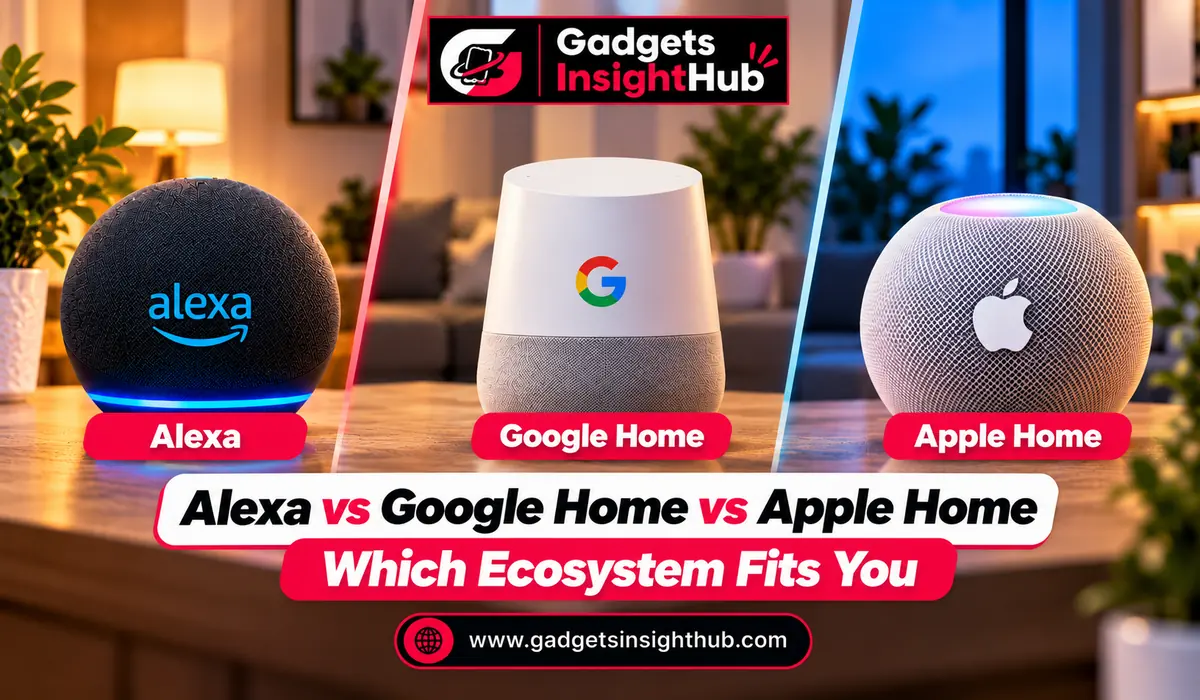
1. Choose Your Smart Home Ecosystem
Decide whether you prefer Amazon Alexa, Google Home, or Apple Home. Your choice can influence which devices are easiest to configure and control.
You can mix brands, but check compatibility before buying. Devices that support Matter may offer more flexibility across compatible platforms.
2. Start With Two or Three Devices
A practical starter setup might include:
- One smart plug for a compatible lamp.
- One smart bulb for bedroom lighting.
- One smart speaker if you want voice control.
Learn how scheduling and automation work before adding more devices. This approach keeps the initial cost manageable and makes troubleshooting easier.
3. Check Your Wi-Fi Network
Many beginner-friendly smart plugs, bulbs, and cameras use 2.4 GHz Wi-Fi. Some products support other connection methods, so read the specifications carefully.
Make sure your router provides a stable signal wherever you plan to install the devices. A weak connection can cause delayed commands, dropped notifications, or setup problems.
4. Review Privacy and Security
Smart home devices may collect information about your routines, voice commands, camera footage, or household activity.
Use strong, unique passwords, enable two-factor authentication when available, install firmware updates, and review application permissions. For cameras and smart speakers, consider physical placement and microphone or recording controls.
5. Consider Long-Term Costs
The purchase price is not always the total cost of ownership. Some cameras require subscriptions for cloud recording or advanced detection features, while robot vacuums and air purifiers need replacement parts or filters.
Check these ongoing expenses before choosing a device.
Frequently Asked Questions
1. What is the best smart home device for beginners?
A smart plug is an excellent starting point because it can automate a compatible appliance without requiring major installation work.
2. Do smart home devices require the internet?
Many devices use the internet for remote access, cloud services, and voice assistants. Some functions may continue locally without an internet connection, depending on the product and setup.
3. Can I mix smart home devices from different brands?
Yes, provided the devices and your chosen platform support the necessary integrations. Matter can improve compatibility, but you should always verify the exact models and supported features.
4. Are smart home devices expensive to install?
Many smart bulbs, plugs, and cameras are simple to set up yourself. Smart switches, locks, and certain climate-control devices may require professional installation, which adds to the cost.
5. How many smart home devices should I buy first?
Start with one to three devices that solve everyday problems. Once you are comfortable with their controls and automation features, you can gradually expand your setup.