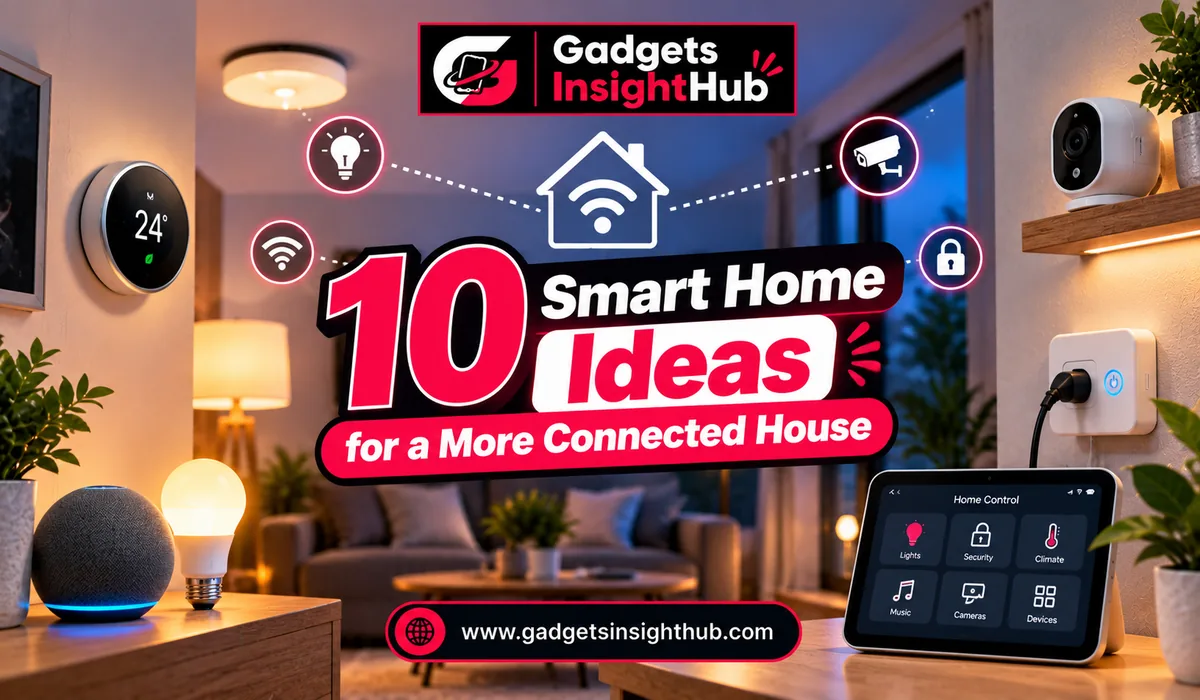
A connected house makes everyday activities easier by bringing lighting, appliances, security, and entertainment into one convenient system. With the right smart home ideas, you can automate repetitive tasks, manage devices from your phone, and create routines that suit your lifestyle.
You do not need expensive equipment or a complete home renovation to get started. Simple upgrades, such as smart bulbs, connected plugs, and motion sensors, can make a noticeable difference. As your needs change, you can add more devices and connect them through a compatible smart home platform.
1. Install Smart Lighting for Every Room
Smart lighting is one of the easiest ways to make your house more connected. Smart bulbs and switches allow you to control lights through an app, voice assistant, or automated schedule.
You can adjust brightness, change colours on compatible bulbs, and create different lighting settings for work, relaxation, or entertainment.
Ideas to Try
- Schedule bedroom lights to turn off at bedtime.
- Use bright white lighting while working or studying.
- Create warm lighting scenes for evenings.
- Set outdoor lights to switch on at a chosen time.
- Connect motion sensors to compatible hallway lights.
Best for: Homeowners who want convenient lighting control and personalised room settings.
2. Create a Central Smart Home Control System
A central control system makes it easier to manage several connected devices without opening multiple apps. A compatible smart speaker, display, or home hub can bring supported products together.
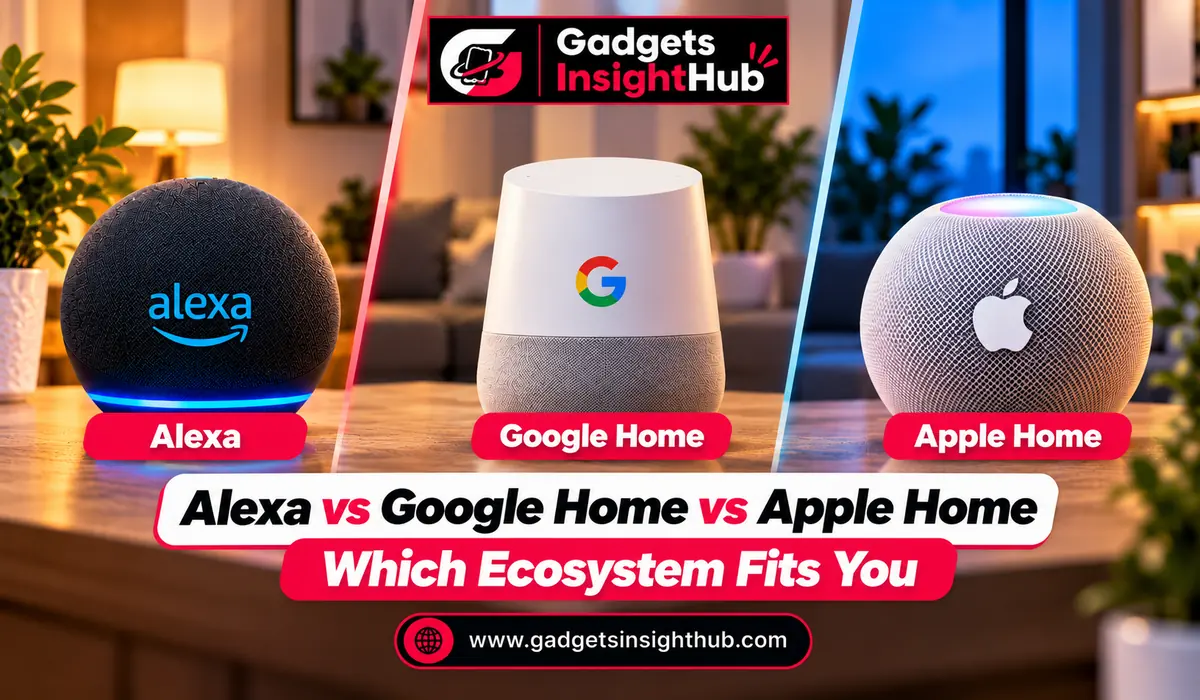
Platforms such as Amazon Alexa, Google Home, and Apple Home offer different ways to control compatible devices. Your choice should depend on the products you already own and the features you need.
Ideas to Try
- Group lights by room.
- Control compatible plugs and appliances from one interface.
- Create routines for mornings and evenings.
- Use voice commands for common tasks.
- Manage supported devices from a central dashboard.
Best for: Households that plan to use devices from multiple categories.
3. Automate Appliances With Smart Plugs
Smart plugs can turn compatible ordinary appliances into remotely controlled devices. They are particularly useful for lamps and other equipment that can safely operate through scheduled power switching.
Some models also provide energy monitoring, allowing you to check the electricity consumption of connected devices.
Ideas to Try
- Schedule a lamp to switch on before sunset.
- Turn off compatible devices at a set time.
- Use timers for suitable appliances.
- Monitor electricity consumption with supported smart plugs.
- Create routines that switch off selected devices when you leave home.
Best for: Beginners who want an affordable way to introduce automation.
Always check the plug’s electrical rating and the appliance’s requirements. Avoid using smart plugs to switch off equipment that needs continuous power or has specific shutdown procedures.
4. Improve Home Security With Connected Cameras
Smart security cameras let you monitor selected areas of your property through a compatible smartphone app. Depending on the model, you may receive movement alerts, view live footage, communicate through two-way audio, or record events locally.
You can install indoor cameras in suitable common areas and weather-resistant models outdoors.
Ideas to Try
- Monitor your main entrance.
- Check the driveway or garden.
- Receive alerts when supported motion detection is triggered.
- Use a video doorbell to see visitors.
- Combine cameras with compatible lights and door sensors.
Best for: Households that want remote visibility and convenient security alerts.
Review camera placement, privacy settings, storage options, and security updates before installation.
5. Use Smart Sensors for Automatic Actions
Smart sensors allow your home to respond to changes without requiring manual commands. Depending on the type, a sensor can detect movement, an open door, temperature changes, humidity, or water leaks.
When connected to a compatible hub or automation platform, sensors can trigger useful actions.
Ideas to Try
- Turn on a hallway light when movement is detected.
- Receive an alert when a monitored door opens.
- Get notified about a possible water leak.
- Adjust compatible climate controls based on temperature.
- Activate selected routines when a room becomes occupied.
Best for: People who want their home to respond automatically to everyday events.
6. Add a Smart Thermostat or Connected Air Conditioner
Connected climate controls help you manage indoor comfort through an app, schedule, or supported voice assistant. In homes with compatible air conditioners, smart controllers may provide remote operation and temperature scheduling.
A smart thermostat is useful only when it supports your heating or cooling system. In many Indian homes, a compatible air-conditioner controller may be more appropriate than a conventional thermostat.
Ideas to Try
- Set cooling schedules around your daily routine.
- Adjust the temperature before arriving home.
- Avoid running cooling equipment longer than necessary.
- Monitor room temperature through compatible sensors.
- Create separate schedules for different rooms where supported.
Best for: Households that want more convenient climate control and better management of cooling schedules.
Actual energy savings depend on the equipment, insulation, weather, and usage habits.
7. Make Cleaning Easier With a Robot Vacuum
A robot vacuum can help maintain floors by cleaning automatically according to a schedule. More advanced models offer room mapping, obstacle recognition, and combined vacuuming and mopping.
These devices can be particularly useful when you have a busy routine or want to reduce the time spent on regular floor cleaning.
Ideas to Try
- Schedule cleaning when the house is usually empty.
- Set different routines for bedrooms and living areas.
- Use room mapping to avoid unnecessary cleaning.
- Create no-go zones around cables or delicate objects.
- Choose a model with suitable features for your flooring.
Best for: Busy households that want to automate routine floor care.
8. Connect Smart Door Locks and Entry Sensors
Smart locks can make entry management more convenient by offering features such as keypads, access codes, and app-based controls on supported models. Door and window sensors can provide additional information about whether monitored entry points are open or closed.
Together, compatible devices can help you manage access and receive useful notifications.
Ideas to Try
- Use access codes for trusted visitors where supported.
- Receive alerts when a monitored door opens.
- Check the lock’s status through a compatible app.
- Create a routine that switches off selected lights when you leave.
- Connect entry sensors to compatible security automations.
Best for: Homeowners who want more control over entry and connected security.
Check door compatibility, emergency access options, battery requirements, and local installation standards before purchasing a smart lock.
9. Monitor Indoor Air Quality
A connected air-quality monitor or smart air purifier can help you understand conditions inside your house. Depending on the model, it may measure particulate matter, temperature, or humidity and provide alerts through an app.
Compatible purifiers can also adjust their operation based on readings from their own sensors.
Ideas to Try
- Monitor indoor particulate levels with a suitable sensor.
- Check humidity in rooms that feel damp.
- Use compatible purifier schedules.
- Receive filter replacement reminders.
- Track changes in indoor conditions during cooking or cleaning.
Best for: Households that want more information about indoor air conditions.
Choose a device that measures the specific factors you care about. Not every air-quality monitor detects every pollutant.
10. Build Smart Routines for Everyday Activities
Smart routines bring multiple devices together to perform a series of actions automatically. Instead of controlling each device separately, you can create a routine that responds to a time, voice command, sensor event, or other supported trigger.
Useful Smart Home Routines
Good morning
- Switch on selected lights.
- Read the day’s weather through a compatible assistant.
- Start a suitable appliance if it supports safe automated operation.
Leaving home
- Turn off selected lights.
- Switch off compatible non-essential devices.
- Activate supported security features.
Movie time
- Dim compatible living room lights.
- Switch on selected entertainment equipment.
- Adjust other supported devices.
Bedtime
- Turn off common-area lighting.
- Set suitable bedroom lighting.
- Activate compatible security sensors.
Best for: Anyone who wants several smart devices to work together rather than operate independently.
Smart Home Ideas at a Glance
| Smart home idea | Main benefit | Starting device |
| Smart lighting | Convenient lighting control | Smart bulb |
| Central control system | Manage devices together | Smart speaker or hub |
| Appliance automation | Scheduled power control | Smart plug |
| Connected security | Remote monitoring | Smart camera |
| Automatic actions | Sensor-based routines | Motion or contact sensor |
| Climate control | Convenient temperature management | Compatible AC controller |
| Automated cleaning | Less manual floor care | Robot vacuum |
| Smart entry | Convenient access management | Compatible smart lock |
| Air-quality monitoring | Better environmental awareness | Air-quality monitor |
| Daily routines | Coordinated automation | Compatible hub or app |
How to Build a Connected House on a Budget
You can make your house smarter gradually rather than purchasing every device at once.
- Start with one room: Choose a room where automation would provide the greatest benefit.
- Prioritise useful devices: Begin with smart lighting or a smart plug before adding more complex equipment.
- Check compatibility: Confirm that new devices work with your preferred platform and network.
- Secure your accounts: Use strong passwords, enable two-factor authentication, and install software updates.
- Compare ongoing costs: Consider subscriptions, hubs, replacement batteries, and installation fees.
- Expand based on experience: Add sensors, security devices, and other appliances when you identify a genuine need.
Frequently Asked Questions
1. What is the easiest way to make a house smarter?
Start with a smart bulb, smart plug, or smart speaker. These devices can introduce app-based control and basic automation without requiring extensive changes to your home.
2. Do smart home devices need to use the same brand?
No. Different brands can work together when they support the same platform or compatible standards. However, some advanced features may only work within a particular manufacturer’s ecosystem.
3. Can I create a smart home without changing the wiring?
Yes. Many smart bulbs, plugs, sensors, cameras, and robot vacuums require no permanent wiring changes. Wired smart switches and some other installations may require an electrician.
4. Are smart home devices useful during an internet outage?
Some devices support local control or retain manual operation when the internet is unavailable. However, remote access, cloud services, and certain automations may stop working, depending on the system.
5. Which smart home ideas offer the most value?
Smart lighting, smart plugs, connected security sensors, and useful automation routines are good starting points. The best investment depends on your household’s needs, budget, and existing appliances.