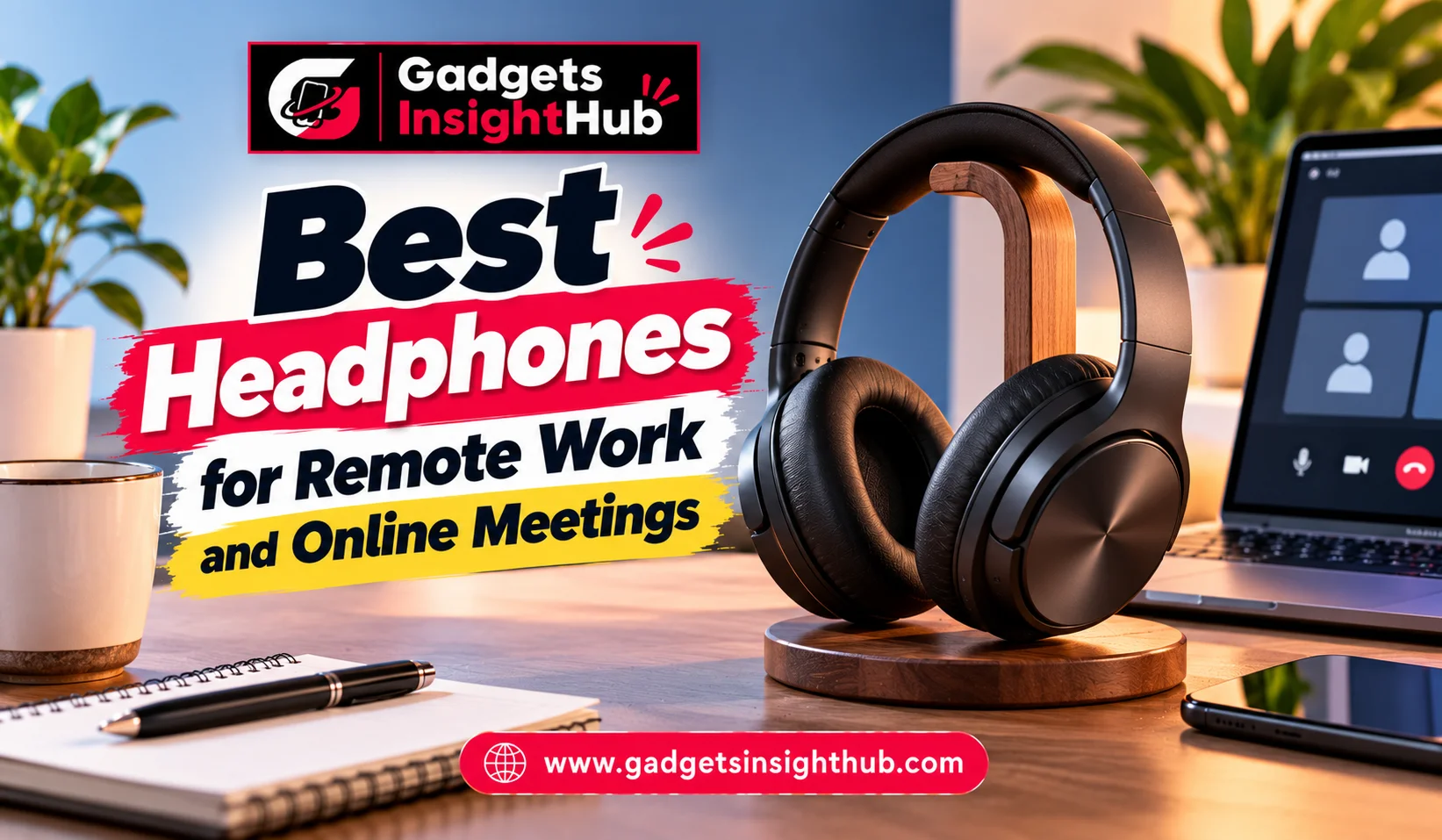
Remote work has made headphones an essential part of everyday productivity. Whether you attend video conferences, speak with clients, collaborate with colleagues, or work from a shared space, the right headphones can make communication easier and more comfortable.
The best headphones for remote work should provide clear microphone audio, comfortable ear cushions, reliable connectivity, and effective background-noise reduction. Battery life also matters if you attend several meetings throughout the day. While some headphones focus on professional calling features, others combine meeting performance with excellent music playback and active noise cancellation.
In this guide, you will discover some of the best headphones for remote work and online meetings, their key specifications, and the features that can help you choose the right model for your workspace.
1. Jabra Evolve2 65 Flex — Best for Hybrid Work

The Jabra Evolve2 65 Flex is designed for professionals who move between home offices, shared workspaces, and business travel. Its foldable design makes it easy to carry, while its noise-cancelling microphones help reduce distracting background sounds during calls.
The headset also includes hybrid active noise cancellation, a microphone boom with a mute function, and an integrated busy light that indicates when you are on a call.
Key specifications:
- Design: On-ear wireless headset
- Speaker size: 28 mm
- Battery life: Up to 21 hours with ANC on and 32 hours with ANC off
- Talk time: Up to 20 hours with ANC and busy light off
- Bluetooth: Version 5.2
- Wireless range: Up to 30 metres in suitable conditions
- Connectivity: Bluetooth, USB-A or USB-C adapter, depending on the package
- Microphones: Two analogue and four digital MEMS microphones
- Additional features: Hybrid ANC, foldable headband, busy light, and flip-up microphone boom
Best for: Remote workers who need a portable headset for meetings in different locations.
2. Logitech Zone Wireless 2 ES — Best for Busy Workspaces

The Logitech Zone Wireless 2 ES is designed for professional calls in home offices and open-plan workplaces. Its adaptive hybrid ANC helps reduce surrounding distractions, while two noise-cancelling microphones use AI-based processing to improve voice clarity.
The headset supports Bluetooth and USB connectivity, giving you flexibility when connecting it to a laptop or other compatible device. Its long talk time also makes it suitable for meeting-heavy workdays.
Key specifications:
- Design: Over-ear wireless headset
- Speaker size: 40 mm
- Battery life for calls: Up to 20 hours with ANC on and 25 hours with ANC off
- Music playback: Up to 25 hours with ANC on and 48 hours with ANC off
- Bluetooth: Version 5.3
- Wireless range: Up to 50 metres in open conditions
- Microphones: Two noise-cancelling microphones with AI-based algorithms
- Connectivity: Bluetooth, USB-C receiver, and USB-A adapter on supported versions
- Additional features: Adaptive hybrid ANC, multipoint connectivity, and Logi Tune software
Best for: Professionals who attend frequent video meetings and work in noisy environments.
3. Poly Voyager Focus 2 — Best for Clear Business Calls
The Poly Voyager Focus 2 is built around professional communication. Its Acoustic Fence microphone technology helps reduce background noise picked up during calls, making it useful when you work near other people or in a busy home environment.
It also offers three ANC settings: high, low, and off. Smart sensors can support functions such as answering calls and pausing audio, depending on the configuration and connected device.
Key specifications:
- Design: Stereo Bluetooth headset with microphone boom
- Noise cancellation: Digital hybrid ANC with three settings
- Microphone technology: Acoustic Fence with multiple-microphone noise cancellation
- Talk time: Up to 25 hours with ANC and online indicator off
- Talk time with ANC and online indicator on: Up to 16 hours under the default settings
- Music playback: Up to 40 hours with ANC off and 24 hours with ANC on
- Additional features: Smart sensors, microphone boom mute, and SoundGuard Digital hearing protection
Best for: Professionals who prioritise microphone clarity and spend several hours on calls each day.
4. Sony WH-1000XM6 — Best for Premium Sound and Noise Cancellation
The Sony WH-1000XM6 is a premium over-ear headphone option for people who want excellent entertainment audio alongside features for remote work. Its noise-cancellation system helps reduce background distractions, while its microphone system is designed to improve voice pickup during calls.
Multipoint connectivity allows you to connect compatible devices, making it convenient to switch between a laptop and a phone.
Key specifications:
- Design: Closed-back, over-ear wireless headphones
- Driver size: 30 mm
- Weight: Approximately 254 g
- Battery life: Up to 30 hours with noise cancellation on and 40 hours with it off
- Continuous communication time: Up to 24 hours with noise cancellation on and 28 hours with it off
- Bluetooth: Version 5.3
- Audio codecs: SBC, AAC, LDAC and LC3
- Connectivity: Bluetooth and wired audio
- Additional features: Adaptive noise cancellation, ambient sound mode, multipoint connectivity, and DSEE Extreme
Best for: Remote workers who want premium headphones for meetings, music, and focused work.
5. Logitech Zone Wired 2 — Best Wired Headset for Meetings
The Logitech Zone Wired 2 is a practical option for people who prefer a wired connection instead of managing battery life. It combines a USB connection with adaptive hybrid ANC and two noise-cancelling microphones.
Because it connects directly to a computer through USB, it can be useful for desk-based workers who want a straightforward setup for online meetings. Its microphone processing is designed for busy offices where typing and nearby conversations can interfere with calls.
Key specifications:
- Design: Wired over-ear business headset
- Speaker size: 40 mm
- Connectivity: USB-C or USB-A using the supplied adapter
- Cable length: Approximately 1.9 metres
- Microphones: Two noise-cancelling microphones with AI-based algorithms and microphone EQ
- Noise cancellation: Adaptive hybrid ANC
- Audio frequency response: 20 Hz–20 kHz in music mode
- Compatibility: Windows, macOS, and ChromeOS
- Meeting platform certifications: Microsoft Teams, Zoom, and Google Meet, depending on the version
Best for: Desk-based professionals who want reliable wired connectivity and clear communication without charging a headset.
6. Logitech Zone Wireless — Best for Everyday Office Calls
The Logitech Zone Wireless is a Bluetooth headset designed for office communication and remote work. It includes a microphone boom with flip-to-mute functionality, active noise cancellation, and controls for calls and audio.
Its dual MEMS microphone array is designed for voice communication, while Qi wireless charging offers an additional charging option with a compatible charger.
Key specifications:
- Design: On-ear wireless headset
- Driver size: 32 mm
- Bluetooth: Version 5.0
- Wireless range: Up to 30 metres in open conditions
- Talk time: Up to 14 hours with ANC on and 15 hours with ANC off
- Music playback: Up to 14 hours with ANC on and 16 hours with ANC off
- Microphones: Dual omnidirectional MEMS microphone array
- Connectivity: Bluetooth, USB-A, and USB-C through supported adapters
- Additional features: Active noise cancellation, flip-to-mute microphone, and Qi wireless charging
Best for: Professionals who want a dedicated wireless business headset for regular online meetings.
For more audio options suited to remote work, explore these best earbuds for working from home, offering convenient choices for online meetings, calls, and everyday listening.
Comparison Table: Best Headphones for Remote Work
| Headphone model | Main advantage | Microphone features | Connectivity |
| Jabra Evolve2 65 Flex | Portable hybrid-work design | Noise-cancelling microphones and boom mute | Bluetooth and USB adapter |
| Logitech Zone Wireless 2 ES | Noisy workspaces | AI-based noise-cancelling microphones | Bluetooth and USB |
| Poly Voyager Focus 2 | Business-call clarity | Acoustic Fence microphone technology | Bluetooth and USB, depending on version |
| Sony WH-1000XM6 | Premium sound and ANC | Intelligent microphone system | Bluetooth and wired |
| Logitech Zone Wired 2 | Reliable desk setup | Dual noise-cancelling microphones | USB-C and USB-A adapter |
| Logitech Zone Wireless | Everyday office calls | Dual MEMS microphones and flip-to-mute | Bluetooth and USB adapters |
Battery life, connectivity, and certifications can vary by product version and usage conditions.
How to Choose Headphones for Remote Work and Online Meetings
Prioritise Microphone Quality
Clear outgoing audio is essential for professional meetings. Look for a headset with a dedicated microphone boom or noise-cancelling microphone technology if you regularly work around background noise.
A good microphone can help reduce distractions from keyboard typing, fans, and nearby conversations. However, results depend on your surroundings and the microphone’s noise-processing capabilities.
Choose Comfortable Headphones
If you spend several hours in meetings, comfort matters. Over-ear headphones cover the ears and may suit long sessions, while on-ear headsets are often more compact and portable.
Look for adjustable headbands, soft ear cushions, and a design that does not create excessive pressure.
Check Noise Cancellation
Active noise cancellation reduces sounds reaching your ears, helping you concentrate in busy surroundings. Microphone noise cancellation serves a different purpose: it helps reduce unwanted sounds heard by other people during your calls.
For remote work, both features can be useful, particularly if you work in a shared room or open office.
Consider Wired or Wireless Connectivity
Wireless headphones offer freedom of movement and may connect to both a computer and phone. Wired headsets are convenient for fixed desks because they do not require battery charging.
If you choose a wireless model, check whether it includes a USB receiver. Some computers offer a more reliable connection through a receiver than through built-in Bluetooth.
Check Meeting Platform Compatibility
Before buying, check whether the headset supports your preferred meeting software, such as Microsoft Teams, Zoom, or Google Meet. Business-oriented models may offer dedicated call controls or platform-specific certifications.
Also confirm whether the features you need are available on your operating system and the particular headset version.
Frequently Asked Questions
1. Which headphones are best for remote work?
Jabra Evolve2 65 Flex and Logitech Zone Wireless 2 ES are strong options for professional meetings. Poly Voyager Focus 2 is also worth considering if microphone noise reduction is your main priority.
2. Are noise-cancelling headphones useful for online meetings?
Yes. ANC can help reduce background noise that you hear, while noise-cancelling microphone technology can help improve the audio transmitted to other meeting participants. These are separate functions.
3. Are wired headphones better than wireless headphones for work?
Wired headphones eliminate the need to recharge a headset and provide a direct connection to compatible devices. Wireless models offer more freedom of movement and may support connections to multiple devices.
4. What is the ideal battery life for work headphones?
For a full day of calls, look for a model with enough talk time to cover your scheduled meetings. Around 15–20 hours of rated talk time can be useful, although actual battery life depends on ANC, microphone indicators, and other settings.
5. Can regular music headphones be used for online meetings?
Yes. Many consumer headphones include microphones and work with common meeting applications. However, business headsets often offer dedicated microphone booms, call controls, and features designed specifically for professional communication.