
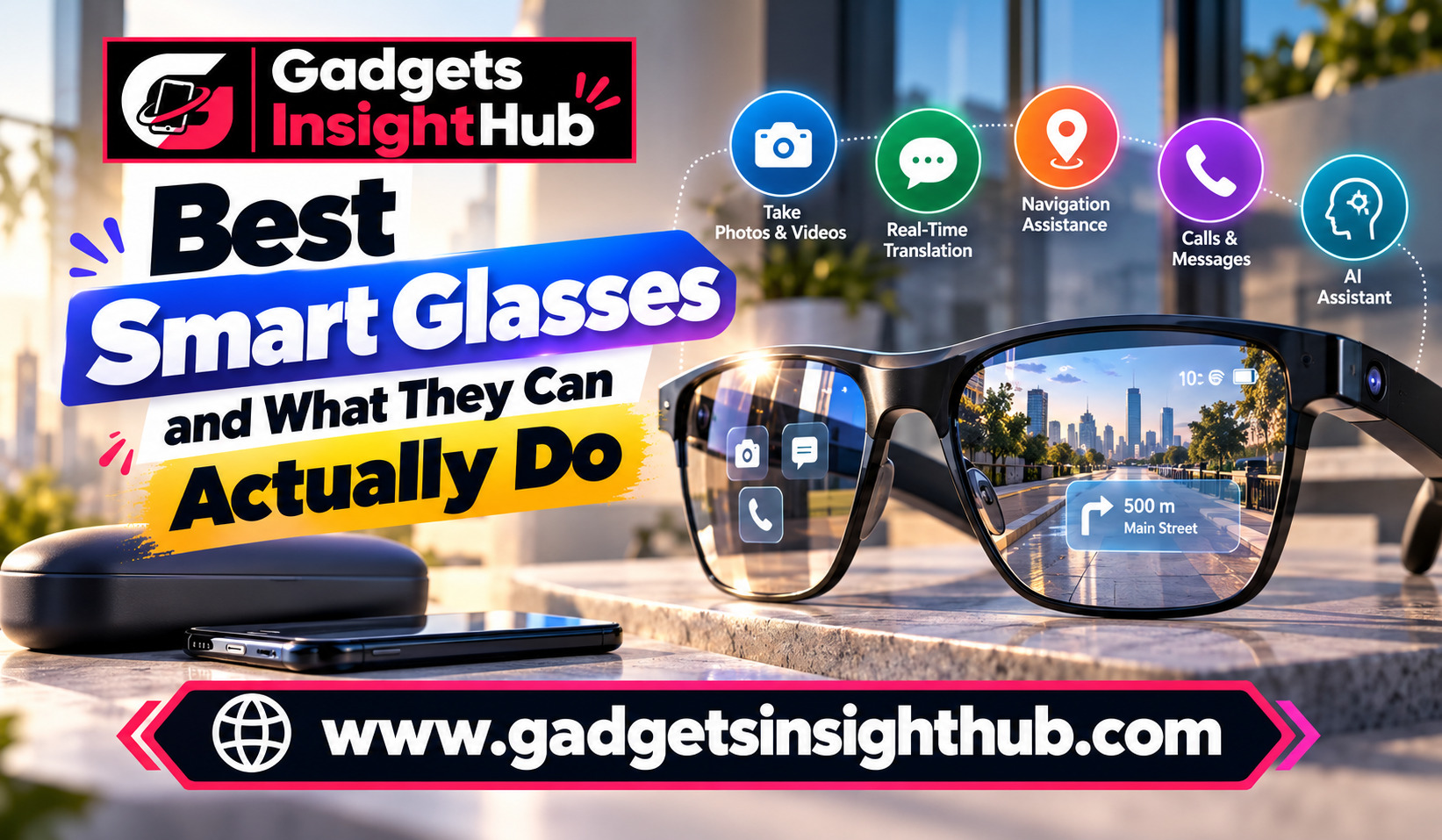
Smart Glasses are becoming more useful as wearable technology moves beyond fitness trackers and smartwatches. Instead of reaching for your phone every time you need directions, want to capture a moment, or need quick information, you can use compatible glasses to handle certain tasks while keeping your hands free. However, not every model offers the same features, and some functions depend on your smartphone, operating system, internet connection, or companion app.
The best smart glasses for you depend on what you want to accomplish. Some models focus on photography and audio, while others offer augmented reality (AR), navigation, notifications, or hands-free assistance. Understanding what these devices can actually do helps you choose a pair that fits your daily routine instead of paying for features you may never use.
1. Capture Photos and Videos Without Taking Out Your Phone
One of the most practical features of modern smart glasses is hands-free photography. Certain models include built-in cameras that let you capture photos and short videos from your point of view.
For example, camera-equipped glasses from the Ray-Ban Meta range allow you to capture everyday moments using voice commands or physical controls. You can record a walk, photograph a scenic view, or document a hands-on activity without holding your phone.
This feature can be useful when travelling, cycling on permitted routes, cooking, or spending time outdoors. However, camera quality, recording limits, storage options, and transfer methods vary by model.
Before buying, check whether the glasses support your preferred recording resolution and how footage reaches your phone. Also, respect other people’s privacy and follow local recording laws. A small camera does not remove the need for consent where it is required.
Emerging Technologies Before 2030
2. Access Voice Assistants and Hands-Free Help
Some Smart Glasses connect to voice assistants that let you ask questions, request information, or control supported functions without touching your phone.
Depending on the model, you might ask for the weather, request a reminder, identify an object, or get help finding information. AI-enabled glasses may also support conversations about what you are seeing, although visual understanding and language support differ between devices.
Imagine preparing a meal and wanting to check a measurement while your hands are covered in flour. A supported voice command could provide the answer without requiring you to unlock your phone.
However, voice assistance is not universal. Some glasses offer only basic voice controls, while others depend on a companion app, an online service, or an active data connection. Review the supported languages, regional availability, privacy settings, and subscription requirements before making a decision.
3. Receive Notifications Without Constantly Checking Your Phone
Smart glasses can help you stay informed without repeatedly looking at your smartphone. Depending on their design, they may announce notifications through speakers, display information in your field of view, or allow you to respond using voice commands.
You could receive a message while walking, hear an incoming call announcement, or check a calendar reminder while preparing for work.
Audio-focused glasses generally communicate information through built-in speakers, whereas display-equipped models may show text or visual alerts directly in front of your eyes. These experiences are different, so you should not assume every pair has an in-lens display.
Notification support also depends on the connected phone and operating system. Some features work with both Android and iOS, while others require a particular version, app, or device ecosystem.
To avoid unnecessary interruptions, configure which apps can send alerts. A few useful notifications can make your glasses convenient, but constant announcements can quickly become distracting.
4. Follow Navigation Directions While Walking
Navigation is another useful feature, especially if you travel frequently or explore unfamiliar places.
For example, you might walk through an unfamiliar neighbourhood and hear when to turn without repeatedly checking a map on your phone. Display-equipped glasses can make directions easier to glance at, depending on screen placement and visibility.
However, navigation capabilities differ considerably. Camera-and-audio glasses may rely on your smartphone for maps and GPS information, while certain AR glasses provide visual guidance through compatible software.
Check whether the glasses support your preferred mapping service, whether navigation works in your country, and whether your phone must remain connected.
Use navigation responsibly. Audio directions can be convenient, but you should remain aware of traffic, pedestrians, cyclists, and other hazards.
5. Use Focus Modes to Reduce Distractions
Although the exact controls vary by device, you may be able to manage notifications through the companion app, your phone’s focus settings, or built-in software.
For example, you could silence non-essential alerts during a meeting while allowing selected calls to come through. During a walk, you might disable message announcements but keep navigation instructions active.
This is particularly helpful if you use wearable technology throughout the day. Without sensible notification controls, the convenience of hands-free access can become another source of distraction.
Before buying, check whether the glasses follow your phone’s existing focus or Do Not Disturb settings. Some devices offer independent controls, while others depend on smartphone configuration.
6. Display Information Through Augmented Reality
Augmented reality adds digital information to your view of the physical world. Smart glasses with compatible displays can present text, graphics, or other visual elements without requiring you to look down at a separate screen.
Depending on the hardware and software, you might see navigation prompts, notifications, translation captions, or basic reference information.
Some AR glasses can also create a virtual display for connected devices. For instance, display-focused models such as XREAL glasses can present a large virtual screen when connected to compatible phones, computers, or other supported hardware.
However, virtual-screen glasses and everyday camera glasses serve different purposes. A model designed to display a large screen may require a cable or a compatible adapter, while a lightweight audio-focused pair may not have any visual display.
Check display resolution, brightness, field of view, prescription-lens options, connection requirements, and device compatibility. These details determine whether the experience suits your work or entertainment needs.
7. Recognise Text and Support Accessibility
Text recognition can make smart glasses useful for reading information in everyday situations. Supported camera-based systems may identify printed text, signs, labels, or menus and provide spoken descriptions or translated text.
For example, a traveller might use a compatible AI feature to understand a sign in an unfamiliar language. Someone with low vision may benefit from supported text-to-speech functions or object descriptions.
However, accessibility features are not identical across models. Some glasses offer AI-assisted visual descriptions, while others provide captions, audio output, or integration with third-party accessibility applications.
You should also distinguish text recognition from a complete accessibility solution. Results may be affected by lighting, camera position, font size, language support, and network availability.
If you need a particular accessibility function, confirm that the exact model supports it before purchasing. Test the feature with realistic examples whenever possible, and keep your phone or another accessible device available as a backup.
8. Share Files Wirelessly With Compatible Devices
Wireless file sharing can make smart glasses more convenient when you want to transfer captured photos or videos.
For example, compatible camera glasses may transfer media to a companion smartphone app over a supported wireless connection. From there, you can save files, edit clips, or share them through other applications.
Bluetooth is commonly used for device pairing and audio connections, while Wi-Fi may support faster media transfers on certain models. The exact arrangement depends on the manufacturer’s design.
Do not assume that all smart glasses can send files directly to any laptop or phone. Some require a dedicated app, a specific account, or an intermediate transfer step.
Before buying, check supported operating systems, available storage, transfer methods, and whether the device supports exporting original-quality files. If you regularly record long videos, these details can matter more than a flashy voice assistant.
9. Manage Battery Life With Power-Saving Options
Smart glasses need to balance useful features with a compact battery. Cameras, speakers, displays, wireless connections, and continuous AI processing can all affect battery life.
Some models provide power-saving settings, charging cases, automatic sleep behaviour, or controls that reduce unnecessary activity. Others manage power automatically with fewer options for manual adjustment.
You can often extend usage by reducing recording time, disabling features you rarely use, lowering audio volume, and disconnecting the glasses when you do not need them.
For instance, if you mainly use your glasses for calls and occasional photos, you may not need every available feature running throughout the day.
Battery performance varies with usage, temperature, software, and device condition. Manufacturer estimates should therefore be treated as guidance rather than a guarantee.
Check the advertised battery life for your intended activities, not just the best-case standby figure. Also, consider how quickly the glasses recharge and whether the charging case can provide additional power while travelling.
10. Locate Your Glasses When You Misplace Them
Device tracking can help you find your glasses after you leave them on a desk, in a bag, or somewhere around your home.
Depending on the product, you may be able to check a last-connected location, use a compatible phone’s device-finding service, or make the connected device produce a sound.
However, tracking support is not universal. Some models rely on the location information available through a paired phone, while others offer limited recovery features or no dedicated tracking function.
Before purchasing, confirm which tracking service is supported and whether it works with your smartphone. Also, check whether the feature requires an account, Bluetooth connection, location permissions, or an internet connection.
A last-known location is not necessarily the glasses’ current location. If the glasses are switched off or disconnected, the available information may be limited.
This feature is worth considering if you travel often or tend to misplace small electronic devices.
11. Use Emergency Information and Safety Features
Emergency-related functions can make connected wearables more useful, but their capabilities need careful evaluation.
Some smart glasses may allow you to call a contact through voice controls, access a phone’s supported emergency functions, or use connected services to share information. Other models provide no dedicated emergency tools.
For example, if you need to contact someone while your hands are occupied, supported hands-free calling could save time. However, the glasses generally depend on a connected phone or another supported communication method.
Do not assume your glasses automatically detect falls, identify medical emergencies, contact emergency services, or share your location. These functions must be explicitly supported and correctly configured.
If emergency access is important to you, verify the exact capabilities, regional restrictions, and connection requirements. Set up emergency contacts in the relevant phone or device settings where supported.
Smart glasses should complement your safety arrangements, not replace your phone or other essential emergency equipment.
12. Automate Tasks With Gestures and Connected Settings
Gestures and automation can reduce the number of steps required to use your glasses.
Depending on the model, physical controls, touch surfaces, or supported head gestures may let you answer calls, adjust volume, start recording, or activate an assistant.
Some devices also work with phone shortcuts, routines, or third-party automation services. For example, you might use a supported phone routine to change notification settings when you begin a particular activity.
Private DNS is another setting worth understanding, especially if your glasses rely heavily on a connected Android phone. Android supports Private DNS on compatible versions, allowing you to configure a DNS-over-TLS provider for supported DNS lookups. This setting belongs to the phone’s network configuration rather than being a standard built-in smart-glasses feature.
Private DNS can help protect DNS queries between your device and the configured provider, but it does not encrypt every part of your internet traffic or guarantee complete privacy.
Before setting up automation, check which phone operating systems, apps, and device controls are supported. Start with simple actions, test them carefully, and avoid automations that activate cameras or microphones without your clear intention.
Frequently Asked Questions
1. What are the best smart glasses for everyday use?
The best option depends on whether you prioritise hands-free photography, audio, AI assistance, accessibility, or augmented reality displays.
2. Do smart glasses work with both Android and iPhone?
Some models support both platforms, but individual features, companion apps, and setup requirements may differ by phone and operating system.
3. Can smart glasses work without a smartphone?
Some basic functions may work independently, but many connected features, including media transfers, navigation, notifications, and AI assistance, require a compatible phone or internet connection.
4. Are smart glasses worth buying?
Smart glasses can be worthwhile if their specific features solve everyday problems for you, but you should compare compatibility, comfort, battery life, privacy controls, and total cost before purchasing.
Conclusion
Smart Glasses can do much more than capture photos or play audio, but their practical value depends on the features included in each model. From navigation and accessibility tools to wireless sharing, notification controls, and AR displays, the right pair can simplify specific parts of your daily routine.
Before buying, identify the two or three features you will use most often and check their compatibility with your existing devices. Consider battery life, privacy, comfort, and software support as well. When you choose based on real needs rather than marketing claims, smart glasses can become a useful addition to your everyday technology.