
Introduction
Technology is changing how you use smartphones, smartwatches, wireless earbuds, and other everyday devices. As artificial intelligence becomes more advanced, gadgets are gaining features that help you complete tasks, manage information, improve accessibility, and protect your digital life. These developments are shaping the most important AI Gadget Trends for the coming years.
Instead of simply following your commands, newer devices can understand context, recognize patterns, and offer useful suggestions. For example, your smartphone might summarize a long message, your smartwatch could help you notice changes in your activity patterns, and your laptop may automate repetitive tasks.
However, not every AI feature works on every device. Some require newer hardware, an internet connection, a compatible operating system, or a paid subscription.
Understanding these changes can help you choose gadgets that suit your needs. Here are 10 major AI gadget trends to watch, along with 12 practical features that can make your everyday technology more useful.
1. AI-Powered Smartphones Will Become More Personal
Smartphones are becoming important platforms for AI features. Instead of relying entirely on cloud-based services, some newer phones can process certain AI tasks directly on the device.
This approach can reduce dependence on an internet connection and may improve privacy for supported activities.
Smarter everyday assistance
Your phone may help you summarize notifications, rewrite messages, translate conversations, or organize information from compatible applications. AI assistants are also becoming better at understanding natural language, allowing you to make requests without remembering exact commands.
For example, you could ask your assistant to summarize a lengthy email before a meeting. Depending on your device, it might also help create a reminder from relevant information.
What you should consider
On-device AI requires compatible hardware and software. Some advanced functions need an internet connection, while others may only work in selected languages or regions.
Before buying a smartphone, check which AI features are available on the exact model rather than assuming every phone from the same brand supports them.
2. Smartwatches Will Offer More Useful Health and Fitness Insights
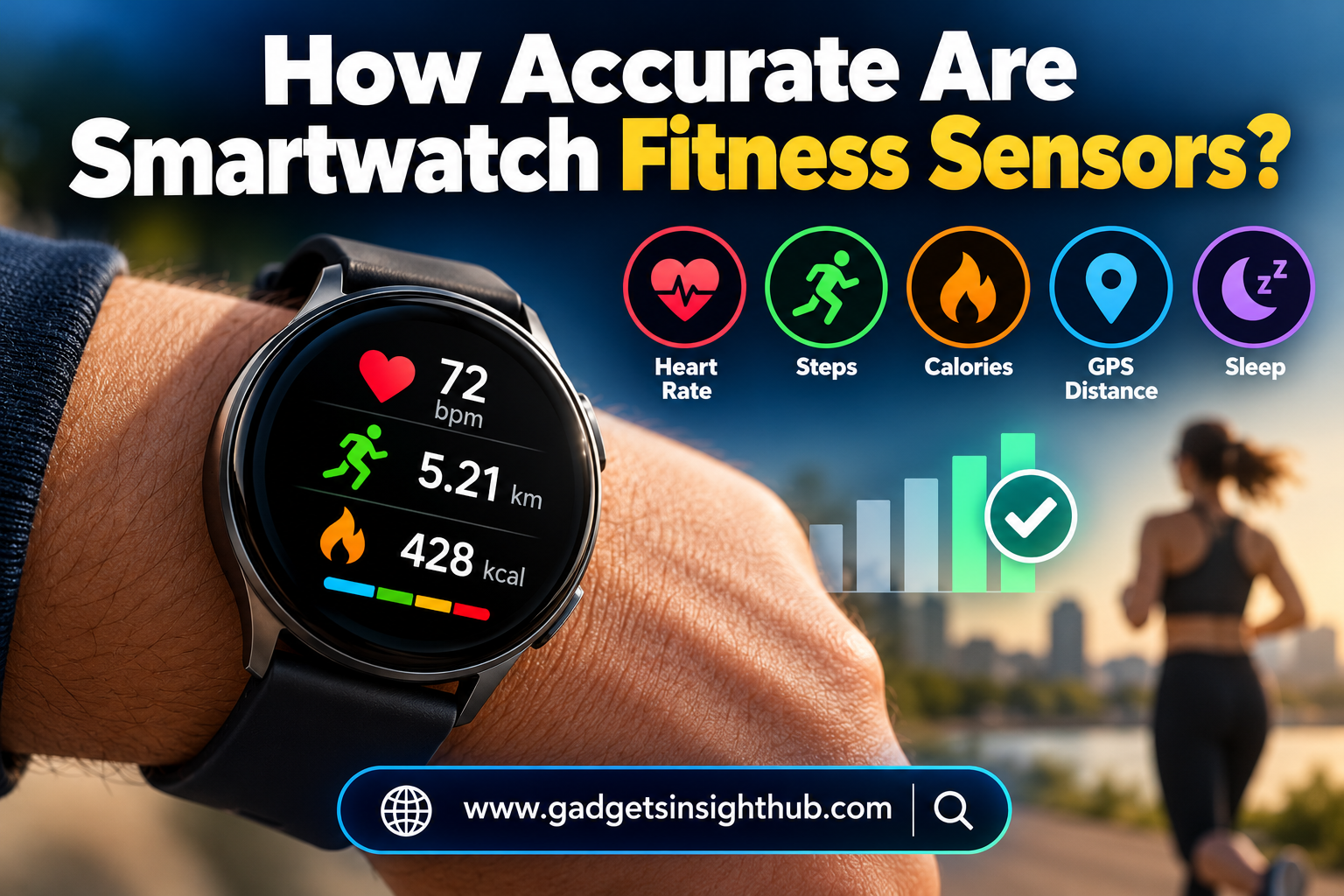
Smartwatches already track activities such as steps, workouts, heart rate, and sleep. AI can help turn this information into summaries that are easier for you to understand.
Rather than presenting numbers alone, compatible devices may identify activity patterns and suggest ways to adjust your routine.
Personalized fitness guidance
Imagine that your smartwatch records your workouts and daily movement. Its companion app might summarize your activity over several days and remind you to take breaks after long periods of inactivity.
Some platforms can also use recorded data to estimate recovery or training readiness. These estimates depend on the sensors, algorithms, and information available.
Health information needs careful interpretation
AI-generated health insights are not automatically medical diagnoses. Sensor readings can be affected by movement, fit, device limitations, and individual differences.
You should also check whether a feature is available in your country and whether it requires a specific phone or subscription. Treat AI health recommendations as supporting information, not a replacement for professional medical advice.
3. AI Earbuds Will Improve Translation and Audio Experiences
Wireless earbuds are evolving beyond music playback and phone calls. AI-powered audio features can help you communicate, manage conversations, and adjust sound to your surroundings.
Real-time translation and transcription
Compatible earbuds paired with a smartphone may support translated conversations or spoken-language transcription. This can be useful when travelling, attending multilingual meetings, or communicating with someone who speaks another language.
For example, you might use a supported translation app to understand basic directions while exploring a new city.
However, translation quality varies by language, accent, background noise, and internet availability. Some functions also require a particular phone or app.
Adaptive audio features
AI-assisted noise control can help devices distinguish between environmental sounds and speech. Depending on the model, your earbuds might reduce background noise during calls or adjust noise cancellation to suit your surroundings.
Before purchasing, check microphone quality, battery life, supported languages, and compatibility with your existing devices.
4. AI Laptops Will Make Everyday Workflows More Efficient
Laptops are gaining AI capabilities that support writing, video meetings, image editing, searching, and other common tasks.
Some newer computers include dedicated neural processing units (NPUs), which are designed to accelerate certain AI workloads efficiently.
Faster assistance for everyday tasks
You might use AI tools to summarize documents, generate meeting notes, improve a presentation, or locate information across your work files. Video conferencing software may also provide background blur, noise reduction, or automatic captions.
For students, these features can help organize research. For professionals, they can reduce time spent on repetitive administrative work.
Check the hardware requirements
Not every AI application requires an NPU, and not every laptop with an NPU supports every AI feature. Software requirements vary by application, processor, memory, and operating system.
If you plan to use AI regularly, compare the specific applications you need before paying extra for an AI-focused laptop.
5. AI Smart Home Gadgets Will Become More Responsive
Smart home devices are moving toward more flexible automation. Smart speakers, cameras, lights, thermostats, and connected appliances can use AI to interpret information and support more personalized routines.
Smarter home automation
For example, you could configure your smart lights to follow a schedule, adjust brightness through voice commands, or respond to motion sensors. A compatible thermostat may learn from your settings and help manage indoor temperatures.
AI-enabled cameras can also offer features such as person detection or event summaries. However, the exact capabilities depend on the device and its software.
Privacy should remain a priority
Smart home gadgets may collect audio, video, location, or household activity information. Review privacy settings, limit unnecessary permissions, and use strong, unique passwords.
You should also check whether your devices work together through a shared platform. Compatibility standards such as Matter can improve interoperability between supported smart home products, but they do not guarantee that every feature works across every brand.
6. AI Glasses Will Expand Hands-Free Digital Assistance
AI-enabled smart glasses are an emerging category that combines wearable technology with cameras, microphones, speakers, and digital assistants.
Depending on the model, these devices may help you capture photos, ask questions about your surroundings, listen to audio, or receive spoken information without reaching for your phone.
Information while you are on the move
Imagine walking through a new city and asking compatible smart glasses for directions or information about a landmark. Some devices can use a camera and AI system to interpret what you are looking at, subject to their capabilities and permissions.
Other models focus mainly on audio assistance and photography rather than displaying information directly in your field of view.
Practical limitations
Battery life, camera quality, connectivity, comfort, and regional availability can affect your experience. You should also respect other people’s privacy when recording images or audio in public places.
As this category develops, the most useful products will be those that solve everyday problems without requiring constant charging or complicated controls.
7. AI Security Gadgets Will Help You Monitor Digital and Physical Safety
Security is another important area of AI development. Smartphones, smart locks, cameras, and connected accessories increasingly include features designed to identify suspicious activity or help you respond to unexpected situations.
More helpful security alerts
A compatible security camera may distinguish between a person, an animal, and general movement. This can make alerts more relevant than a system that notifies you whenever anything moves.
Some smartphones also support emergency calling, location sharing, or crash detection in supported situations. These features vary by model, country, and operating system.
Keep essential safety information updated
Your phone may allow you to add emergency contacts, medical information, and other details that responders can access through supported emergency interfaces.
Review these settings periodically and confirm that the information is accurate. Do not assume every emergency feature works everywhere or replaces local emergency services.
AI can improve the way gadgets process security information, but it cannot eliminate false alarms, software vulnerabilities, or every safety risk.
8. AI Wearables Will Support Accessibility and Independent Living
Accessibility is one of the most valuable applications of intelligent gadgets. Smartphones, tablets, smart glasses, and wearable devices can help people interact with technology in ways that better suit their needs.
Text recognition and visual assistance
Optical character recognition (OCR) converts text in an image into machine-readable text. On supported devices, this can help you copy information from a printed document, search text inside a photograph, or read signs using accessibility tools.
Some AI-powered applications can also describe images, identify objects, or read text aloud. These features may support people with low vision, although their accuracy depends on the environment and the software.
Speech, captions, and alternative controls
Live captions can display spoken words as text in supported applications. Voice control, screen readers, magnification, and switch access can also make devices easier to use.
These tools are not limited to specialist gadgets. Many Android phones, iPhones, Windows computers, and other platforms already provide built-in accessibility features.
Before purchasing additional equipment, explore the accessibility settings on devices you already own. You may find that a useful feature is available through a software update rather than a new gadget.
9. AI Battery Management Will Help Devices Use Power More Efficiently
Battery life remains an important concern for smartphones, smartwatches, earbuds, and portable computers. Intelligent power management can help devices balance performance and energy use.
Adaptive battery optimization
Some operating systems learn from your usage patterns and restrict background activity for applications you rarely use. Others provide battery-saving modes that reduce background synchronization, display activity, or performance.
For example, your phone might limit background work for an application that you seldom open. A laptop may also adjust power settings when you disconnect the charger.
These capabilities are not always powered by generative AI. Many rely on conventional algorithms, operating-system rules, and usage-pattern analysis.
Get more value from your battery
You can improve battery life by lowering screen brightness, removing unnecessary background permissions, reducing location access where appropriate, and enabling battery-saving modes when needed.
AI-powered optimization cannot overcome every hardware limitation. Battery capacity, temperature, application behavior, and battery age still influence how long your device lasts.
10. AI Automation Will Connect Your Gadgets More Effectively
One of the most practical AI Gadget Trends is the move toward automation across everyday devices. Instead of handling every small task manually, you can combine built-in tools, shortcuts, and compatible applications to create useful workflows.
From repetitive actions to simple routines
For example, you could create a phone routine that enables Do Not Disturb during working hours, lowers notification interruptions, and opens your preferred productivity application.
On compatible platforms, you can also automate file organization, launch frequently used tools, share documents between devices, or trigger smart home actions based on a schedule.
AI assistants may help you create or manage some of these workflows, but the level of automation depends on the operating system and available integrations.
Useful features beyond the main AI trends
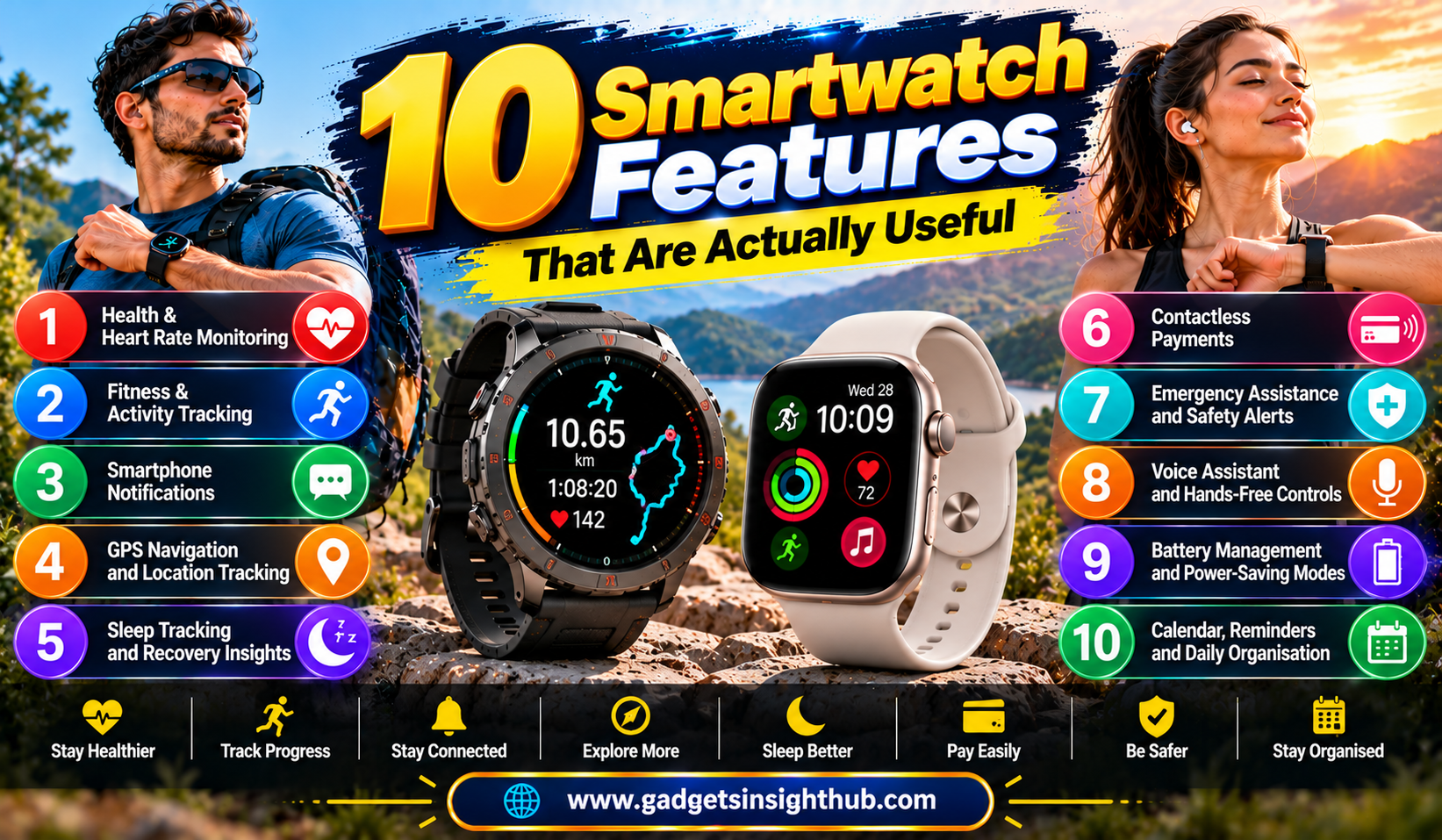
Several existing device features demonstrate how intelligent software and practical automation can improve daily use:
- Clipboard history: Supported Windows versions provide clipboard history through Windows + V after you enable it. Availability and stored content depend on your settings.
- Screen recording: Windows, Android, iOS, and other platforms offer screen-recording options, although controls and availability vary.
- Focus modes: Supported phones and computers can silence selected notifications or restrict interruptions during work, study, or rest.
- Private DNS: Android 9 and later support Private DNS configuration, commonly using DNS-over-TLS with a compatible provider. This can protect DNS queries in transit but does not make all browsing activity private.
- Wireless file sharing: Tools such as AirDrop on Apple devices and Quick Share on supported Android and Windows devices allow compatible devices to exchange files wirelessly.
- Gesture controls: Supported devices recognize actions such as swipes, pinches, and selected motion gestures to simplify navigation.
- Device tracking: Services such as Apple Find My and Google’s Find Hub can help locate supported devices, depending on settings, connectivity, and service availability.
- Text recognition: Built-in photo, camera, and accessibility tools can extract text from supported images and documents.
- Battery optimization: Adaptive power features can limit background activity and adjust resource use.
- Emergency information: Compatible devices allow you to configure emergency contacts and other safety details.
These features are not all AI-powered, and most do not require buying a new AI gadget. Their value comes from combining existing device capabilities with thoughtful settings and automation.
How to Choose Gadgets That Will Remain Useful
As AI capabilities expand, you should focus on practical value rather than marketing labels. A device described as AI-powered is not automatically better than a less expensive alternative.
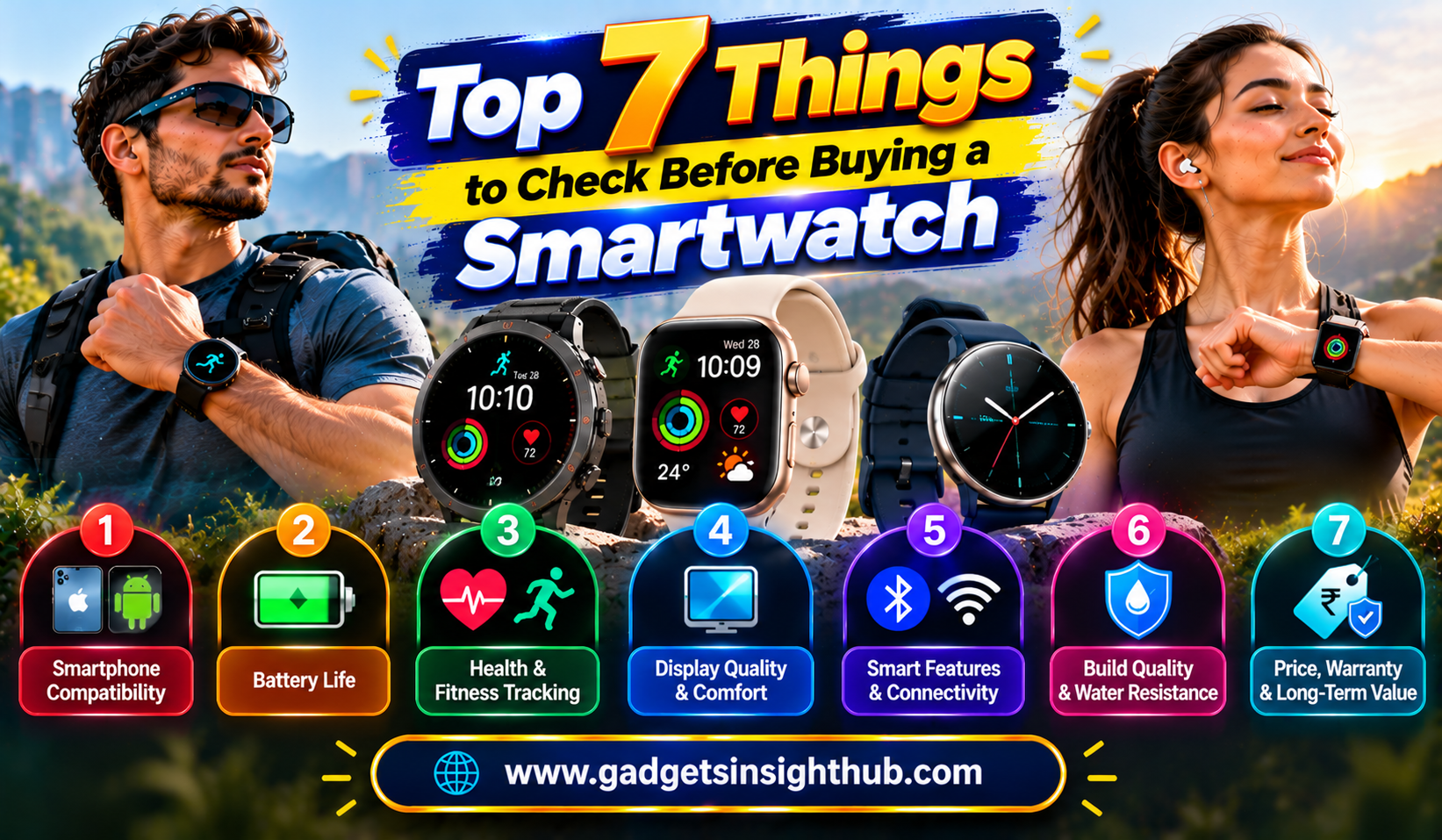
Use these considerations when comparing products:
- Check compatibility: Confirm support for your phone, computer, operating system, preferred applications, and regional settings.
- Review privacy controls: Understand what information is processed on the device and what may be sent to external servers.
- Compare battery performance: AI features can consume additional power, especially when they use cameras, microphones, displays, or continuous processing.
- Look beyond demonstrations: Check whether features work reliably in your language and everyday environment.
- Consider long-term support: Software updates, security patches, and application compatibility can influence how useful a gadget remains.
- Calculate the total cost: Account for subscriptions, accessories, cloud storage, and replacement expenses.
The right gadget should solve a problem you regularly experience. If a feature saves time, improves accessibility, or makes a task easier without introducing unnecessary cost, it may be worth considering.
Conclusion
The most promising AI Gadget Trends focus on making technology more personal, accessible, efficient, and convenient. Smartphones, smartwatches, earbuds, laptops, smart home devices, and emerging wearables are all gaining capabilities that can improve everyday experiences.
However, useful technology does not always require an expensive upgrade. Features such as clipboard history, focus modes, text recognition, battery optimization, wireless sharing, and device tracking are already available on many supported devices.
Before buying your next gadget, compare its real capabilities, compatibility, privacy settings, and long-term value. By choosing features that meet your actual needs, you can benefit from AI advancements without paying for technology you may never use.
Frequently Asked Questions
1. What are the biggest AI Gadget Trends for the coming years?
Key trends include AI-powered smartphones, smarter wearables, adaptive audio, AI laptops, connected home devices, smart glasses, accessibility tools, and automated workflows.
2. Do AI gadgets require an internet connection?
Not always, because some compatible devices process AI tasks locally, while cloud-based features typically require an internet connection.
3. Are AI-powered gadgets worth buying?
They can be worth buying when their features solve practical problems, work with your existing devices, and justify their purchase and subscription costs.
4. Can you use AI features on older smartphones?
Yes, many older smartphones support useful features such as focus modes, text recognition, device tracking, and battery optimization, although advanced AI functions may require newer hardware or software.