Introduction
Choosing the right gaming monitor can significantly improve your PC gaming experience. A good display delivers clear images, smooth movement, responsive controls, and comfortable viewing during long gaming sessions. However, with so many models available, comparing specifications can become confusing.
Some monitors prioritize high refresh rates for competitive gaming, while others focus on resolution, color accuracy, or immersive visuals. The best choice depends on your favorite games, graphics card, budget, and personal preferences.
Before purchasing a gaming monitor, understanding its most important features can help you find a display that offers the right balance of performance and value.
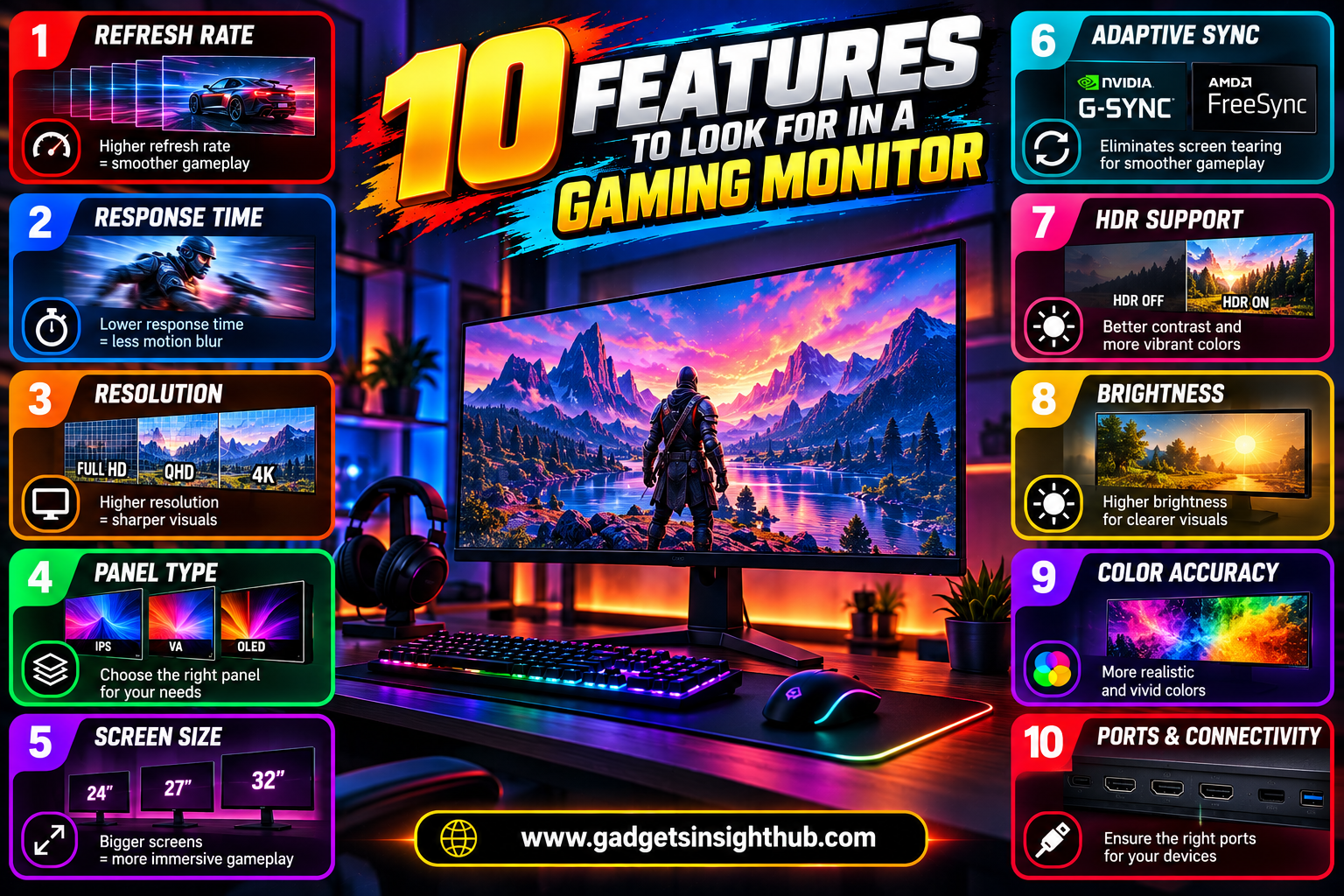
1. Refresh Rate
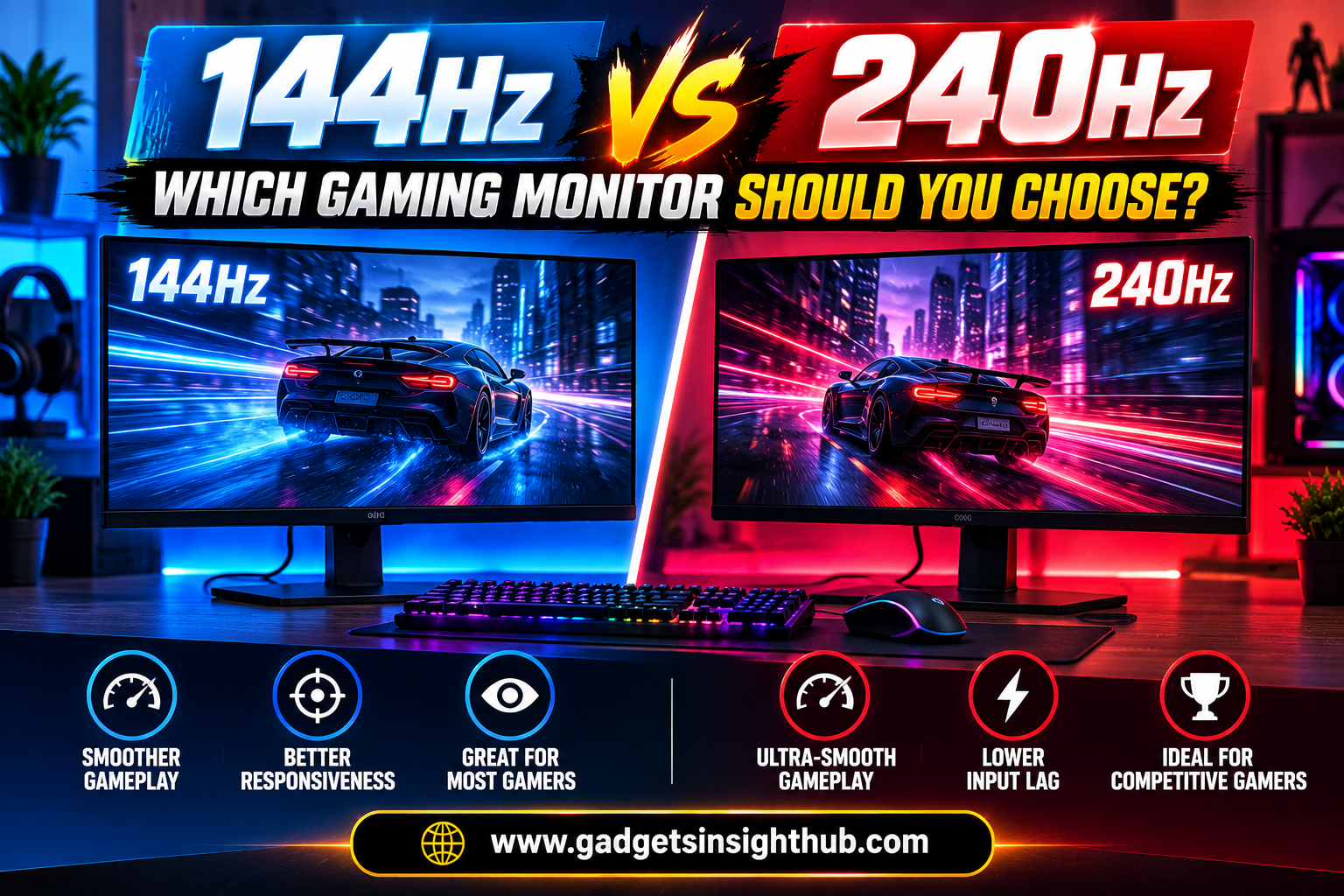
Refresh rate measures how many times a monitor updates its image each second. It is expressed in hertz (Hz). A 60Hz monitor refreshes up to 60 times per second, while a 144Hz monitor can refresh up to 144 times per second.
Higher refresh rates can make movement appear smoother, especially in fast-paced games. They are particularly useful in competitive shooters, racing games, and action titles where quick reactions matter.
For most gamers, a 144Hz or 165Hz monitor provides a noticeable improvement over a traditional 60Hz display. Competitive players may prefer 240Hz or higher if their computers can deliver sufficiently high frame rates.
However, a higher refresh rate does not guarantee better performance by itself. Your graphics card must generate enough frames to take full advantage of the display.
2. Resolution
Resolution determines how many pixels a monitor uses to display an image. Higher resolutions generally produce sharper details, provided the screen size and viewing distance are appropriate.
The most common gaming resolutions include:
- Full HD (1920 × 1080): Suitable for budget systems and competitive gaming.
- QHD (2560 × 1440): Offers a balance between image detail and graphics performance.
- 4K (3840 × 2160): Provides highly detailed visuals but requires more graphics processing power.
Full HD remains a practical choice for players who prioritize high frame rates. QHD is a versatile option for many modern gaming PCs, while 4K appeals to gamers who value image detail and have powerful hardware.
Before choosing a resolution, consider your graphics card and the games you play. A high-resolution monitor may not provide the best experience if your computer struggles to run games smoothly.
3. Response Time
Response time measures how quickly a pixel changes from one color or brightness level to another. Faster transitions can reduce ghosting and make moving objects appear clearer.
This feature matters particularly in competitive games, where rapid camera movements and moving targets are common.
Manufacturers often advertise response times such as 1ms, but measurement methods differ. The advertised number does not always represent real-world performance across all transitions.
Look for independent reviews that evaluate motion clarity and ghosting rather than relying exclusively on specifications.
OLED monitors generally offer extremely fast pixel response, while modern gaming IPS displays can also provide excellent results. Choosing a monitor with good real-world response performance can improve motion clarity without requiring the most expensive model.
4. Panel Technology
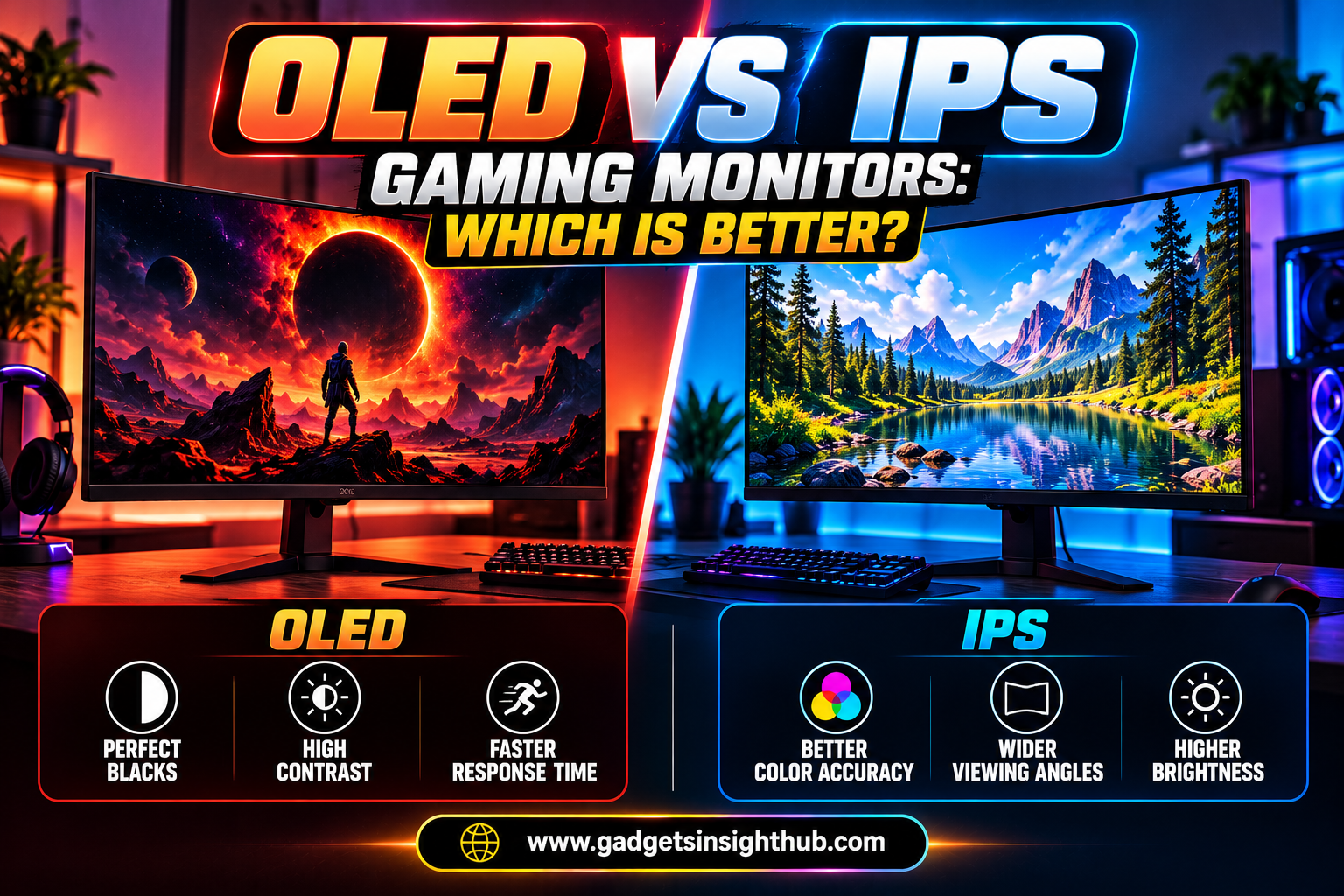
Panel technology affects contrast, colors, viewing angles, and motion performance. The three major options to consider are IPS, VA, and OLED.
IPS panels generally provide consistent colors and wide viewing angles. They are versatile for gaming, work, and everyday entertainment.
VA panels typically offer higher native contrast than conventional IPS displays. This can make dark scenes look deeper, although some VA models exhibit slower dark transitions.
OLED panels produce light at the pixel level, allowing individual pixels to switch off for deep blacks and excellent contrast. They also provide very fast pixel response, but they can cost more and carry a risk of permanent burn-in.
No panel technology is perfect for every player. Compare individual models because performance varies significantly within each category.
5. Adaptive-Sync Support
Screen tearing can occur when a monitor displays portions of multiple frames at the same time. It may become noticeable when the graphics card’s frame rate and the monitor’s refresh timing do not align.
Adaptive-sync technologies help the monitor synchronize its refresh rate with the graphics card’s frame output within a supported range.
Common options include AMD FreeSync and NVIDIA G-SYNC-compatible displays. Depending on the monitor and graphics hardware, these technologies can reduce tearing and stuttering.
Adaptive sync is useful for both competitive and casual gaming, especially when frame rates fluctuate during demanding scenes.
Before buying, confirm compatibility with your graphics card and check the monitor’s supported refresh-rate range. A well-implemented adaptive-sync feature can improve smoothness without requiring your PC to maintain one fixed frame rate.
6. Brightness and HDR
Brightness affects how clearly a monitor displays images in different lighting conditions. A brighter display can be useful in a well-lit room, while contrast is especially important for dark scenes.
High Dynamic Range (HDR) aims to reproduce a wider range of brightness and color than standard dynamic range. In supported games, effective HDR can make bright highlights more realistic while preserving detail in darker areas.
However, an HDR label alone does not guarantee excellent results. Brightness, contrast, local dimming, color reproduction, and tone mapping all influence HDR performance.
OLED displays can deliver excellent contrast, while some LCD monitors use Mini LED backlighting to improve brightness control through many local dimming zones.
If HDR gaming matters to you, look for independent measurements and meaningful certification rather than relying solely on marketing claims.
7. Screen Size and Aspect Ratio
Screen size affects how immersive a game feels and how much space the monitor occupies on your desk.
A 24-inch display is a popular choice for competitive Full HD gaming because it allows players to see much of the screen without excessive head movement. A 27-inch monitor is versatile for QHD gaming and general use.
Larger displays can create a more immersive experience, particularly for open-world games and racing titles. However, they require more desk space and may need a greater viewing distance.
Aspect ratio also matters. Most monitors use a 16:9 aspect ratio, while ultrawide models commonly use 21:9 to provide a wider field of view in supported games.
Ultrawide gaming can be immersive, but not every title supports the format equally. Choose a size and aspect ratio that suit your space and preferred games.
8. Connectivity Options
A gaming monitor should offer the ports required by your PC, console, and other devices.
DisplayPort is commonly used for high-refresh-rate PC gaming. HDMI is important for consoles and is also widely supported by modern graphics cards and monitors.
The exact capabilities depend on the port version and the monitor’s implementation. Not every HDMI or DisplayPort connection supports every combination of resolution and refresh rate.
USB ports can be useful for connecting accessories, while USB-C may support video, data, and power delivery on compatible displays.
Before purchasing, verify that the monitor can deliver your desired resolution and refresh rate through the connection you plan to use. Also check whether the included cable supports those requirements.
9. Ergonomics and Adjustability
A monitor should be comfortable to use, particularly if you spend several hours gaming or working at your desk.
Look for a stand that supports height adjustment, tilt, and, where available, swivel and pivot. These features make it easier to position the display at a comfortable viewing angle.
A monitor positioned too low or too high may encourage an uncomfortable posture. Ideally, arrange your setup so you can look at the screen without repeatedly bending your neck.
VESA mounting support is another useful feature because it allows compatible monitors to be attached to monitor arms or wall mounts.
Some gaming monitors also offer low-blue-light modes and flicker-reduction features. These may improve viewing comfort for some users, although regular breaks and appropriate room lighting remain important.
10. Price, Warranty, and Build Quality
A gaming monitor should fit your budget without sacrificing the features that matter most to you.
Compare several models at similar prices and consider their resolution, refresh rate, response performance, panel quality, and connectivity. A balanced mid-range monitor may provide better overall value than an expensive model with features you rarely use.
Build quality matters too. A stable stand, reliable controls, and solid construction can improve everyday usability.
Check the warranty before purchasing, especially for premium OLED monitors. Warranty coverage differs between manufacturers and regions, so confirm whether it includes specific issues such as burn-in where applicable.
Also consider the monitor’s return policy and dead-pixel policy. These details can be valuable if the display has defects or does not meet your expectations.
Conclusion
The best gaming monitor combines features that match your gaming habits and computer hardware. Refresh rate and response time influence motion performance, while resolution and panel technology affect image detail, contrast, and color quality. Adaptive sync, HDR, screen size, connectivity, ergonomics, and warranty coverage also deserve attention.
Competitive players may prioritize high refresh rates and clear motion, while gamers who enjoy cinematic adventures may prefer higher resolution, strong contrast, and effective HDR.
Before buying, decide which features matter most, compare real-world reviews, and check compatibility with your graphics card. Choosing a balanced monitor will help you enjoy smoother gameplay, better visuals, and greater value for your money.