Introduction
Choosing the right gaming monitor can significantly improve your gaming experience. Two popular display technologies are OLED and IPS, and each offers different advantages in image quality, responsiveness, and price.
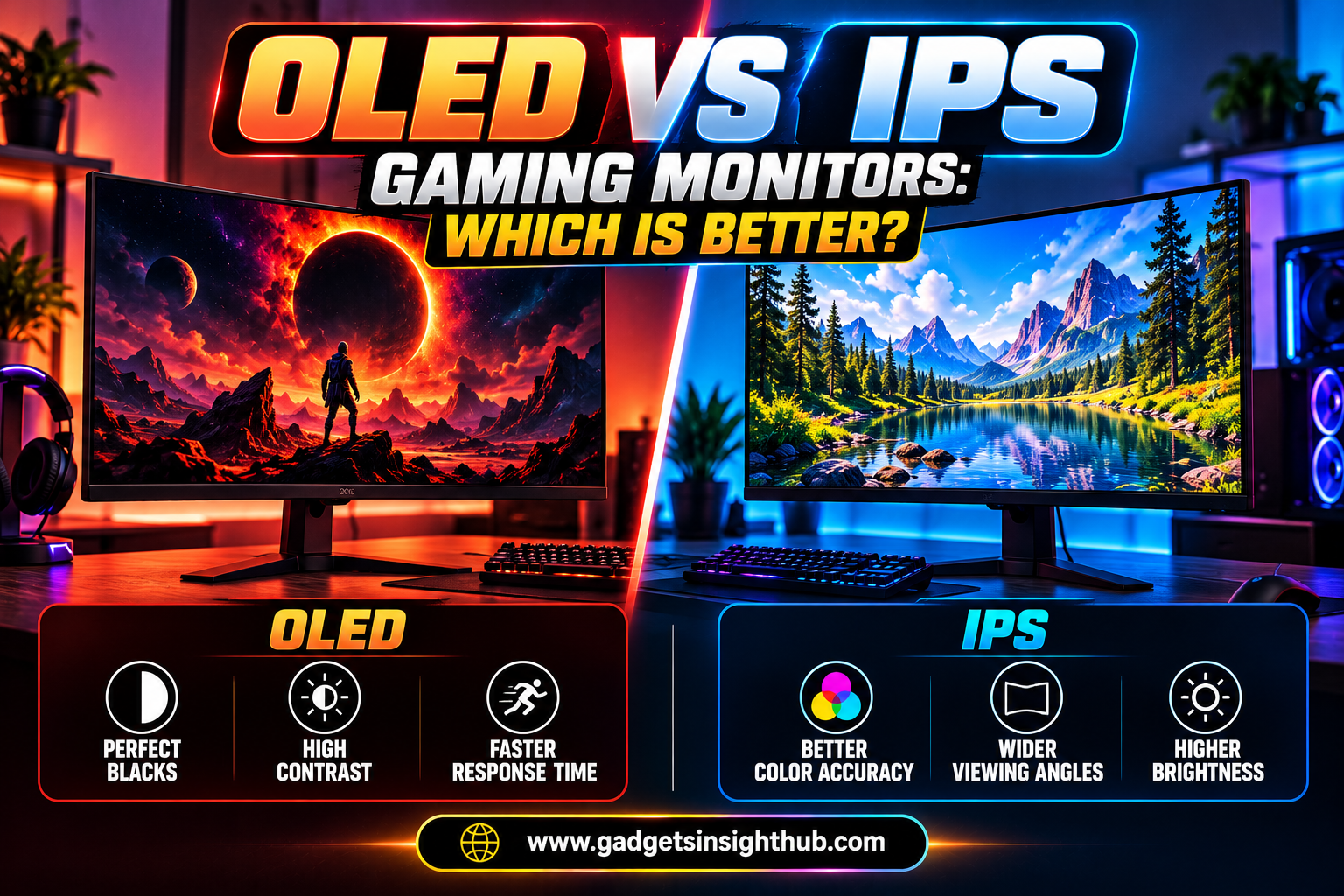
OLED monitors are known for their deep blacks, excellent contrast, and extremely fast pixel response times. IPS monitors are popular for their accurate colors, wide viewing angles, and availability across a broad range of budgets.
The better option depends on the games you play, your computer’s capabilities, your budget, and how you use your monitor outside gaming. Understanding their differences can help you make a confident purchasing decision.
What Is an OLED Gaming Monitor?
OLED stands for Organic Light-Emitting Diode. Unlike traditional LCD displays, OLED pixels produce their own light, so a separate backlight is unnecessary.
Each pixel can turn off independently when displaying black. This allows OLED monitors to produce exceptionally deep blacks and very high contrast.
OLED technology is particularly attractive for games featuring dark environments, dramatic lighting, and detailed visual effects. Horror games, cinematic adventures, and open-world titles can look especially impressive on these displays.
Another major advantage is pixel response time. OLED pixels can change states extremely quickly, helping reduce motion blur and ghosting during fast gameplay.
However, OLED monitors generally cost more than comparable IPS displays. They also carry a risk of permanent burn-in when static images remain on the screen for extended periods. Modern models often include protective features, but the risk is not entirely eliminated.
What Is an IPS Gaming Monitor?
IPS stands for In-Plane Switching, a type of LCD technology. IPS monitors use a backlight to illuminate pixels, with liquid crystals controlling how light passes through the display.
These monitors are known for their wide viewing angles and consistent color reproduction. They are suitable for gaming, video editing, everyday work, and entertainment.
IPS technology is available in a wide range of resolutions and refresh rates. Buyers can find affordable Full HD models as well as premium 1440p and 4K gaming displays with high refresh rates.
Modern gaming IPS monitors can deliver excellent performance, including fast response times and adaptive-sync support.
Their main limitation is contrast. Because IPS displays rely on a backlight, they cannot produce perfectly black pixels in the same way OLED monitors can. Dark scenes may therefore appear less deep, particularly in a dimly lit room.
For many gamers, however, IPS offers a strong balance between image quality, performance, and affordability.
OLED vs IPS: Key Differences
| Feature | OLED | IPS |
|---|---|---|
| Black levels | Excellent, with individually controlled pixels | Limited by the backlight |
| Contrast | Extremely high | Generally lower |
| Pixel response | Extremely fast | Varies by model |
| Color quality | Excellent, depending on the panel | Generally very good |
| Viewing angles | Usually excellent | Usually excellent |
| Burn-in risk | Possible | No typical OLED-style burn-in |
| Brightness | Varies by model and screen content | Varies by model |
| Price | Often more expensive | Options for many budgets |
| Best use | Premium immersive gaming | Versatile gaming and everyday use |
These are general differences. Individual monitor models can perform differently, so specifications and independent reviews remain important.
1. Image Quality and Contrast
OLED has a clear advantage in contrast because each pixel can switch off independently. This produces deep blacks and helps bright objects stand out against dark backgrounds.
In games with nighttime environments, space scenes, or dramatic shadows, OLED can create a more immersive image. Small highlights can appear especially vivid against dark surroundings.
IPS monitors can still deliver attractive images with good color reproduction. However, their backlights can cause dark areas to appear grayish, particularly in a dark room.
Some IPS monitors include local dimming, which can improve contrast by controlling different backlight zones. However, the results depend on the number and quality of those zones.
Winner: OLED for contrast and black levels.
2. Response Time and Motion Clarity
Response time describes how quickly a pixel changes from one color or brightness level to another. Faster transitions can reduce ghosting and improve the clarity of moving objects.
OLED monitors typically offer extremely fast pixel transitions. This makes them particularly attractive for competitive shooters, racing games, and other fast-paced titles.
IPS monitors vary considerably. Premium gaming models can deliver fast response times, but slower models may show more smearing or ghosting during rapid movement.
It is important to distinguish response time from refresh rate. A 240Hz IPS monitor can refresh the image 240 times per second, just like a 240Hz OLED monitor. However, the OLED panel may still provide clearer pixel transitions.
Winner: OLED for pixel response and motion clarity in most comparisons.
3. Refresh Rate and Competitive Gaming
Both OLED and IPS monitors are available with high refresh rates, including 144Hz, 240Hz, and higher options.
A higher refresh rate can make movement appear smoother and reduce the interval between screen updates. This can be useful in competitive games where players frequently track moving targets.
OLED combines high refresh rates with fast pixel response, making it a strong choice for players who want both responsiveness and image quality.
However, IPS remains highly competitive. A fast IPS monitor can provide excellent results, particularly for players who prioritize low latency and want to spend less.
Your graphics card also matters. To benefit fully from a 240Hz display, your computer should produce high frame rates in the games you play.
Winner: OLED for overall motion performance, but high-quality IPS remains excellent for competitive gaming.
4. Color Accuracy and Brightness
Both technologies can deliver excellent colors, but results depend on the specific panel and factory calibration.
OLED monitors often provide rich colors and strong contrast, helping games look vibrant. Some models also cover a wide color gamut, which benefits creative work.
IPS monitors are also widely used for color-sensitive tasks because they can offer accurate, consistent colors across the screen. A well-calibrated IPS display can be an excellent option for photo editing, design, and everyday productivity.
Brightness requires more careful comparison. IPS monitors can maintain strong full-screen brightness, depending on the model. OLED brightness varies by panel technology and image content, and some models reduce brightness when large areas of the screen are very bright.
HDR performance also depends on peak brightness, contrast, local dimming, and tone mapping rather than panel technology alone.
Winner: It depends on the model. OLED excels in contrast, while IPS can be attractive for sustained bright content and color-focused work.
5. Burn-In and Long-Term Use
One important consideration when buying an OLED monitor is burn-in. If static elements such as taskbars, game interfaces, or application windows remain in the same position for long periods, uneven pixel wear may eventually create persistent image retention.
Modern OLED monitors include features such as pixel shifting, screen maintenance, and automatic protection mechanisms. These reduce risk but cannot guarantee that burn-in will never occur.
IPS monitors do not have the same characteristic OLED burn-in risk, making them appealing for users who keep the same applications open throughout the workday.
For gaming alone, OLED can be a practical choice, especially when users follow the manufacturer’s maintenance recommendations. For a monitor used for many hours of static office work every day, IPS may provide greater peace of mind.
Winner: IPS for users concerned about static content and long-term burn-in.
6. Price and Value for Money
IPS monitors generally offer more choices at lower prices. Budget-conscious gamers can find capable displays with high refresh rates, good colors, and adaptive-sync support without paying for premium panel technology.
OLED monitors typically cost more, although prices vary by size, resolution, refresh rate, and market availability.
The extra expense may be worthwhile if you prioritize contrast, HDR gaming, and fast pixel response. However, a good IPS monitor may provide better overall value if you mainly play casual games or need a display for work and study.
Rather than comparing technologies alone, compare specific monitors at similar prices. A premium IPS monitor may outperform an entry-level model in some areas, while a well-designed OLED display may justify its cost for image quality enthusiasts.
Winner: IPS for affordability and broad budget options.
Which Monitor Should You Choose?
Choose OLED if you:
- Want deep blacks and excellent contrast.
- Play cinematic games and value immersive visuals.
- Prefer extremely fast pixel response.
- Want premium HDR performance from a suitable model.
- Are comfortable managing the potential risk of burn-in.
Choose IPS if you:
- Want a more affordable gaming monitor.
- Use your display for gaming, office work, and general productivity.
- Frequently display static applications or interfaces.
- Want a wide selection of sizes, resolutions, and refresh rates.
- Prefer to avoid OLED-specific burn-in concerns.
Conclusion
OLED and IPS gaming monitors can both deliver excellent experiences, but they suit different priorities.
OLED is the stronger choice for deep blacks, high contrast, and extremely fast pixel response. It can make visually rich games feel more immersive and provide excellent motion clarity.
IPS remains a practical option for gamers who want reliable performance, accurate colors, broad product choices, and better affordability. It is also appealing for mixed gaming and productivity use, particularly when static content stays on screen for long periods.
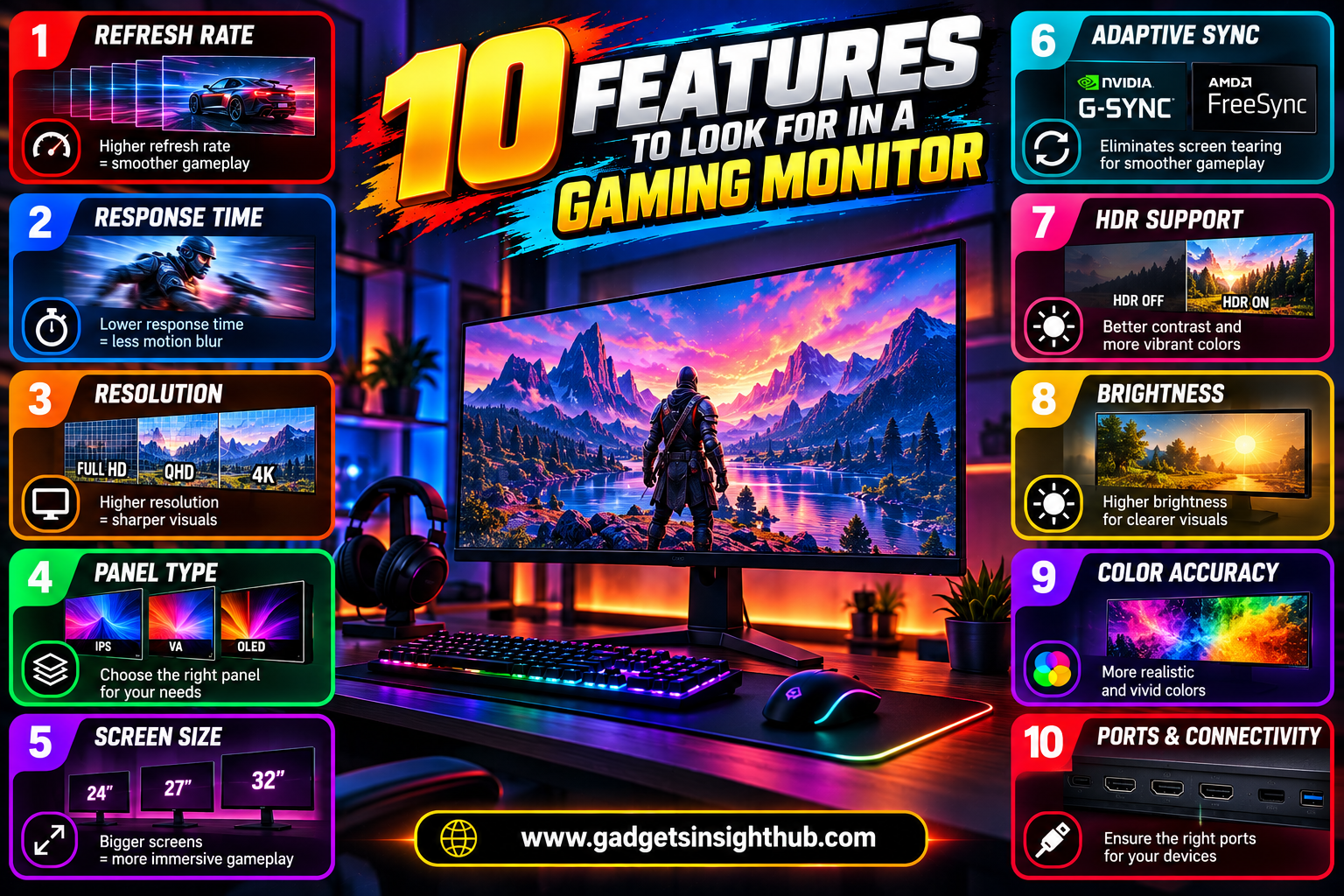
Before purchasing, compare refresh rate, response time, brightness, resolution, connectivity, and warranty coverage. Do not choose a monitor based on panel technology alone.
Ultimately, OLED is ideal for gamers seeking premium image quality, while IPS is an excellent all-round option for players who value versatility and price.