Introduction
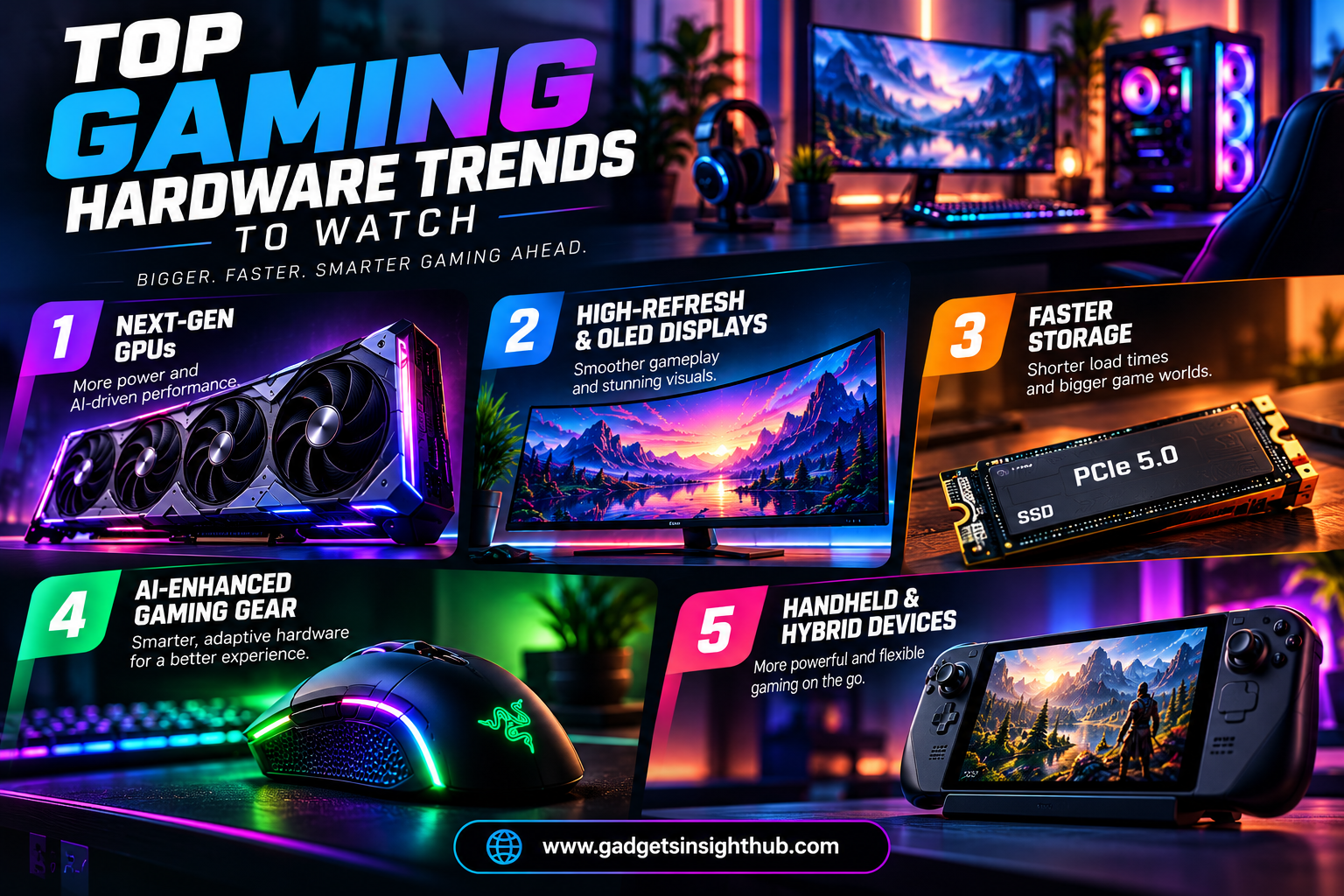
PC gaming continues to evolve as hardware manufacturers and software developers introduce technologies that improve graphics, performance, accessibility, and immersion. Modern gaming is no longer just about powerful processors and graphics cards. Artificial intelligence, faster storage, advanced displays, cloud services, and realistic audio are changing how players experience their favorite titles.
These developments help games load faster, display more detailed environments, and run more smoothly. They also give developers new ways to create interactive worlds and improve the overall gaming experience.
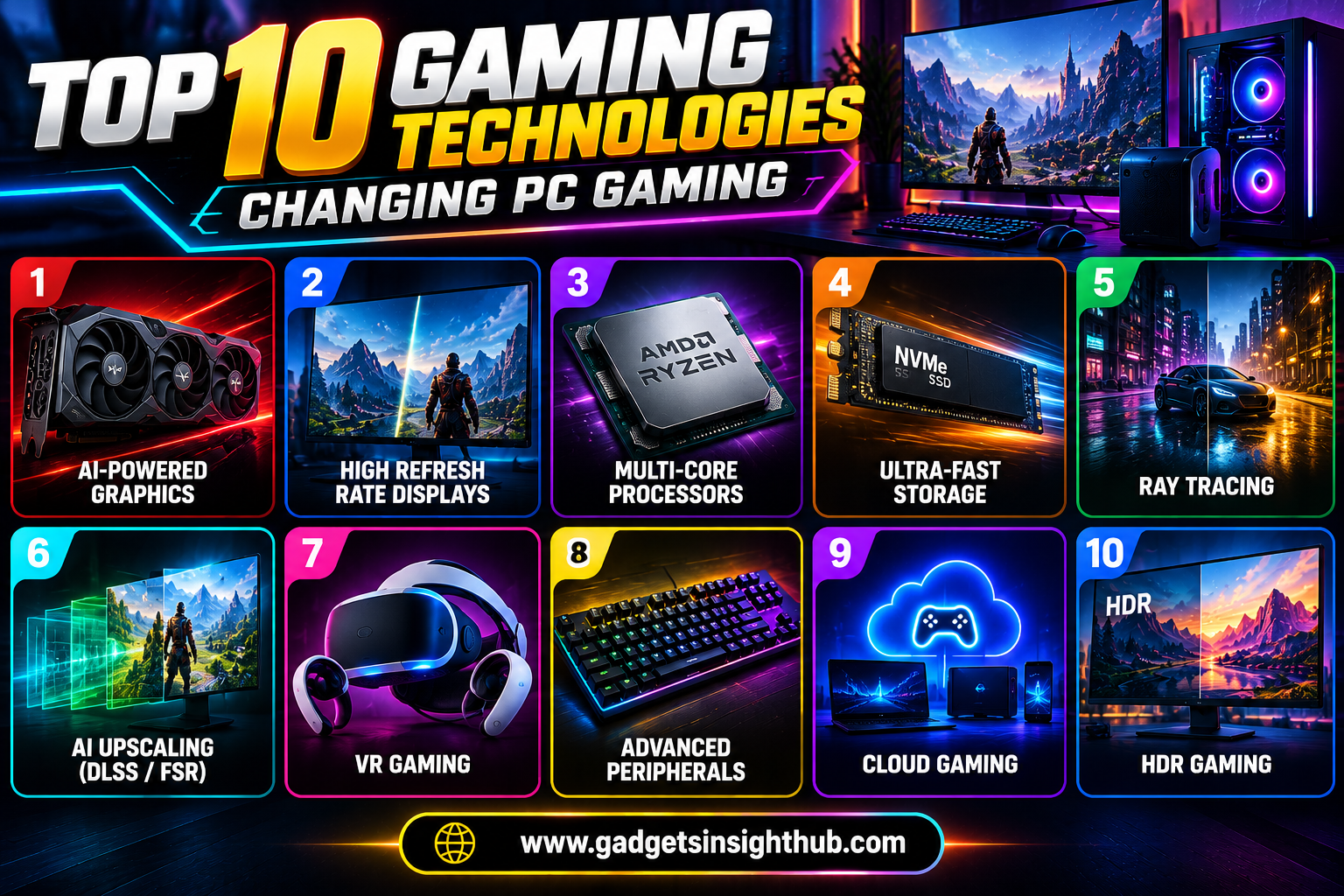
Understanding these technologies can help gamers make informed decisions when upgrading their computers. Here are ten important gaming technologies transforming PC gaming.
1. Artificial Intelligence in Gaming
Artificial intelligence is becoming increasingly important in PC gaming. Developers use AI to improve non-player character behavior, create more responsive opponents, and make virtual environments feel more dynamic.
Traditional game characters often follow predefined scripts. More advanced AI systems can use contextual information to make decisions, react to player actions, and create less predictable encounters. The quality of these systems varies depending on the game and implementation.
AI is also influencing graphics and performance optimization. Some technologies use machine learning to reconstruct images, improve resolution, or generate additional frames. These techniques can help compatible games deliver smoother visuals without requiring the graphics card to render every displayed frame independently.
AI-powered development tools may also assist with testing, animation, and content creation. However, generated content still requires careful evaluation to ensure quality and consistency.
As these technologies develop, AI could make games more responsive and visually impressive, although meaningful improvements will depend on how effectively developers integrate them.
2. Real-Time Ray Tracing
Ray tracing simulates how light interacts with objects and surfaces. It can produce realistic reflections, shadows, and lighting effects that are difficult to reproduce with traditional rendering techniques.
In supported PC games, ray tracing can make reflective windows, water, metallic surfaces, and indoor environments appear more natural. It can also improve the relationship between light sources and surrounding objects.
However, ray tracing requires significant computing power. Enabling advanced effects can reduce frame rates, especially at high resolutions.
Modern graphics cards include dedicated hardware designed to accelerate ray-tracing calculations. Performance technologies such as upscaling can help offset some of the additional workload.
Not every game benefits equally from ray tracing. Some titles show dramatic improvements, while others offer more subtle visual differences.
For gamers who prioritize realistic lighting and immersive environments, ray tracing represents an important development in computer graphics.
3. AI Upscaling and Frame Generation
AI upscaling allows compatible games to render images at a lower internal resolution and reconstruct them at a higher output resolution. This can improve performance while maintaining a visually detailed result.
Technologies such as NVIDIA DLSS and AMD FSR offer different approaches to image reconstruction, depending on the graphics card and game support. Intel XeSS provides another option in compatible titles.
Frame generation takes a different approach by creating additional frames between traditionally rendered frames. This can increase displayed frame rates, making movement appear smoother.
However, generated frames are not equivalent to independently rendered frames in every respect. They may introduce visual artifacts, and increased displayed frame rates do not automatically reduce input latency.
Players should consider image quality, responsiveness, and game compatibility when enabling these features. For demanding games, upscaling can be particularly useful when running at 1440p or 4K resolutions.
4. Faster NVMe SSD Storage
Solid-state drives have changed how games load and how quickly computers access stored information. NVMe SSDs connected through PCIe offer high data-transfer speeds compared with traditional mechanical hard drives.
Faster storage can reduce loading times, improve the speed of launching games, and help compatible titles stream assets more efficiently. Large open-world games may benefit when environments contain detailed textures and complex assets that must be loaded during gameplay.
DirectStorage is a technology designed to help supported games transfer data from storage to graphics memory more efficiently, potentially reducing certain processing overheads.
However, installing an NVMe SSD does not automatically increase frame rates in every game. Performance depends on the game’s design, the rest of the system, and whether the software takes advantage of faster storage.
For most modern gaming PCs, an SSD is an important component, and an NVMe drive can provide a useful combination of speed and convenience.
5. High-Refresh-Rate Gaming Monitors
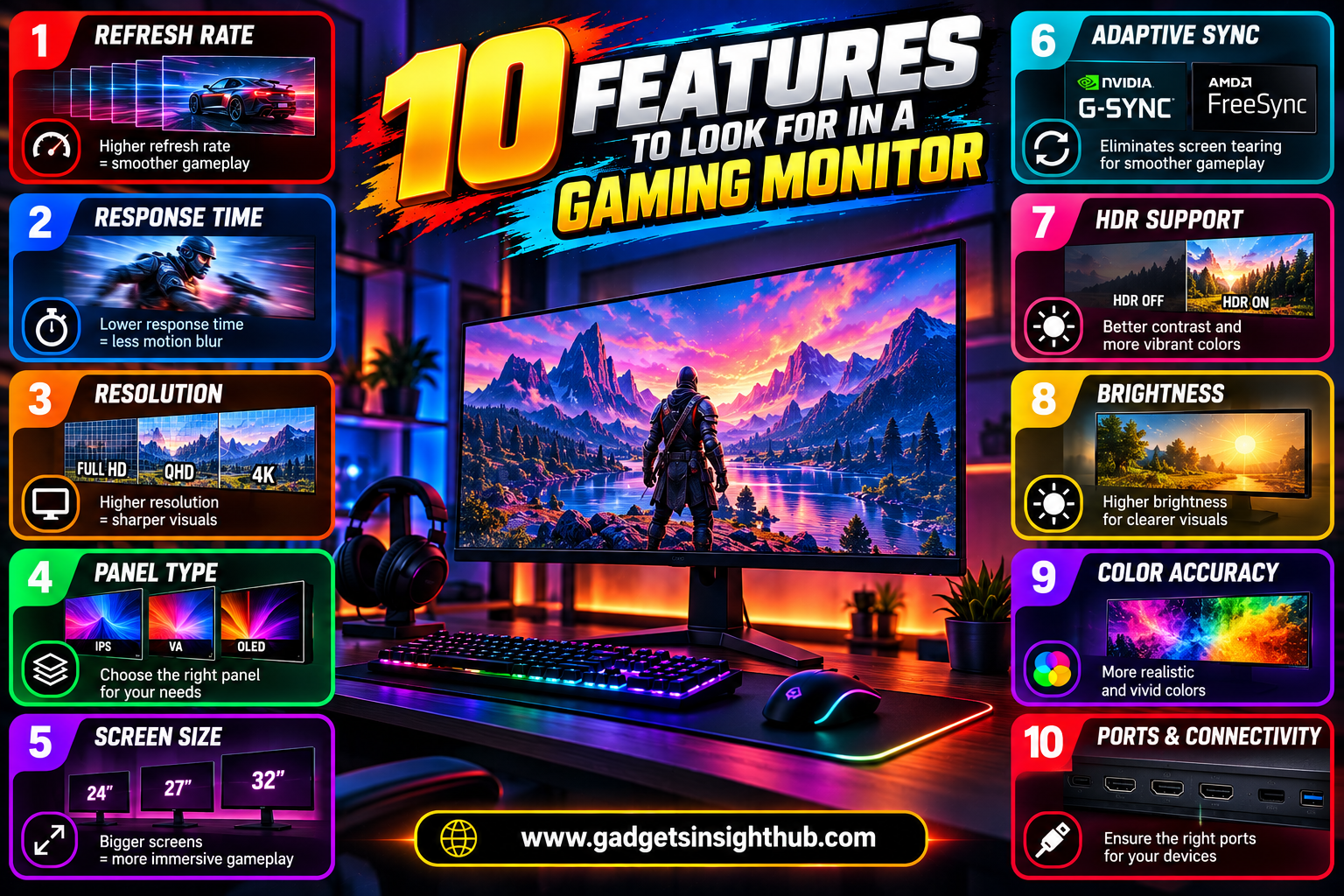
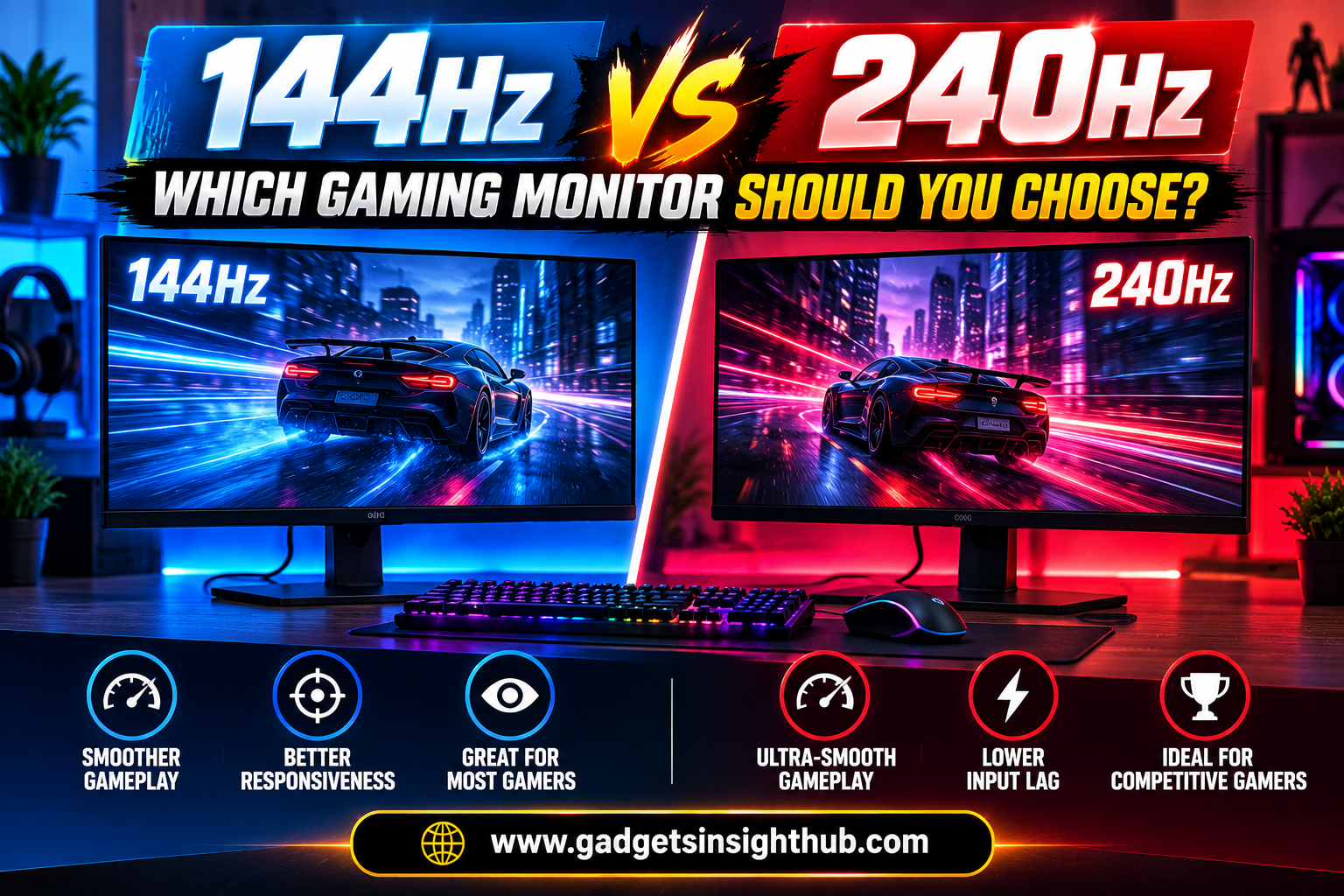
High-refresh-rate monitors have become increasingly popular among PC gamers. Unlike traditional 60Hz displays, monitors with refresh rates of 144Hz, 240Hz, or higher can update the image more frequently.
This can make movement appear smoother and improve visual responsiveness during fast-paced games. Competitive players may find high refresh rates especially useful when tracking moving targets or making rapid adjustments.
The benefits depend on frame rate, response time, and the quality of the display. A 240Hz monitor cannot show 240 independently rendered frames per second if the computer produces significantly fewer frames.
Adaptive-sync technologies such as AMD FreeSync and NVIDIA G-SYNC-compatible operation can help reduce screen tearing when supported by the monitor and graphics hardware.
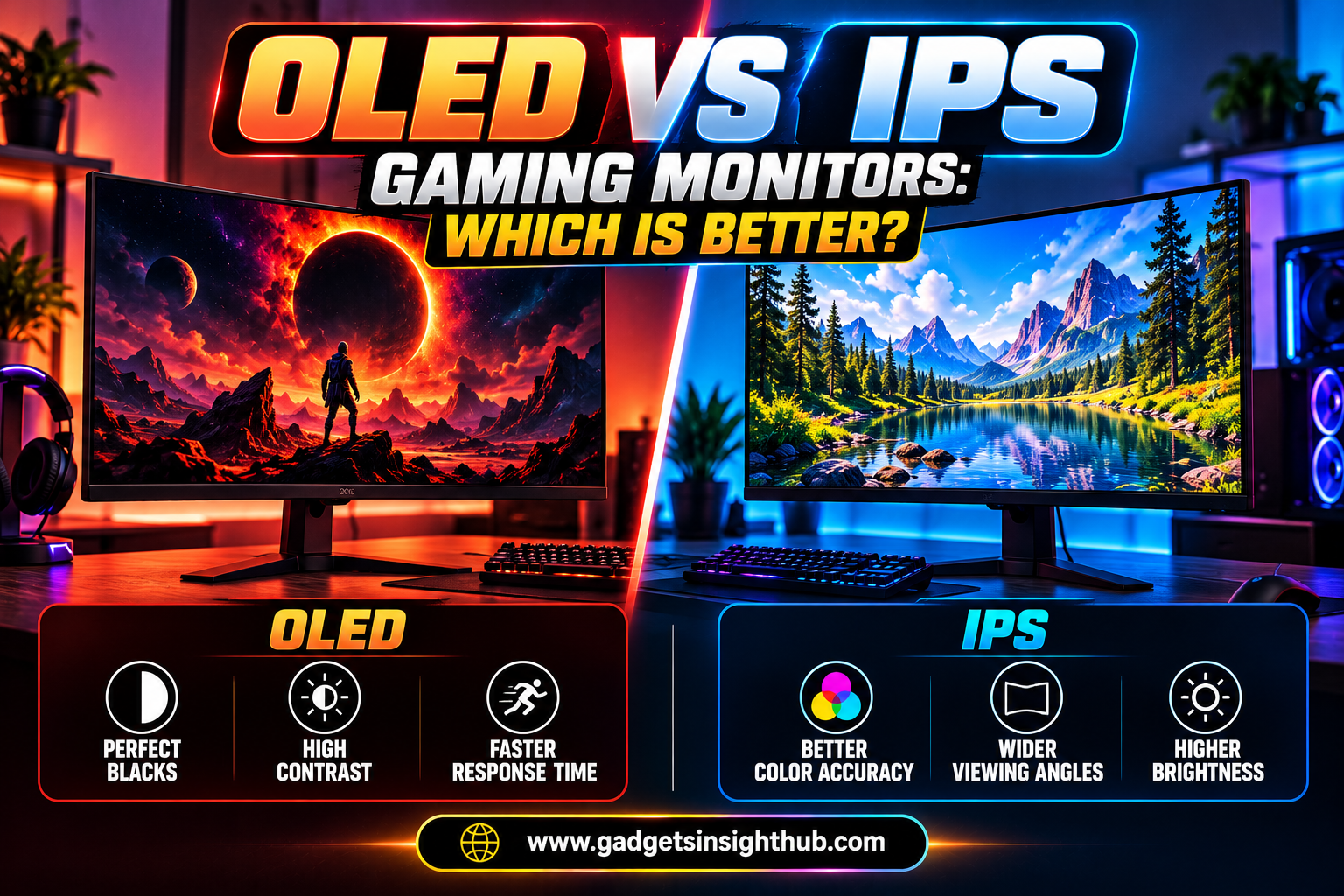
Higher refresh rates are useful, but resolution and panel quality also matter. A balanced monitor that matches the PC’s capabilities often provides better value than one selected solely for its refresh rate.
6. Advanced Graphics Processing Units
Graphics processing units, or GPUs, remain central to PC gaming. They render three-dimensional environments, process visual effects, and determine how well a system handles demanding games.
Modern GPUs combine traditional rendering hardware with specialized components for tasks such as ray tracing and AI-assisted graphics. Higher memory capacity and bandwidth can also help with detailed textures and demanding resolutions.
These improvements allow developers to build more complex environments and deliver better visual effects. Gamers can choose between higher frame rates, improved image quality, and increased resolution depending on their hardware.
However, powerful graphics cards can be expensive and may require more electricity and cooling. Compatibility with the power supply, case dimensions, and cooling system should be considered before upgrading.
For many players, the best upgrade is not necessarily the most expensive GPU. Choosing a card suited to the games, resolution, and refresh rate they actually use is more practical.
7. Spatial Audio and 3D Sound
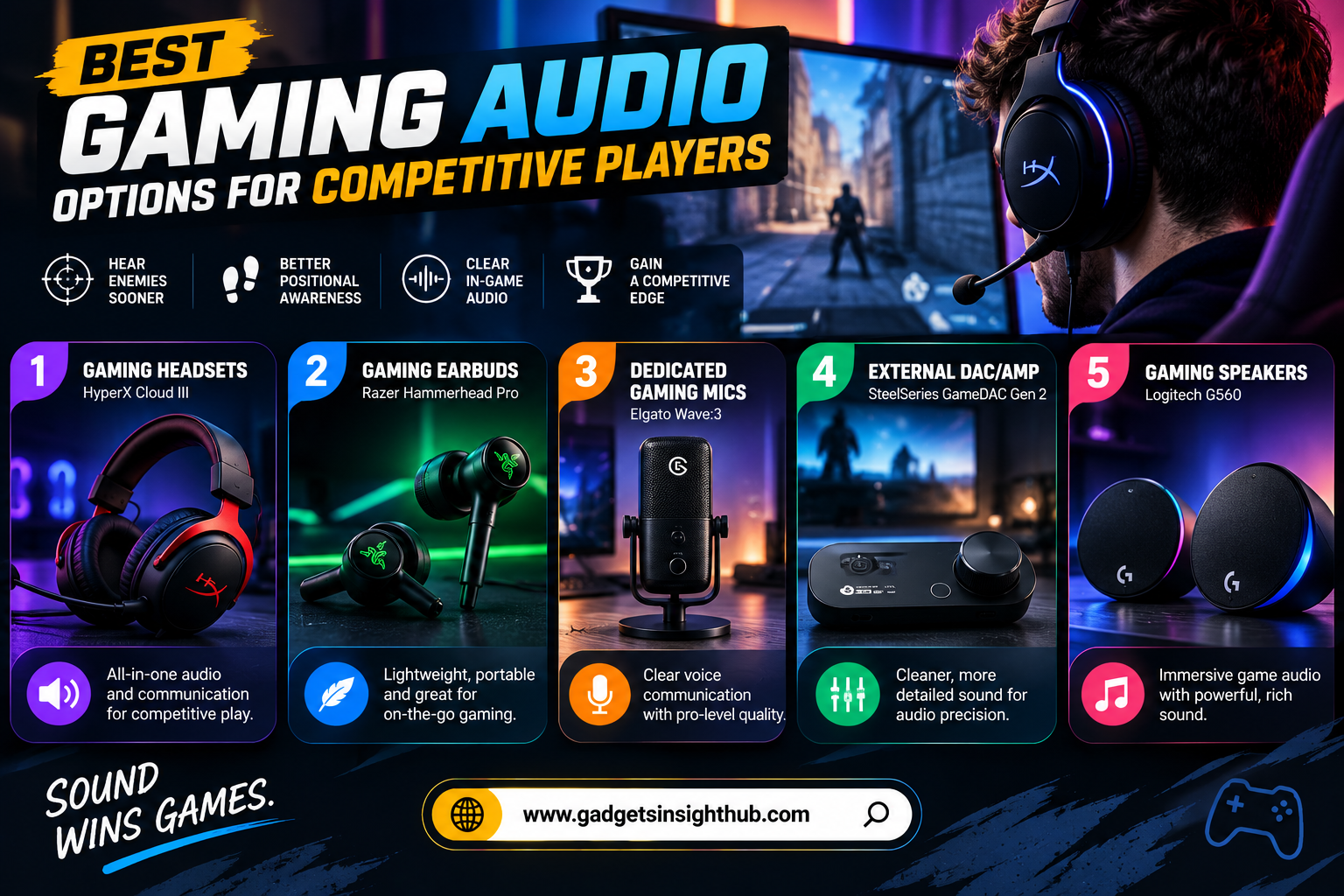
Audio technology plays an important role in immersion and competitive awareness. Spatial audio systems attempt to reproduce the direction and distance of sounds, helping players understand where events are happening in a virtual environment.
In compatible games, spatial audio can make footsteps, distant movement, and environmental effects easier to distinguish. It can also improve the sense of space in cinematic adventures and exploration games.
Some systems use software processing to create virtual surround sound through standard headphones. Others rely on game engines and audio formats designed to represent sound in three dimensions.
The quality of the result depends on the game, headphones, software, and individual listening preferences. Virtual surround sound is not automatically better than a well-designed stereo mix.
A comfortable headset with clear audio can provide excellent results without expensive extras. Players should experiment with audio settings to determine which configuration works best for their games.
8. Liquid Cooling and Improved Thermal Management
Modern processors and graphics cards can generate substantial heat during demanding gaming sessions. Effective cooling helps maintain performance and prevent excessive temperatures.
Air cooling uses heatsinks and fans to move heat away from components. Liquid cooling transfers heat through a liquid-filled system, often using a radiator to release it into the surrounding air.
All-in-one liquid coolers can provide effective cooling for compatible CPUs, while custom liquid-cooling loops offer more extensive customization at greater cost and complexity.
Good thermal management can help components maintain their intended operating performance. It may also reduce distracting fan noise when a cooling system is properly designed.
Liquid cooling is not necessary for every gaming PC. A quality air cooler may provide excellent performance at a lower price and with fewer potential maintenance concerns.
The best solution depends on component power consumption, case airflow, noise preferences, and budget.
9. Cloud Gaming and Remote Play
Cloud gaming allows supported games to run on remote servers, with video streamed to a player’s device. This can reduce the need for expensive local hardware, provided the service supports the desired games.
Remote play offers a related experience by streaming games from a player’s own gaming computer or console to another compatible device.
These technologies can make gaming more flexible. Players may be able to access games on laptops or other devices without installing every title locally.
However, cloud gaming depends heavily on internet quality. Network latency, bandwidth limitations, and connection instability can affect responsiveness and image quality.
Competitive games are particularly sensitive to additional latency, while slower-paced games may be more forgiving.
Cloud services also have limitations involving subscriptions, game availability, regional support, and ownership rights. They are useful alternatives for some players, but they do not replace a powerful local PC in every situation.
10. Virtual Reality and Immersive Gaming
Virtual reality uses headsets and motion-tracking systems to place players inside computer-generated environments. Instead of viewing a game through a conventional monitor, users can look around a virtual world by moving their heads.
Compatible controllers can track hand movements, allowing players to interact with objects and perform actions more naturally.
VR can create compelling experiences in flight simulators, racing games, exploration titles, and dedicated virtual reality adventures. Improved displays, tracking systems, and rendering techniques continue to expand its potential.
However, VR requires compatible hardware and suitable software. Headset comfort, motion sensitivity, room space, and the processing power required for smooth performance are important considerations.
Not every PC game benefits from virtual reality, and many popular titles still work best with a traditional monitor and keyboard or controller.
For players interested in more immersive interaction, VR offers a distinctive way to experience digital environments.
Conclusion
Gaming technology is transforming PC gaming through improvements in graphics, performance, storage, audio, cooling, and interaction. AI-assisted rendering can improve visual performance, ray tracing creates more realistic lighting, and NVMe SSDs help reduce loading times. High-refresh-rate displays, spatial audio, and VR offer additional ways to improve responsiveness and immersion.
These technologies do not all provide the same benefits, and many require compatible hardware or software. Their value depends on the games you play, your budget, and the performance you expect from your computer.
The smartest approach is to upgrade according to your actual needs. A balanced gaming PC with suitable graphics performance, fast storage, effective cooling, and a good monitor can provide an excellent experience without requiring every new technology.