Introduction
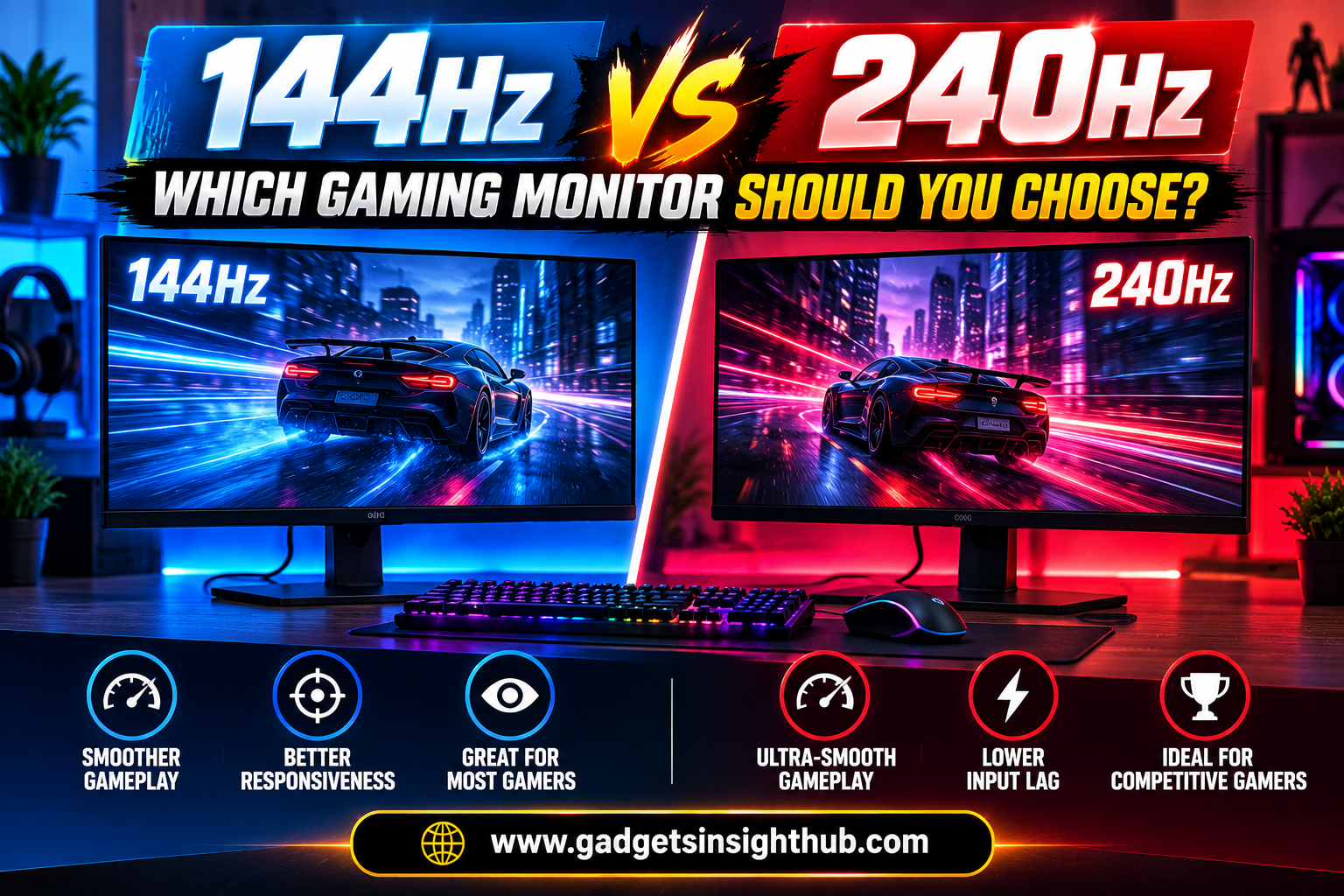
Choosing the right gaming monitor can improve your gaming experience, especially when you play fast-paced titles that demand quick reactions. Two popular refresh rates are 144Hz and 240Hz. Both offer smoother motion than traditional 60Hz displays, but they differ in how frequently they update the image on the screen.
A 144Hz monitor can provide excellent performance for most gamers, while a 240Hz monitor may offer an advantage for competitive players who prioritize speed and responsiveness. However, the best option depends on your gaming style, graphics card, budget, and the frame rates your computer can consistently achieve.
Understanding the differences will help you decide whether upgrading to 240Hz is worthwhile or whether 144Hz already provides everything you need.
What Does Refresh Rate Mean?
Refresh rate refers to how many times a monitor updates its image every second. It is measured in hertz, abbreviated as Hz.
A 144Hz monitor refreshes the image up to 144 times per second, while a 240Hz monitor can refresh it up to 240 times per second.
A higher refresh rate can make movement appear smoother, particularly when objects move quickly across the screen. It can also reduce the time between display updates, which may help competitive players respond to changing situations.
However, refresh rate and frame rate are different. Refresh rate describes the monitor’s capabilities, while frame rate measures how many frames the computer generates each second.
To benefit fully from a 240Hz display, your PC needs to produce high frame rates in the games you play. If your system struggles to maintain those frame rates, the practical difference may be smaller.
144Hz Gaming Monitors: Advantages and Limitations
A 144Hz monitor is a strong choice for gamers who want smooth performance without spending excessively on their display.
Advantages of 144Hz
Smooth gameplay: Moving from 60Hz to 144Hz can make camera movements, character animations, and mouse movements appear noticeably smoother.
Good value: Many 144Hz monitors are available at accessible prices, leaving more money for a capable graphics card or other gaming accessories.
Manageable hardware requirements: Achieving high frame rates at 144Hz is generally easier than maintaining 240 frames per second. This makes 144Hz suitable for a wider range of gaming PCs.
Versatile performance: A 144Hz monitor works well for competitive shooters, racing games, action adventures, and general computer use.
Limitations of 144Hz
Although 144Hz is smooth, it does not update as frequently as 240Hz. Competitive players who consistently achieve very high frame rates may notice a difference when moving to a faster display.
Some 144Hz monitors also have slower pixel response times than premium gaming displays. Refresh rate alone does not determine motion clarity, so panel performance matters too.
Overall, 144Hz remains an excellent option for casual gamers, enthusiasts, and players who want a balanced combination of performance and affordability.
240Hz Gaming Monitors: Advantages and Limitations
A 240Hz monitor is designed for players who want an even higher refresh rate, particularly in competitive games.
Advantages of 240Hz
Smoother motion: When the computer supplies enough frames, a 240Hz display can show motion more frequently than a 144Hz monitor.
Lower refresh intervals: A 144Hz monitor has a refresh interval of approximately 6.94 milliseconds. A 240Hz monitor reduces this to approximately 4.17 milliseconds.
Competitive potential: Players in fast-paced shooters may benefit from clearer motion and more frequent visual updates, particularly when combined with a high frame rate and responsive input devices.
More headroom for high frame rates: A 240Hz display can take better advantage of a powerful PC that regularly produces more than 144 frames per second.
Limitations of 240Hz
The main disadvantage is cost. Depending on resolution and panel technology, 240Hz monitors may cost more than comparable 144Hz models.
Your PC also needs sufficient processing power to generate high frame rates. Demanding games may not consistently reach 240 FPS, even on powerful systems.
Additionally, the improvement from 144Hz to 240Hz is generally less dramatic than the improvement from 60Hz to 144Hz. Casual players may find the extra expense difficult to justify.
144Hz vs 240Hz: Key Differences
| Feature | 144Hz Monitor | 240Hz Monitor |
|---|---|---|
| Refresh rate | 144 updates per second | 240 updates per second |
| Refresh interval | 6.94 ms | 4.17 ms |
| Motion smoothness | Very smooth | Potentially smoother |
| Ideal frame rate | Up to 144 FPS for full refresh utilization | Up to 240 FPS for full refresh utilization |
| Hardware demands | Generally easier to meet | Higher for consistent maximum performance |
| Typical cost | Often more affordable | Can cost more |
| Best suited for | Most gamers | Competitive enthusiasts |
The table describes refresh-rate capabilities rather than guaranteed gaming performance. Response time, input latency, resolution, and frame-rate consistency also affect the experience.
Which Monitor Is Better for Competitive Gaming?
For competitive gaming, 240Hz can be beneficial when your PC consistently produces high frame rates.
In first-person shooters such as Counter-Strike 2 and Valorant, players often value fast visual updates, responsive controls, and clear movement. A 240Hz monitor can provide more frequent updates than a 144Hz display, which may help players track moving targets.
However, a higher refresh rate does not automatically make someone a better player. Aim, positioning, game knowledge, and practice remain essential.
A high-quality 144Hz monitor can still perform very well for competitive gaming, particularly when paired with a responsive mouse and a stable frame rate.
If you are serious about competition and already have a powerful gaming PC, 240Hz is worth considering. If your system struggles to exceed 144 FPS, improving performance or choosing a suitable monitor resolution may provide better value.
Which Monitor Is Better for Casual Gaming?
For casual gaming, 144Hz is often the more sensible choice.
Players who enjoy open-world adventures, role-playing games, sports games, and single-player campaigns can benefit from smooth motion without necessarily needing 240Hz.
Many visually demanding games prioritize detailed graphics and complex environments. In these situations, maintaining a stable frame rate may matter more than reaching 240 FPS.
A 144Hz monitor can also leave more room in your budget for a better graphics card, additional storage, or a quality headset.
If you mainly play for entertainment rather than competitive rankings, a well-designed 144Hz monitor can offer an excellent balance of performance and cost.
Does Resolution Matter When Choosing 144Hz or 240Hz?
Yes. Resolution affects image detail and the amount of work required from your graphics card.
A Full HD monitor has a resolution of 1920 × 1080. It is generally less demanding to run at high frame rates, making it attractive for competitive gaming.
A QHD monitor, commonly called 1440p, offers a resolution of 2560 × 1440. It provides sharper images while maintaining a manageable workload for many modern graphics cards.
A 4K monitor displays 3840 × 2160 pixels, delivering greater detail but requiring considerably more graphics performance to reach very high frame rates in demanding games.
A 240Hz Full HD monitor may suit competitive players who prioritize maximum frame rates. A 144Hz or 165Hz 1440p display may be a better overall choice for gamers who want both visual detail and smooth performance.
Always consider resolution and refresh rate together rather than choosing a monitor based on Hz alone.
Other Features to Consider
Refresh rate is important, but it should not be your only purchasing criterion.
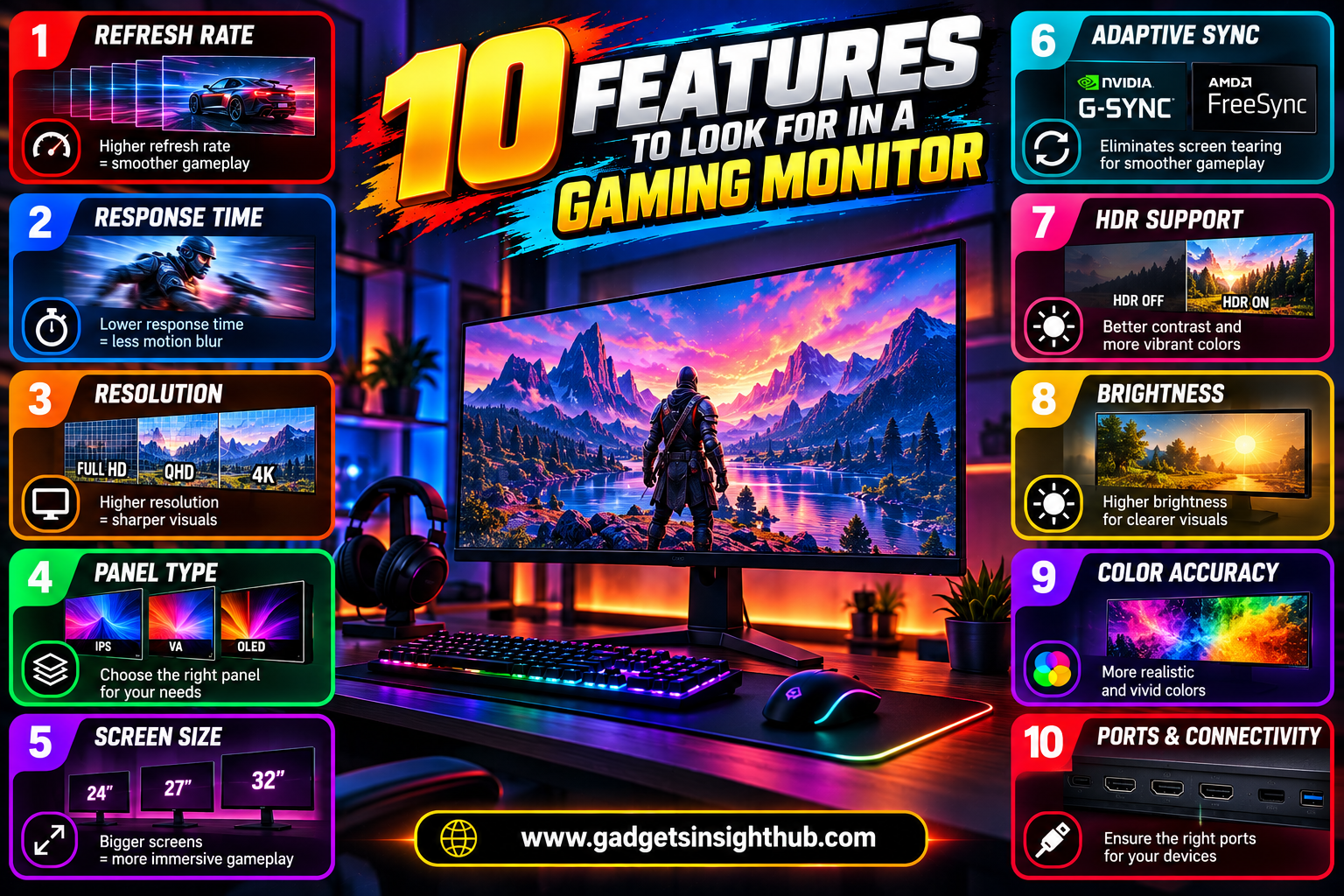
Response time: Faster pixel transitions can reduce visible ghosting. Advertised response times do not always reflect real-world performance, so independent testing can be helpful.
Adaptive sync: Technologies such as AMD FreeSync and NVIDIA G-SYNC-compatible operation can reduce screen tearing and help smooth variable frame rates on supported systems.
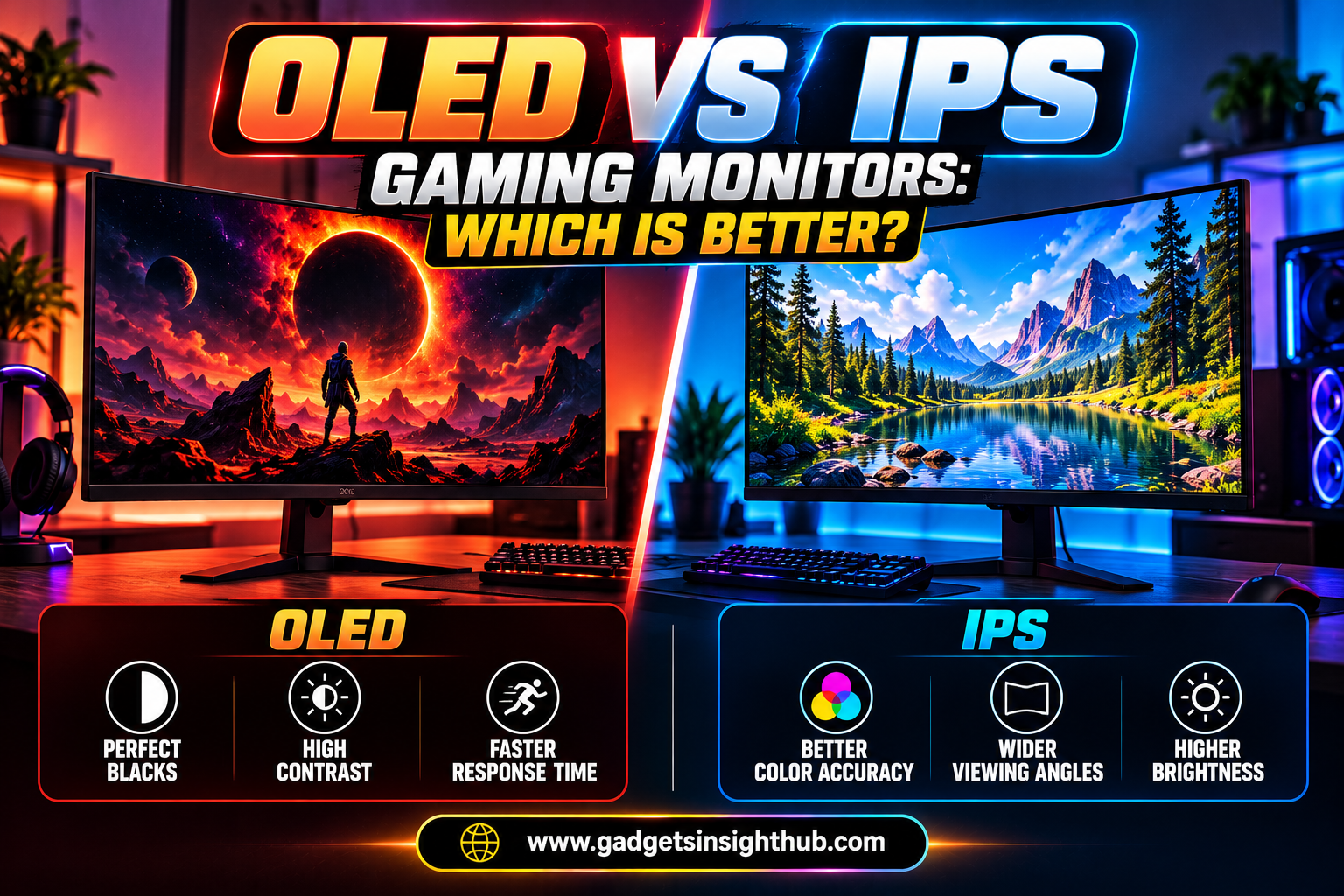
Panel technology: IPS panels generally provide balanced colors and wide viewing angles. OLED displays offer excellent contrast and very fast pixel response, although pricing and burn-in considerations vary.
Screen size: A 24- or 25-inch display is popular for competitive Full HD gaming, while 27-inch monitors are common for 1440p.
Connectivity: Check that the monitor’s ports support your desired resolution and refresh rate. Your graphics card and cable must also support the required bandwidth.
How to Decide Based on Your PC
Before buying, check the frame rates your computer achieves in your favorite games.
If your system regularly delivers 100–144 FPS, a 144Hz monitor is a practical match. If it consistently produces 180–240 FPS or more in competitive titles, a 240Hz monitor can make better use of that performance.
You do not need to reach the monitor’s maximum refresh rate in every game to benefit from it. Nevertheless, stable performance is important, and a higher refresh rate cannot compensate for severe frame-time inconsistency.
Consider your budget as well. A 144Hz monitor with better colors, contrast, resolution, and response performance may be a better purchase than a low-quality 240Hz model.
Conclusion
Both 144Hz and 240Hz gaming monitors can provide excellent performance, but they serve slightly different priorities.
A 144Hz monitor is ideal for most gamers because it delivers smooth gameplay, works well with a broad range of hardware, and often costs less. A 240Hz monitor is more attractive to competitive players who own powerful PCs and regularly achieve very high frame rates.
Before choosing, consider your favorite games, graphics card, preferred resolution, and budget. If you mainly enjoy casual gaming or visually rich adventures, 144Hz is likely sufficient. If you compete seriously in fast-paced shooters and want every reasonable performance advantage, 240Hz may be worth the investment.
Ultimately, the best monitor is the one that balances smooth performance, image quality, and affordability for your particular setup.