Introduction
A good gaming setup is about more than a powerful PC or console. The right accessories can improve comfort, reduce distractions, organize your desk, and make games more enjoyable. Whether you play competitive shooters, racing games, role-playing adventures, or casual multiplayer titles, carefully chosen equipment can help you get more from your gaming space.
Gaming accessories are available at different prices, from affordable mouse pads and headset stands to premium monitors and ergonomic chairs. You do not need to purchase everything at once. Start with accessories that address your biggest needs, then upgrade as your setup develops.
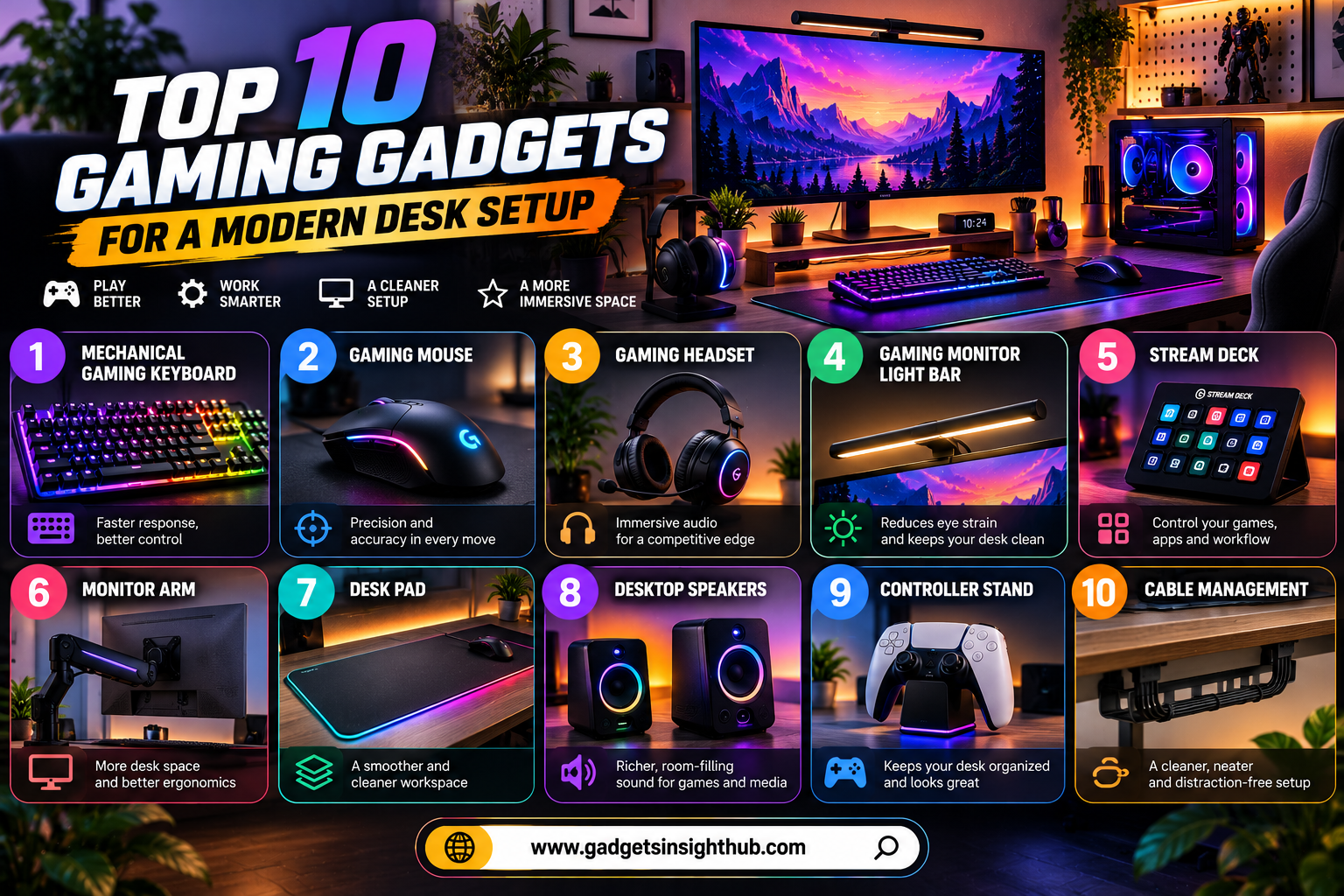
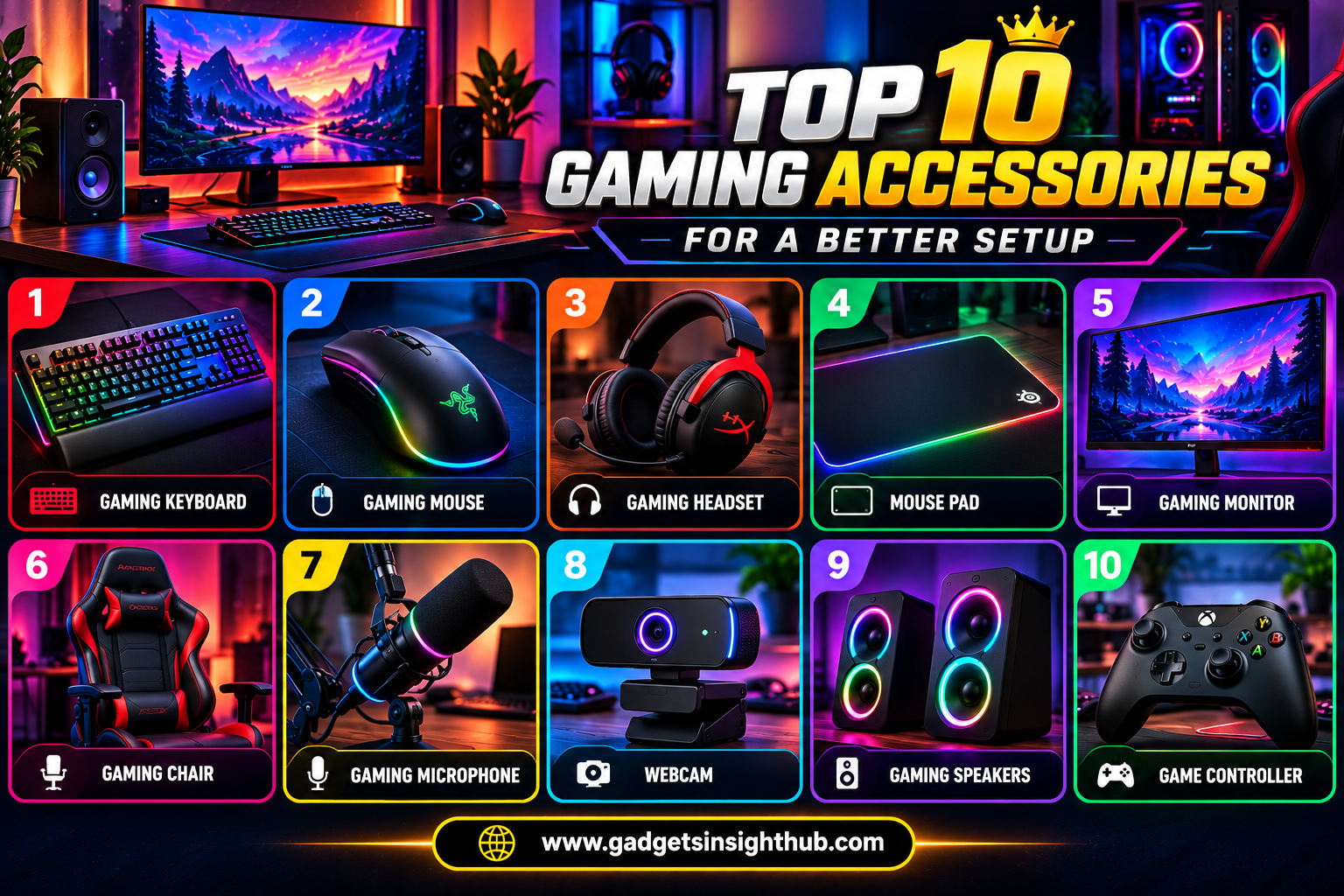
Here are ten gaming accessories worth considering for a better gaming experience.
1. Gaming Headset
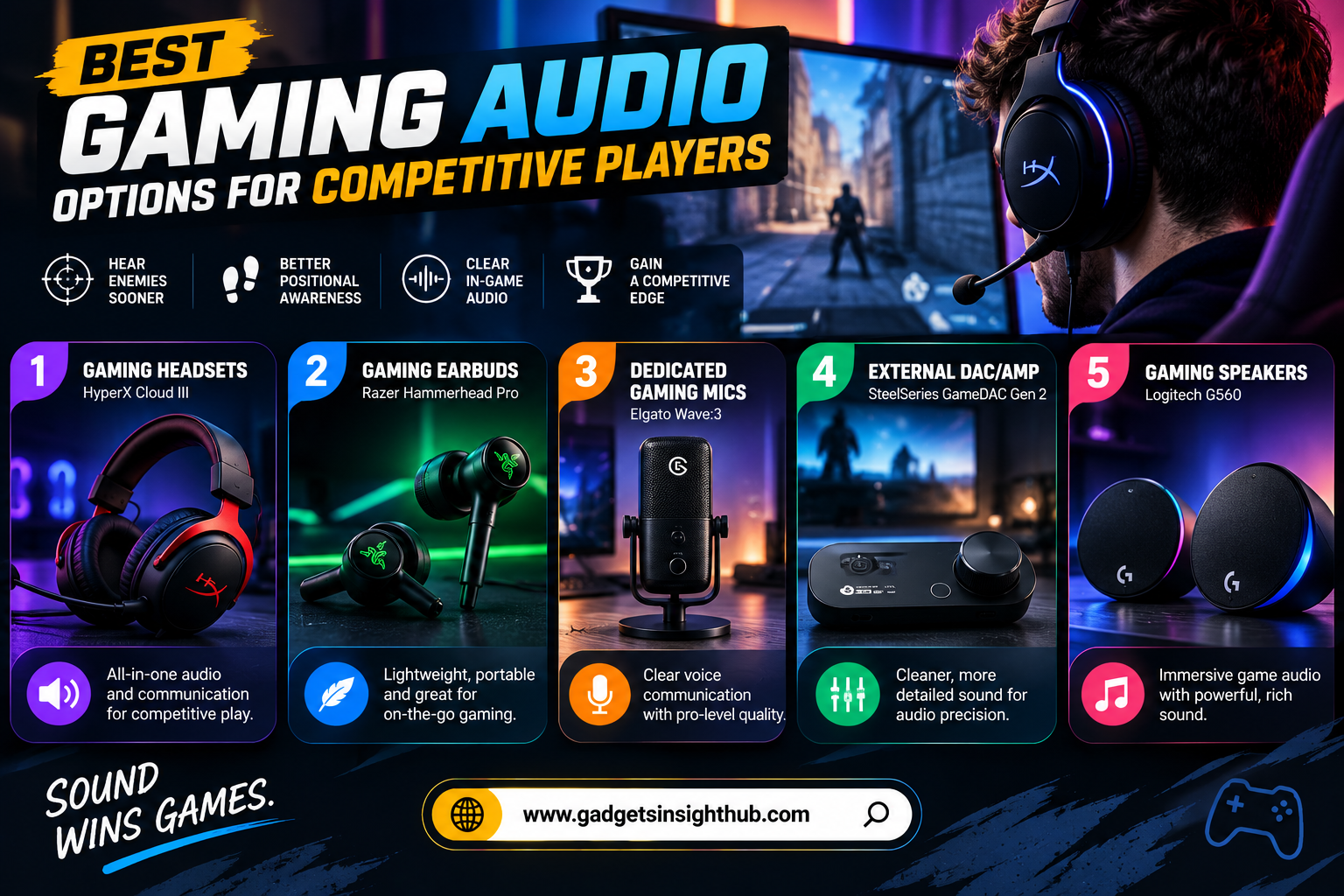
A quality gaming headset helps you hear environmental details, communicate with teammates, and enjoy immersive sound effects. Clear audio can be especially useful in competitive games where footsteps, distant movement, and directional cues provide valuable information.
Look for a headset with comfortable ear cushions, a suitable microphone, and sound quality that matches your gaming preferences. Closed-back designs can help reduce surrounding noise, while some open-back models provide a more spacious listening experience.
Wired headsets are convenient because they do not require charging. Wireless models offer greater freedom of movement and help reduce cable clutter.
Choose a model compatible with your gaming platform. Features such as surround sound, active noise cancellation, and customizable equalizers can be useful, but they should not outweigh comfort and reliable audio performance.
2. Mechanical Gaming Keyboard
A mechanical keyboard can provide responsive key presses, consistent feedback, and customization options. Individual mechanical switches offer different typing experiences, allowing gamers to choose between smooth linear movement, tactile feedback, or audible clicks.
Competitive players often prefer compact layouts because they leave more room for mouse movement. Full-size keyboards, however, retain the number pad and may be more convenient for productivity and everyday computer use.
Additional features can include programmable keys, RGB lighting, onboard profiles, and removable cables. Some advanced keyboards also support adjustable actuation, allowing users to customize how far a key must travel before registering an input.
Before buying, consider switch type, layout, noise level, and comfort. An expensive keyboard is not essential for good gaming performance; a reliable model that suits your hands and desk is often sufficient.
3. High-Quality Gaming Mouse
A gaming mouse is especially important for PC players who rely on precise aiming and quick movements. Modern models offer accurate optical sensors, adjustable sensitivity, programmable buttons, and lightweight designs.
Competitive shooter players often prefer lightweight mice that are easy to reposition. Players who enjoy strategy games or titles with many commands may benefit from additional programmable buttons.
Wired mice avoid battery charging, while wireless models offer more freedom of movement. Modern gaming wireless technology can provide highly responsive performance when properly configured.
Pay attention to shape and size, as these affect comfort and control. Palm, claw, and fingertip grips place the hand differently on the mouse, so the most suitable design depends on your preferences.
A comfortable mouse with reliable tracking is generally more valuable than one with extremely high advertised sensitivity that you may never use.
4. Large Gaming Mouse Pad
A mouse pad provides a consistent surface for tracking and can help protect your desk from scratches. Larger gaming mouse pads offer enough room for both the keyboard and mouse, creating a unified workspace.
Different surfaces provide different levels of friction. Speed-oriented surfaces allow the mouse to glide easily, while control-oriented surfaces offer more resistance for precise movements.
A stitched edge can help reduce fraying, and a non-slip rubber base keeps the pad stable during intense gaming sessions. Some models also feature water-resistant coatings that make cleaning easier.
Choose a size that fits your desk and preferred mouse sensitivity. Players who use low sensitivity often benefit from a larger pad because they need more physical room to move the mouse.
Regular cleaning helps maintain consistent tracking and prevents dust from building up.
5. Gaming Monitor
A suitable monitor can improve image clarity, responsiveness, and immersion. Its importance depends on the games you play and the performance your computer can deliver.
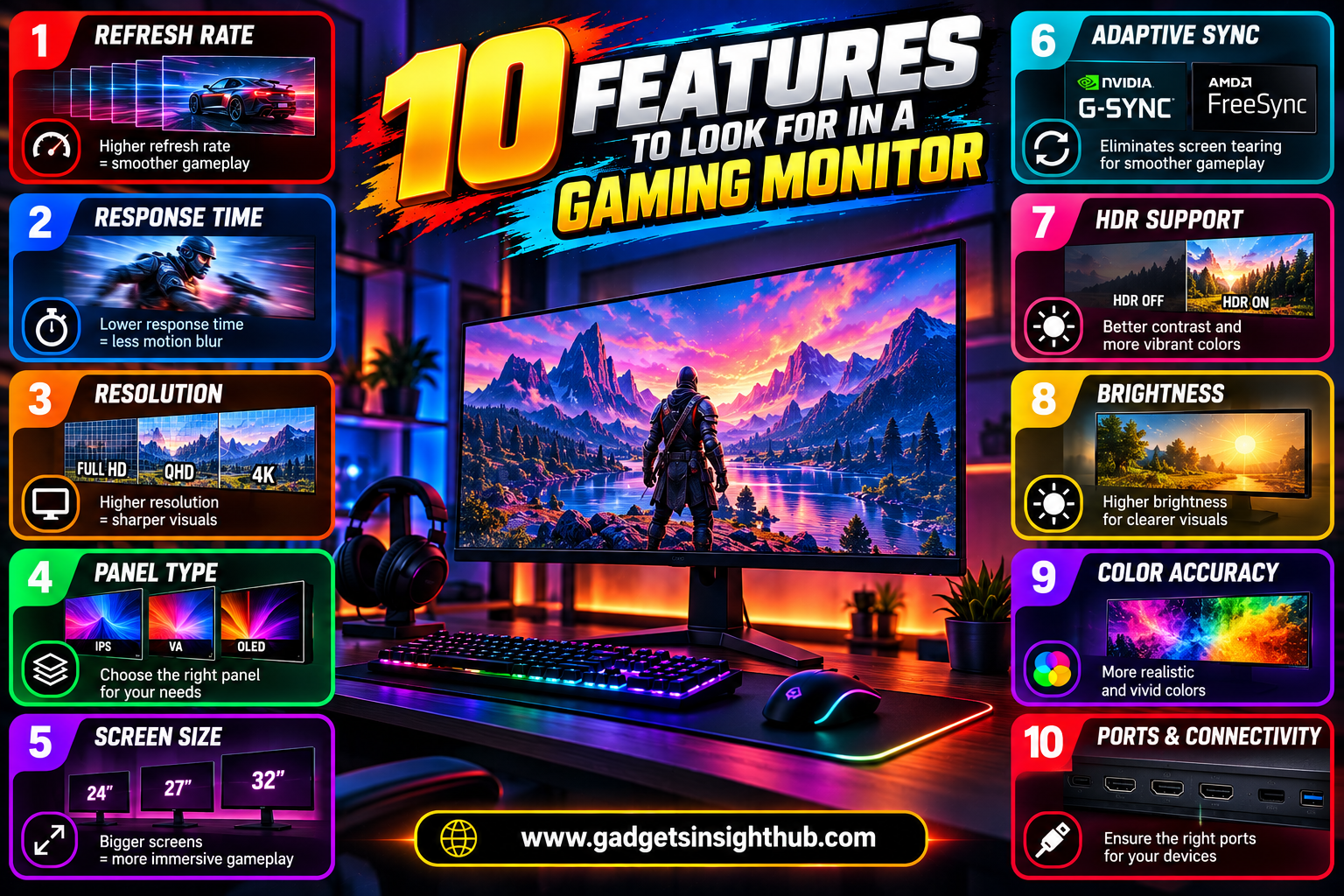
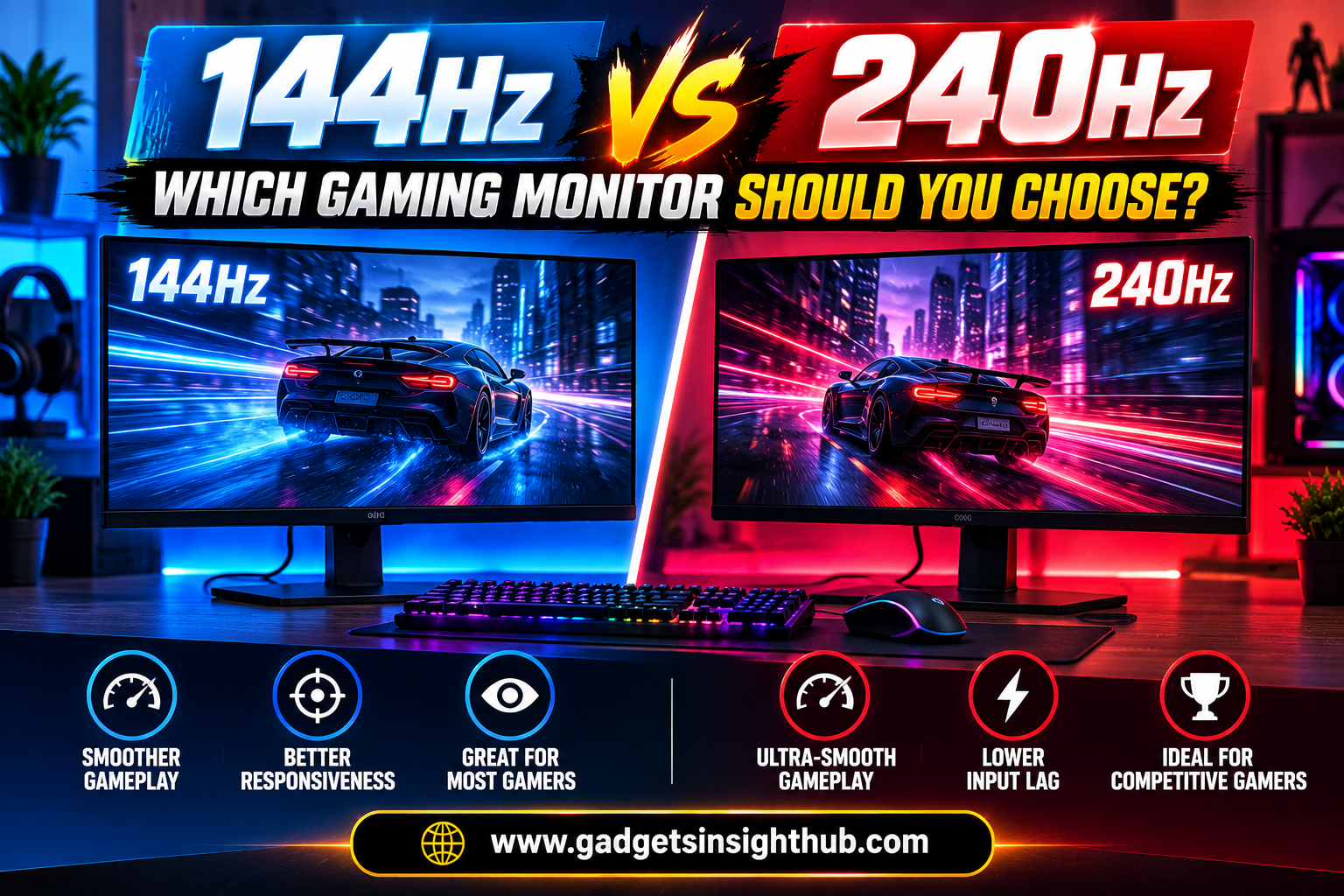
For competitive gaming, a monitor with a refresh rate of 144Hz or higher can provide smoother motion than a conventional 60Hz display. A 1440p monitor offers a balance between image detail and graphics performance, while 4K displays provide sharper visuals but demand more from the graphics card.
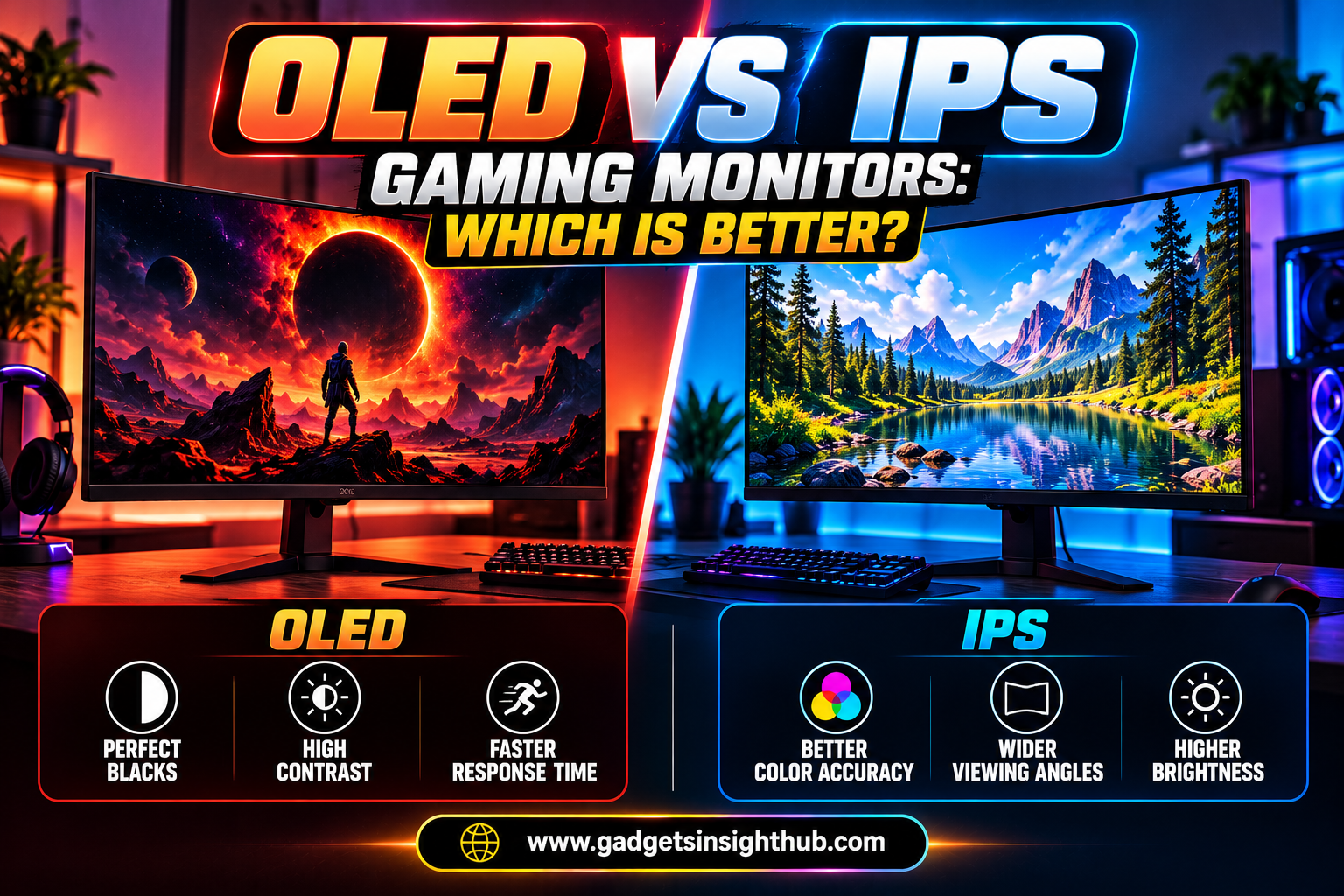
Panel technology also matters. IPS displays generally provide balanced colors and viewing angles, while OLED monitors offer deep blacks and excellent contrast.
Check response time, adaptive-sync support, connectivity, and stand adjustability before purchasing. Your graphics card should be capable of producing suitable frame rates for the monitor you choose.
A well-matched monitor can improve your experience more than upgrading to a display with specifications your system cannot fully support.
6. Ergonomic Gaming Chair
An ergonomic chair can make long gaming sessions more comfortable by providing suitable support and adjustment options.
Look for adjustable seat height, supportive backrest design, stable armrests, and a seat that fits your body. Lumbar support can help you maintain a more comfortable sitting position, although individual needs vary.
Gaming chairs often feature racing-inspired designs, but appearance should not be the main consideration. A well-designed office chair may provide better support for some users, especially if they also work at a computer throughout the day.
Take regular breaks and change positions instead of remaining seated for hours without movement. Even a supportive chair cannot replace good posture habits and regular activity.
Choose a chair based on comfort, adjustability, durability, and budget rather than decorative features alone.
7. Gaming Desk
A gaming desk provides the foundation for your entire setup. A suitable desk should offer enough room for your monitor, keyboard, mouse, headset, and other equipment without making the space feel crowded.
Before buying, measure the available room and check the desk’s width, depth, and height. A deeper surface can help position a monitor at a comfortable viewing distance, while a wider desk provides additional space for accessories.
Cable-management openings, trays, and hooks can keep wires organized. Some desks also offer adjustable height, allowing users to alternate between sitting and standing.
Stability is essential because a desk that moves during gaming can be distracting. Consider the weight capacity if you plan to use multiple monitors or heavy equipment.
The best desk is one that supports your equipment, fits your space, and helps you maintain a comfortable working position.
8. Microphone for Streaming and Communication
A dedicated microphone can improve voice clarity during multiplayer gaming, streaming, podcasting, and online meetings.
USB microphones are often convenient for beginners because they connect directly to a computer without requiring additional audio equipment. More advanced microphones may offer greater control over sound capture but can require additional setup.
Consider microphone placement, background noise, and room acoustics. A microphone positioned close to your mouth can often produce clearer speech than one placed far away, even when the microphone itself is expensive.
A boom arm can free up desk space and make positioning easier. A pop filter or windscreen can also reduce certain unwanted vocal sounds.
If you mainly play casually, a good headset microphone may be sufficient. A dedicated microphone becomes more useful when voice quality is a priority.
9. Headset Stand and Cable Management Accessories
Small accessories can make a gaming setup cleaner and more convenient. A headset stand keeps headphones off the desk, reducing clutter and helping prevent accidental damage.
Cable clips, reusable ties, sleeves, and under-desk trays can organize charging cables, display cables, and peripheral connections. This makes cleaning easier and reduces the chance of accidentally pulling a cable.
Some headset stands include USB ports or lighting, but these extras are optional. A simple, stable stand can perform the basic job effectively.
When organizing cables, avoid sharp bends and ensure that power connections remain accessible. Keep wires away from chair wheels and other moving parts.
These accessories are relatively inexpensive, yet they can make a desk look more organized and easier to maintain.
10. Surge Protector or Uninterruptible Power Supply
Power protection is an often-overlooked part of a gaming setup. A suitable surge protector can help protect connected equipment against certain voltage spikes, depending on its design and rating.
An uninterruptible power supply, or UPS, goes further by providing temporary battery power during a power interruption. This can give you time to save work and shut down a computer safely.
A UPS may be particularly useful in areas where power interruptions are common. Choose one with sufficient capacity for the equipment you intend to connect, considering the power requirements of your PC, monitor, and other devices.
Not every UPS can support a high-powered gaming computer for long periods. Its runtime depends on the load and battery capacity.
Avoid overloading outlets or using damaged power accessories. Good power management helps support a safer and more reliable gaming environment.
How to Prioritize Your Gaming Accessories
You do not need to buy all ten accessories immediately. Prioritize purchases according to your current setup.
- For competitive PC gaming: Focus on a responsive mouse, suitable mouse pad, mechanical keyboard, and high-refresh-rate monitor.
- For comfort: Start with an ergonomic chair, a properly sized desk, and suitable monitor positioning.
- For multiplayer and streaming: Consider a quality headset or dedicated microphone.
- For organization and reliability: Add cable-management accessories and appropriate power protection.
Set a budget before shopping and compare products based on practical features rather than appearance alone. Compatibility, comfort, durability, and ease of use should guide your decisions.
Conclusion
The right gaming accessories can improve comfort, performance, organization, and immersion. A quality headset, responsive keyboard, accurate mouse, large mouse pad, and suitable monitor form a strong foundation for many PC gaming setups. An ergonomic chair and spacious desk can make long sessions more comfortable, while a microphone, cable-management tools, and power protection add convenience and reliability.
The best approach is to upgrade gradually. Identify what limits your current setup, choose accessories that solve those problems, and avoid spending money on features you do not need. A balanced, comfortable gaming space can provide a better experience than an expensive setup filled with unnecessary equipment.