Gaming hardware continues to evolve as manufacturers develop faster processors, more powerful graphics cards, advanced displays, and innovative accessories. These improvements are changing how players experience modern games, from realistic visuals and smoother gameplay to portable gaming and more immersive environments.
For casual players, competitive gamers, and PC enthusiasts, understanding emerging hardware trends can help them make informed purchasing decisions. Instead of upgrading every component whenever a new product launches, players can focus on technologies that provide meaningful improvements in performance, comfort, and value.
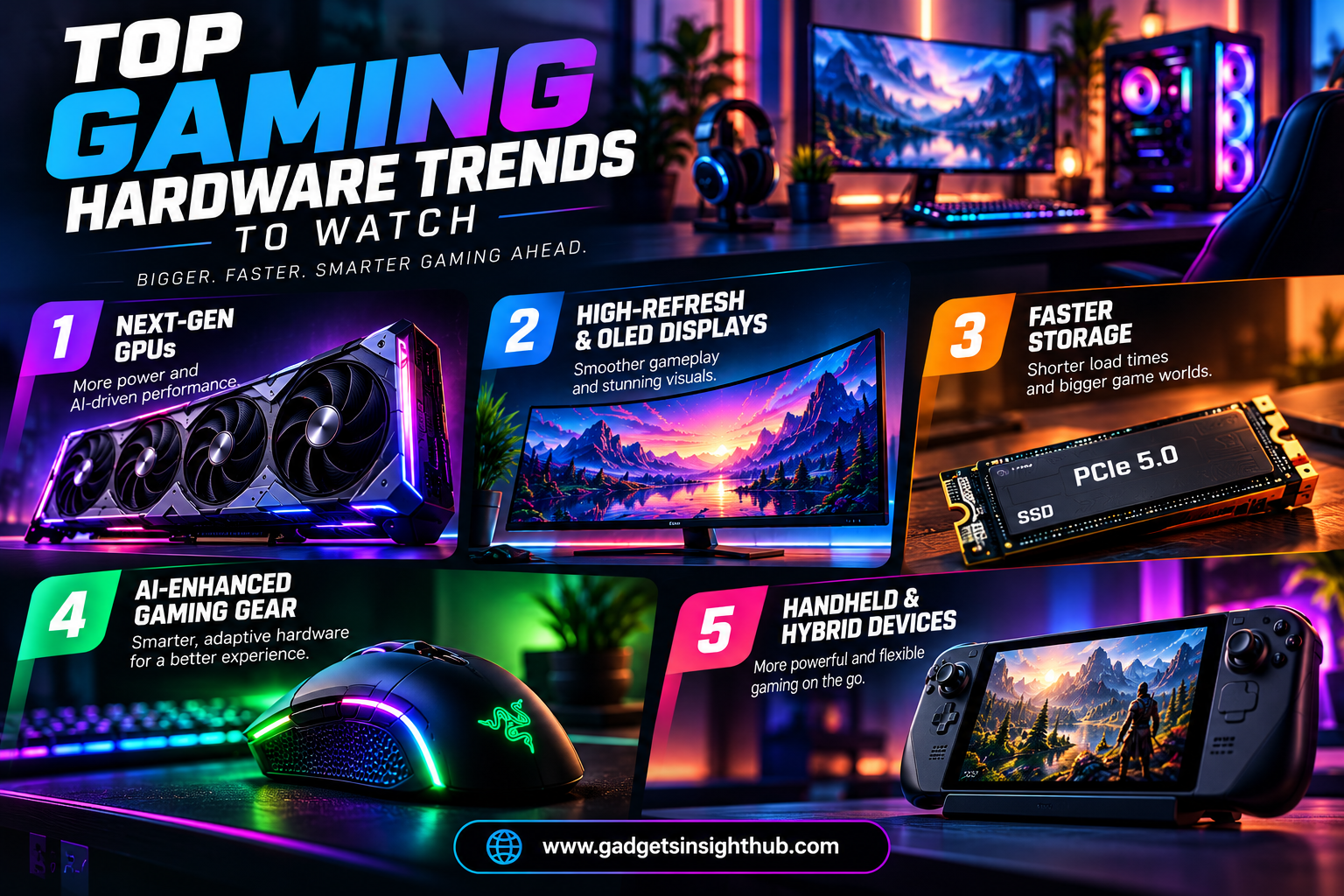
Here are the top gaming hardware trends worth watching as the industry continues to develop.
1. Next-Generation Graphics Cards
Graphics processing units remain among the most important components in gaming hardware. They determine how effectively a computer renders detailed environments, realistic lighting, complex textures, and high-resolution images.
Modern graphics cards increasingly focus on advanced rendering techniques, improved power efficiency, and specialized processing for artificial intelligence. These capabilities can help supported games deliver more detailed visuals while maintaining playable frame rates.
Ray tracing is another important development. It simulates how light interacts with surfaces, creating more realistic reflections, shadows, and illumination. However, these effects require substantial processing power, making hardware performance and optimization essential.
Players should also consider video memory, cooling systems, power consumption, and display compatibility when choosing a graphics card. The most expensive model is not necessarily the best purchase for every user.
As graphics technology advances, the biggest benefit will come from balancing visual improvements with consistent performance and reasonable hardware costs.
2. Artificial Intelligence in Gaming Hardware
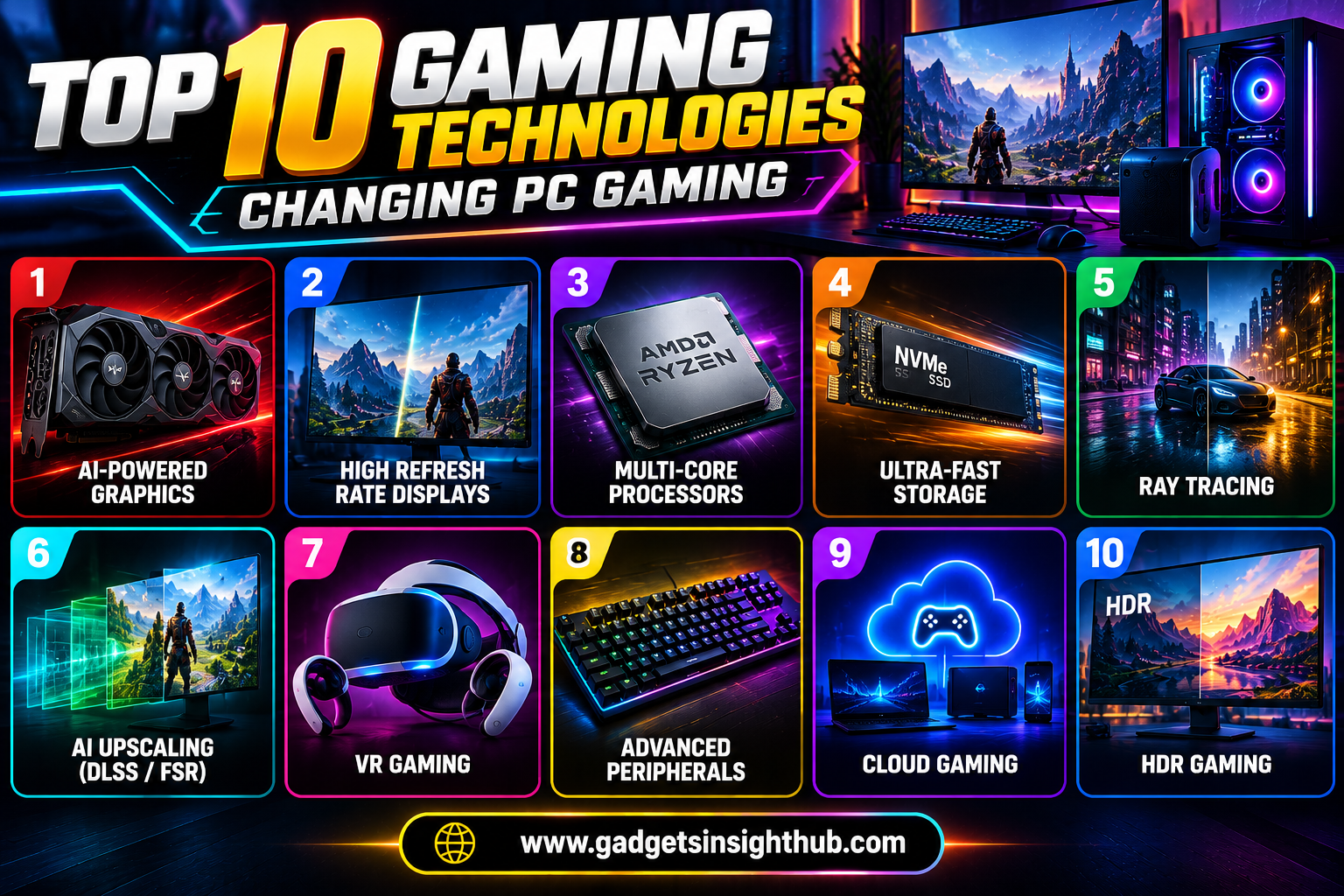
Artificial intelligence is becoming increasingly important in gaming hardware. Manufacturers are incorporating specialized processing capabilities that support features such as image upscaling, frame generation, noise reduction, and improved visual rendering.
AI-powered upscaling can render a game at a lower internal resolution and reconstruct a sharper image. When implemented effectively, this approach can improve performance without requiring the graphics card to render every pixel at the final display resolution.
Frame generation creates additional frames using specialized techniques, potentially making gameplay appear smoother. However, generated frames do not always provide the same responsiveness as traditionally rendered frames, so players should evaluate both frame rate and input latency.
AI can also improve microphone noise suppression, webcam quality, and background processing during streaming.
These features may become increasingly common across gaming computers, laptops, consoles, and accessories. Players should compare real-world results rather than relying exclusively on advertised AI capabilities.
3. High-Refresh-Rate Gaming Monitors
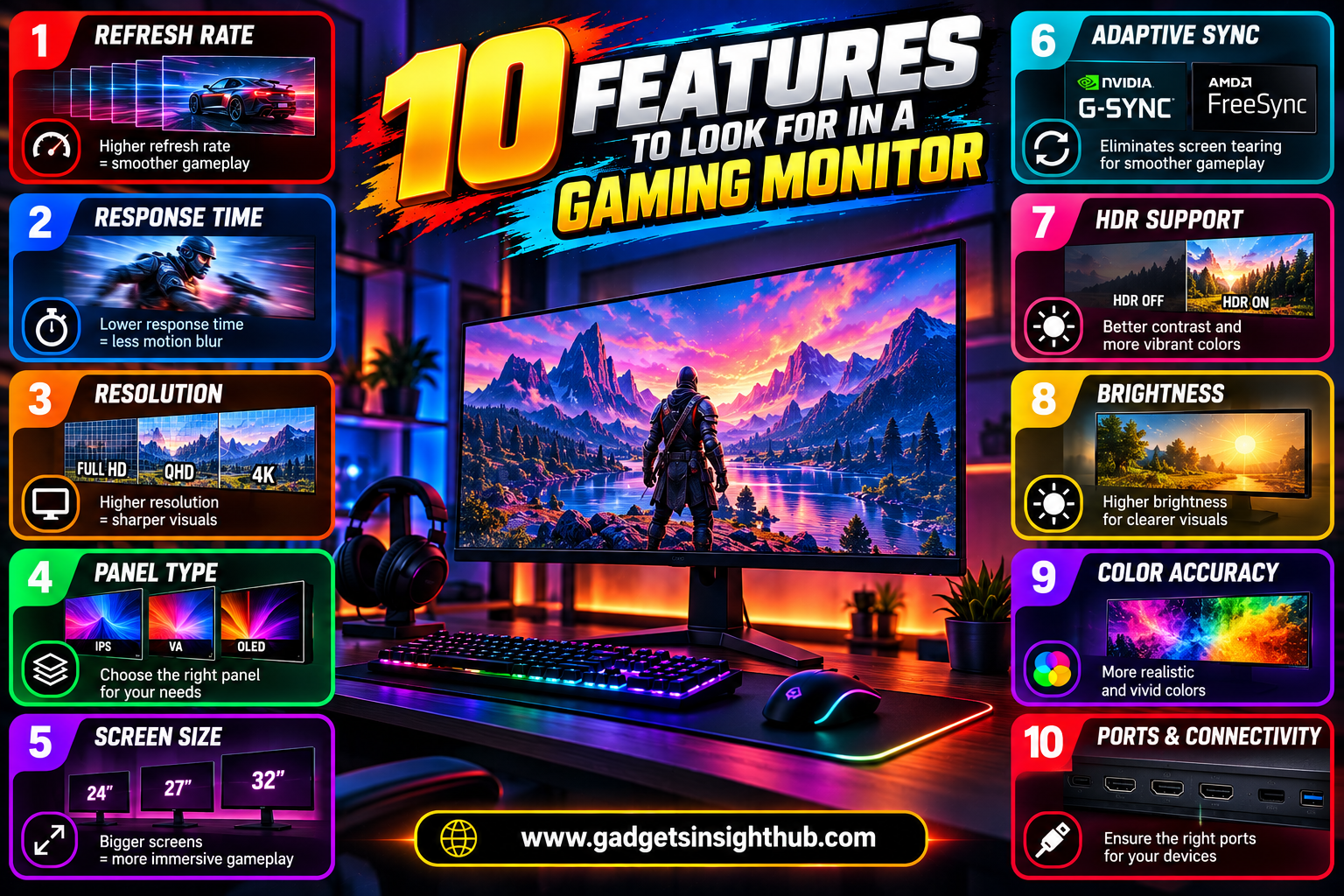
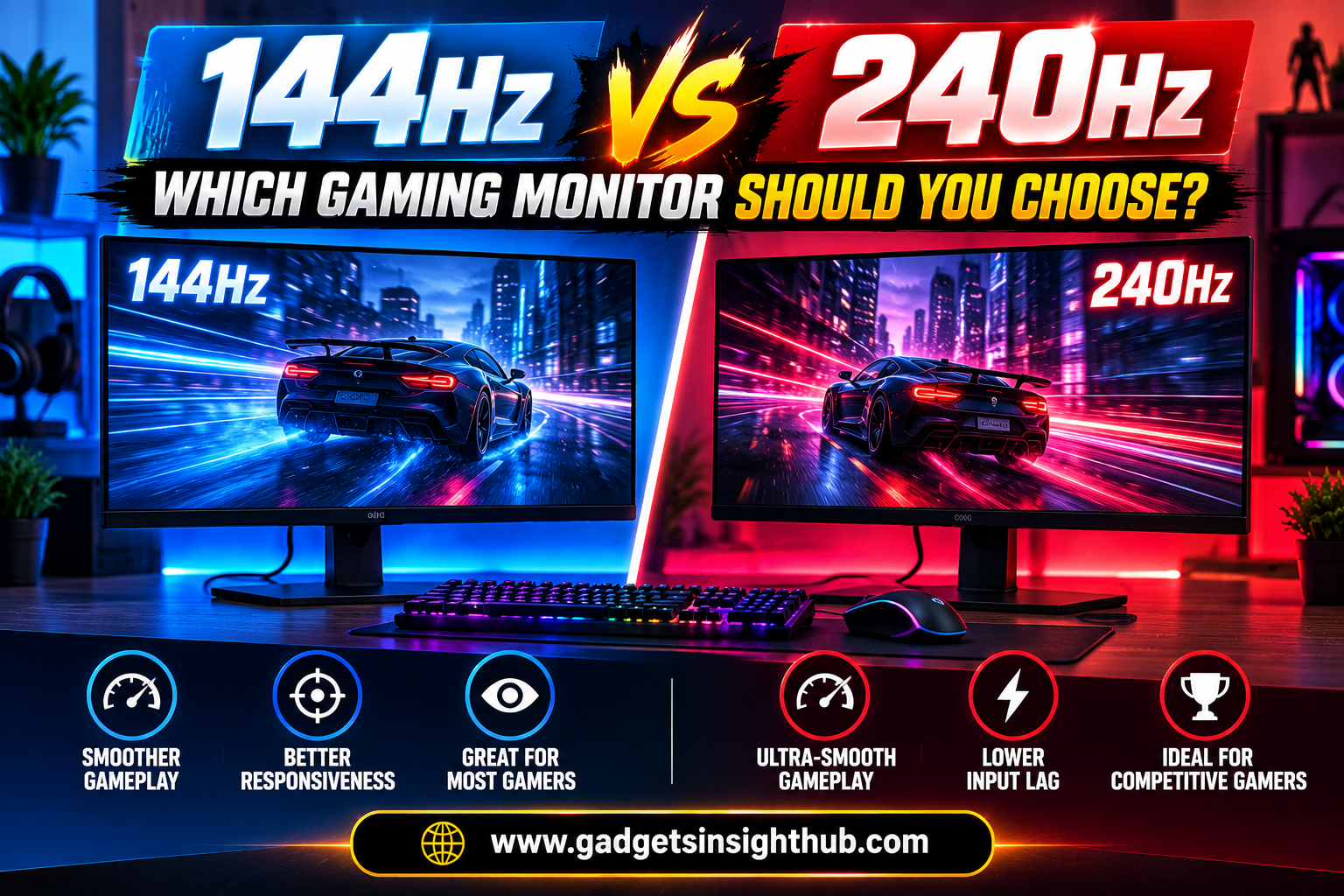
Gaming monitors are moving toward higher refresh rates, faster response times, and improved image quality. A monitor’s refresh rate determines how many times per second it can update the displayed image.
A 144Hz monitor refreshes up to 144 times per second, while a 240Hz model supports up to 240 refreshes per second. Higher refresh rates can make motion appear smoother and improve the presentation of fast-moving scenes.
These benefits are especially relevant to competitive shooters, racing games, and esports titles. However, the computer must generate enough frames to take full advantage of the display.
Monitor technology also includes variable refresh rate support, which helps synchronize the display with the graphics card to reduce tearing and stuttering.
Players should evaluate refresh rate alongside resolution, response time, panel quality, and connectivity. A balanced monitor can provide a better overall experience than a display with an impressive refresh-rate specification but poor image quality.
4. OLED and Advanced Display Technology
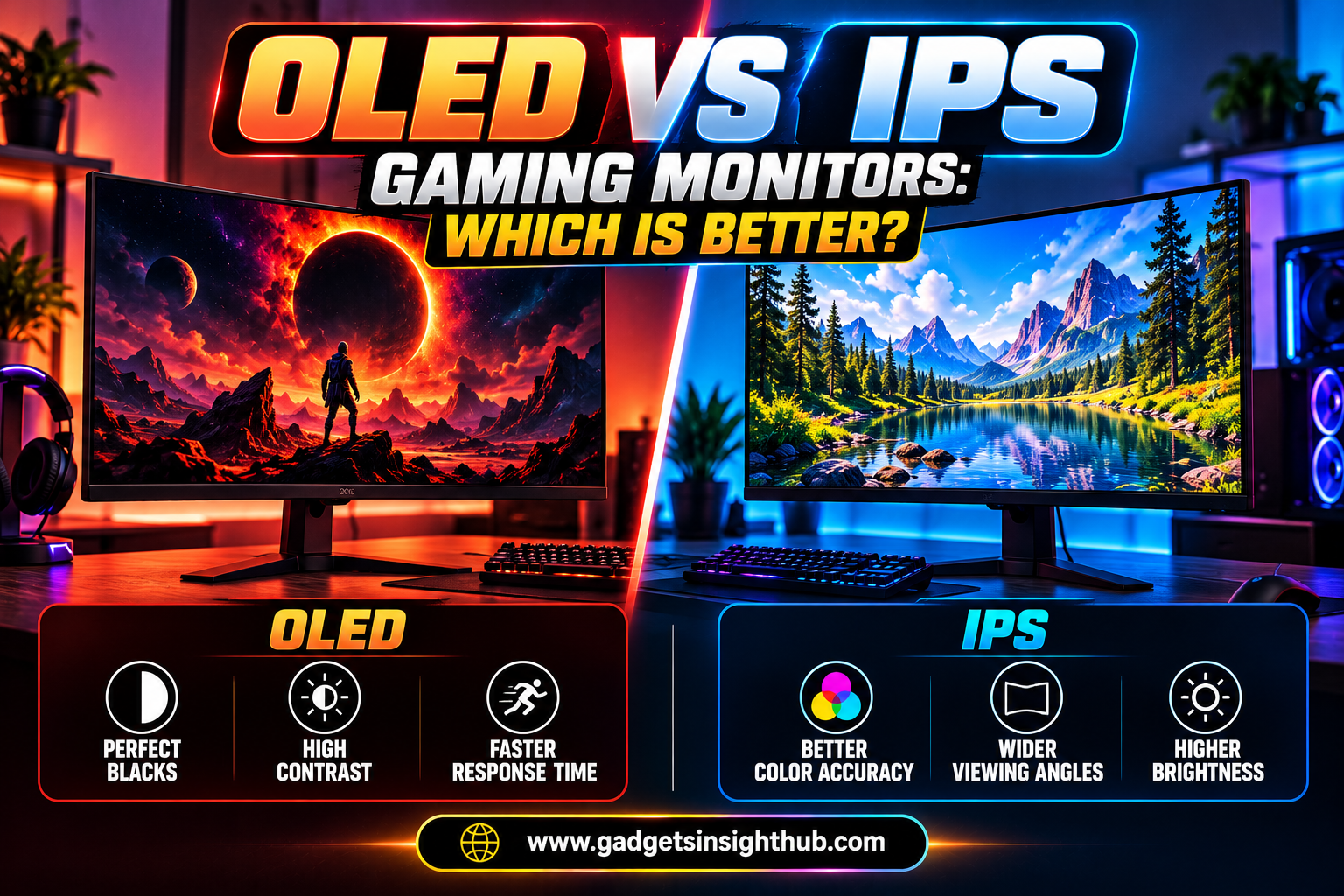
OLED displays are gaining attention in gaming because individual pixels can produce their own light. This allows OLED panels to display deep blacks, strong contrast, and vibrant colors.
These characteristics can make dark scenes more detailed and improve the visual atmosphere of supported games. Fast pixel response times can also reduce visible motion blur.
However, OLED displays may cost more than conventional alternatives. Some models can also experience image retention or burn-in under certain usage conditions, although protective technologies and usage habits can reduce the risk.
IPS and other LCD technologies remain valuable because they offer a range of affordable options, brightness levels, and screen sizes.
The best display depends on the player’s priorities. Competitive gamers may emphasize responsiveness and refresh rate, while players who enjoy visually rich single-player games may prefer contrast and color quality.
5. Faster SSD Storage
Solid-state drives have become an important part of modern gaming systems. Compared with traditional hard drives, SSDs generally provide faster loading, quicker file access, and a more responsive overall experience.
NVMe SSDs use high-speed interfaces to transfer data efficiently. This can benefit games with large environments, extensive asset libraries, and frequent loading operations.
Faster storage can reduce waiting times, but it does not automatically increase frame rates in every game. Performance still depends on the processor, graphics card, memory, and software optimization.
Storage capacity is equally important. Modern games can occupy substantial amounts of space, especially when players install multiple titles, expansions, and high-resolution texture packages.
Before upgrading, users should check motherboard compatibility, available storage slots, supported drive sizes, and cooling requirements.
As game worlds become more detailed, fast storage and efficient asset streaming will remain important parts of gaming hardware design.
6. DDR5 Memory and Improved System Performance
System memory allows a computer to store information that the processor needs during active tasks. DDR5 memory offers higher potential bandwidth and improved architecture compared with earlier generations.
For gaming PCs, the benefits depend on the processor, motherboard, memory configuration, and specific game. Some applications respond noticeably to memory performance, while others show smaller differences.
Capacity also matters. Insufficient RAM can cause slowdowns when games compete with background applications for available memory.
Players building new systems should consider the platform’s supported memory type and avoid purchasing incompatible components. Motherboard specifications provide useful guidance on supported capacities and speeds.
For existing computers, upgrading memory is worthwhile when current capacity creates a genuine limitation. Replacing an otherwise capable system solely to obtain a newer memory standard may not provide enough improvement to justify the expense.
7. More Powerful Gaming Laptops
Gaming laptops continue to improve through advances in mobile processors, graphics hardware, cooling systems, and battery management.
Modern models can support demanding games while providing portability for students, professionals, and travelers. Higher-quality displays, faster storage, and improved keyboards also contribute to a more complete gaming experience.
Thermal design remains one of the biggest challenges. Powerful components generate heat, and laptop manufacturers must balance cooling performance, fan noise, chassis size, and energy consumption.
Two laptops with similar graphics specifications may deliver different results because of differences in power limits and cooling systems.
Battery life is another consideration. Gaming on battery power often reduces performance compared with using the laptop’s power adapter, and demanding games can drain the battery quickly.
Buyers should compare sustained gaming performance, screen quality, weight, noise, upgradeability, and price rather than judging a laptop by processor or graphics names alone.
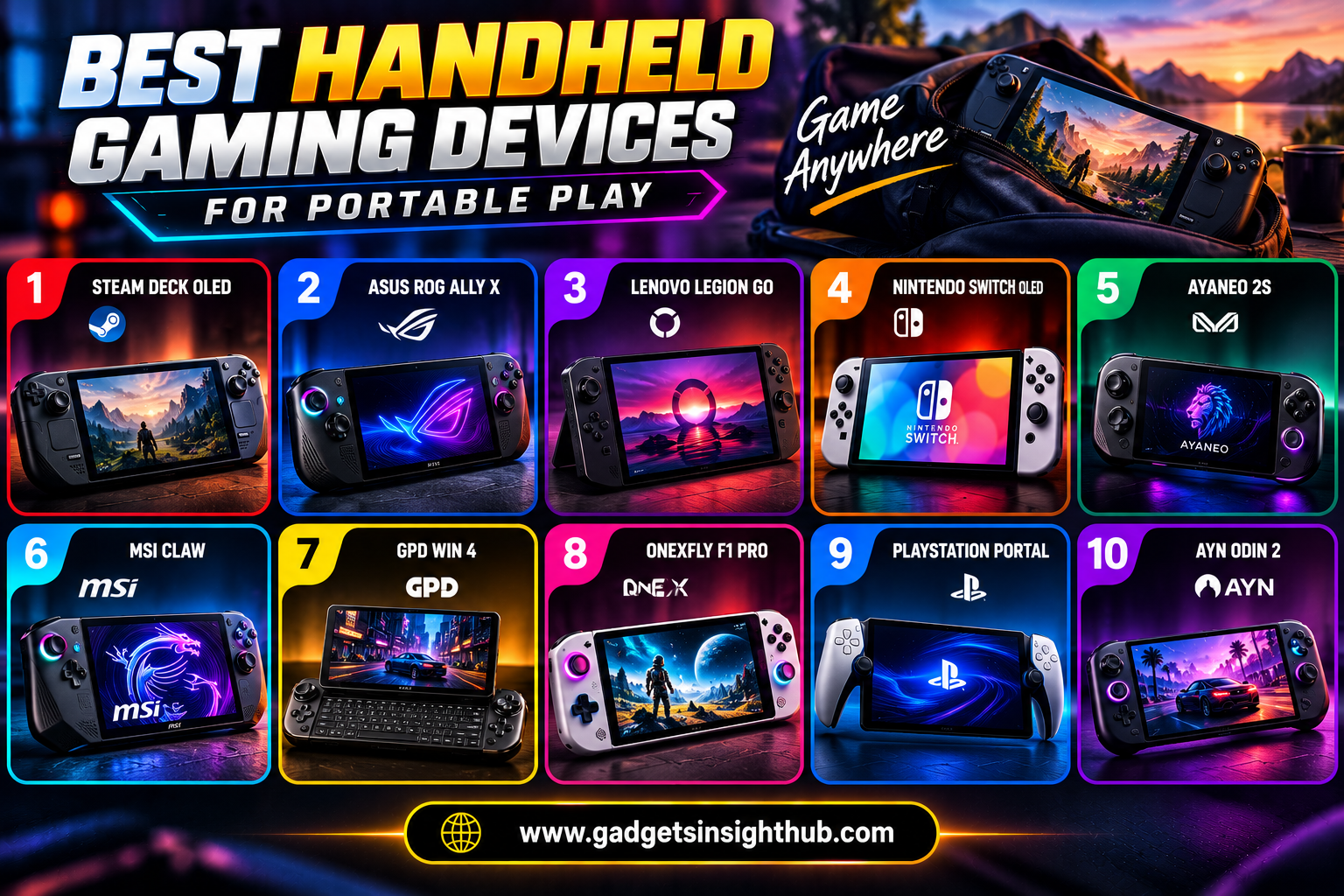
8. Handheld Gaming Devices
Handheld gaming hardware is attracting players who want to enjoy games without sitting at a desk or television. These devices combine built-in displays, controls, batteries, and compact computing hardware.
Some handhelds run PC games, while others use dedicated gaming operating systems or console ecosystems. Their compatibility and game libraries vary, so buyers should verify support for their preferred titles.
Portability is the main advantage. Players can enjoy gaming during travel, breaks, or relaxing at home without setting up a full desktop system.
The limitations include battery life, heat, screen size, storage capacity, and reduced performance compared with larger gaming PCs. Demanding games may require lower graphics settings to run smoothly.
Handheld gaming is likely to remain an important category as manufacturers work to improve efficiency, ergonomics, and software compatibility.
9. Improved Cooling Systems
Cooling is essential for maintaining stable gaming performance. Processors and graphics cards generate heat under heavy workloads, and inadequate cooling can cause components to reduce their operating speeds.
Traditional air cooling remains popular because it is relatively simple, accessible, and available in many configurations. Larger heatsinks and improved fans can provide effective cooling without complicated maintenance.
Liquid cooling offers another option, particularly for high-performance desktop systems. All-in-one liquid coolers combine a pump, radiator, and fans into a packaged solution, while custom loops allow greater flexibility at additional cost and complexity.
Laptop manufacturers face a different challenge because limited internal space makes heat management difficult.
When selecting cooling hardware, users should consider component compatibility, case dimensions, airflow, noise, and maintenance requirements. Effective cooling can help maintain consistent performance, but expensive cooling equipment is unnecessary for every build.
10. Modular and Upgrade-Friendly Gaming PCs
Modular design remains an advantage of desktop gaming computers. Many systems allow users to replace individual components instead of buying an entirely new machine whenever performance becomes insufficient.
A graphics card upgrade may improve gaming performance, while additional storage can expand a game library. Memory upgrades can also help when existing capacity becomes a bottleneck.
However, compatibility must be considered carefully. A new graphics card may require more power, a larger case, or different power connectors. Processor upgrades may require a compatible motherboard and updated firmware.
Some prebuilt computers use proprietary components that restrict upgrade options, so buyers should investigate the design before purchasing.
Modular systems can provide long-term value when users select standard components and plan upgrades around actual needs.
11. Better Gaming Controllers and Accessories
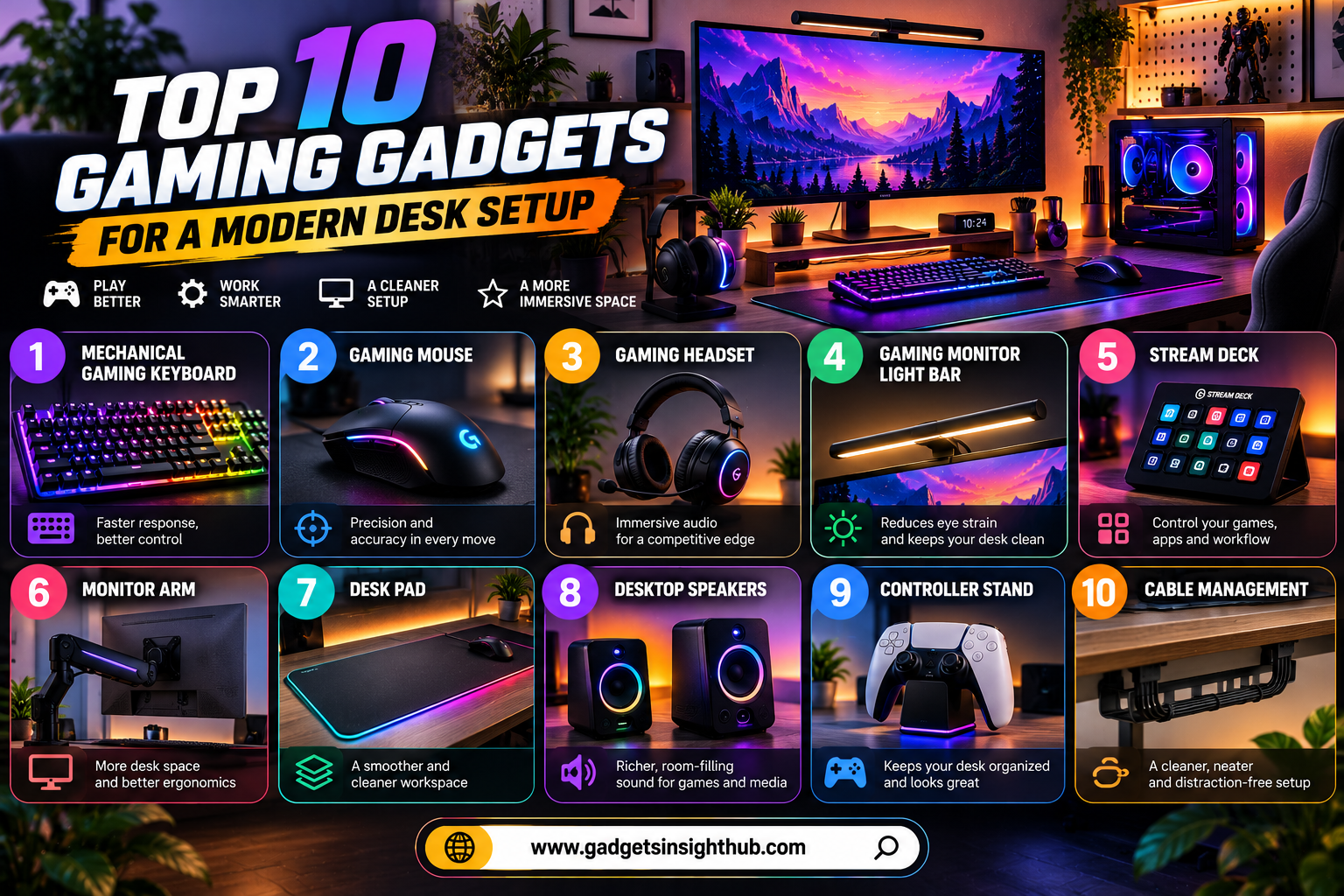
Gaming accessories are evolving alongside core hardware. Controllers increasingly offer improved ergonomics, customizable buttons, adjustable trigger behavior, and connection options for different platforms.
Mechanical keyboards remain popular among PC gamers because they provide varied switch choices, precise inputs, and customization options. Competitive players may prefer compact layouts that leave more room for mouse movement.
Gaming mice continue to focus on sensor accuracy, reduced weight, reliable wireless connections, and adjustable controls. However, comfort and suitable shape are often more important than extremely high sensitivity specifications.
Audio equipment is also advancing through improved microphones, lower-latency wireless connections, and spatial sound processing.
Accessories should solve practical problems rather than add unnecessary complexity. A comfortable controller, dependable mouse, or clear microphone can be more useful than a premium product with features the player rarely uses.
12. Energy Efficiency and Sustainable Hardware
Power efficiency is becoming a more important consideration as gaming systems become more powerful. High-performance graphics cards and processors can consume considerable electricity, particularly during demanding gaming sessions.
Efficient components can deliver strong performance while using less energy for a given workload. Better cooling and power management may also reduce fan noise and heat output.
Users can improve efficiency by adjusting graphics settings, limiting unnecessary background applications, enabling suitable power profiles, and avoiding excessive performance settings when they provide little visible benefit.
Longevity also matters. Repairable designs, replaceable components, and responsible disposal can reduce electronic waste.
When purchasing new hardware, players should consider not only peak performance but also operating costs, cooling needs, and expected useful life.
How to Choose the Right Gaming Hardware
Choosing gaming hardware begins with identifying the games you play and the experience you want.
Competitive players may prioritize high-refresh-rate monitors, responsive input devices, stable performance, and clear audio. Players who enjoy cinematic games may prefer high-quality displays, powerful graphics cards, and sufficient storage.
Budget is equally important. A balanced system generally provides better value than spending heavily on one component while neglecting others. For example, an extremely powerful graphics card may be underused when paired with an unsuitable processor or low-refresh-rate monitor.
Check compatibility before buying, compare independent performance tests, and consider warranty coverage. Existing equipment should be upgraded when it creates a clear limitation, not simply because a newer model is available.
Conclusion
Gaming hardware is developing across graphics processing, AI-assisted rendering, high-refresh-rate displays, storage, memory, portable systems, cooling, and accessories. These trends are helping players access smoother performance, improved visuals, and more flexible gaming experiences.
However, the newest technology is not automatically the best investment. The most suitable hardware depends on the games you play, your budget, compatibility requirements, and personal preferences.
By focusing on practical improvements and building a balanced setup, gamers can enjoy modern titles while making informed decisions about future upgrades.