Introduction
A good gaming monitor can make a significant difference to a PC gaming setup. It affects how smoothly games run, how clearly fast-moving objects appear, and how accurately colors and details are displayed. Whether you enjoy competitive shooters, racing games, role-playing adventures, or open-world titles, choosing the right monitor can improve your overall experience.
Gaming monitors come in different sizes, resolutions, refresh rates, and panel technologies. Some prioritize extremely fast performance, while others focus on realistic colors, deep contrast, and detailed images. Your graphics card, available desk space, budget, and favorite games should all influence your decision.
Here are 12 gaming monitors worth considering, covering several performance levels and gaming needs. Availability, specifications, and prices can vary by region and configuration, so check the exact model before purchasing.
1. Alienware AW2725DF
The Alienware AW2725DF is a strong option for gamers who want a high refresh rate alongside excellent image quality. Its 27-inch QD-OLED panel combines a 2560 × 1440 resolution with a refresh rate of up to 360Hz.
OLED technology delivers deep blacks, strong contrast, and fast pixel response times. These characteristics make the monitor suitable for competitive games as well as visually impressive single-player titles.
The 1440p resolution provides more detail than standard Full HD without requiring the same graphics performance as 4K gaming. Its high refresh rate is particularly attractive to players who compete in fast-paced multiplayer games.
Potential drawbacks include OLED burn-in considerations, depending on usage, and a price that may exceed the budget of casual gamers. It is best suited to enthusiasts seeking premium performance.
2. ASUS ROG Swift OLED PG27AQDM
The ASUS ROG Swift OLED PG27AQDM is a 27-inch gaming monitor designed for players who value contrast, color quality, and responsive performance. It features a 2560 × 1440 resolution and a refresh rate of up to 240Hz.
Its OLED panel produces rich colors and deep blacks, making dark scenes and atmospheric environments look impressive. Fast pixel transitions also help reduce visible motion blur during gameplay.
This monitor works well for competitive shooters, action games, and cinematic adventures. Its high refresh rate supports smooth movement when paired with a capable PC.
As with other OLED displays, buyers should understand the possibility of image retention or burn-in over extended use. Users who regularly display static desktop elements should explore available panel-care features and follow the manufacturer’s recommendations.
3. Samsung Odyssey OLED G8
The Samsung Odyssey OLED G8 is worth considering for gamers who want premium display quality and an immersive viewing experience. Different versions of the Odyssey OLED G8 have different specifications, so buyers should verify the exact model number.
Depending on the version, the monitor may offer a high-resolution OLED panel, a high refresh rate, and strong contrast. OLED technology is particularly effective for games featuring dark environments, bright effects, and detailed scenery.
Some versions also include smart features, making the monitor more versatile beyond PC gaming. However, these extras may not matter to players who primarily want a straightforward desktop display.
Before purchasing, compare the resolution, refresh rate, connectivity, and screen size of the specific model available in your market.
4. LG UltraGear 27GR83Q-B
The LG UltraGear 27GR83Q-B is a practical choice for gamers seeking a high-refresh-rate IPS monitor. It features a 27-inch display with a 2560 × 1440 resolution and a refresh rate of up to 240Hz.
Its IPS panel offers good viewing angles and balanced color reproduction. This makes it suitable for gaming, general productivity, and watching videos.
The 1440p resolution provides a useful middle ground between Full HD and 4K. It offers sharper images than 1080p while remaining manageable for many modern graphics cards.
Although its contrast is not comparable to OLED, the monitor offers a balanced combination of resolution and speed. It is particularly suitable for players who want strong gaming performance without moving to a premium OLED display.
5. ASUS TUF Gaming VG27AQ3A
The ASUS TUF Gaming VG27AQ3A is a suitable option for gamers who want responsive performance at a more accessible price than many premium displays.
Its 27-inch IPS panel offers a 2560 × 1440 resolution and a refresh rate of up to 180Hz. This combination delivers detailed images and smooth motion for many competitive and casual games.
The monitor’s fast refresh rate can make movement feel more fluid than on conventional 60Hz displays. Adaptive-sync support can also help reduce screen tearing when supported by the connected graphics card.
It is a good fit for gamers who play a variety of genres rather than focusing exclusively on esports. Before buying, compare its price with other 1440p monitors, as promotions can make competing models more attractive.
6. Gigabyte M27Q
The Gigabyte M27Q is a popular category of 27-inch 1440p gaming monitor, although specifications can differ between revisions and related models.
Depending on the version, it offers a high refresh rate, an IPS panel, and connectivity designed for both gaming and everyday computer use. Its combination of resolution and performance makes it suitable for multiplayer games, strategy titles, and general productivity.
Some versions include a KVM feature, allowing compatible peripherals to be shared between two connected computers. This can be useful for users who switch between a gaming PC and a work laptop.
Check the exact revision before purchasing, especially if you need a particular refresh rate, port configuration, or KVM capability.
7. MSI MAG 274QRF QD E2
The MSI MAG 274QRF QD E2 is designed for gamers who want detailed visuals and smooth performance without necessarily paying OLED prices.
Its 27-inch Rapid IPS display offers a 2560 × 1440 resolution and a refresh rate of up to 180Hz. Quantum-dot technology helps produce a broad color range, making games appear vibrant.
The monitor is suitable for colorful open-world games, racing titles, and competitive shooters. Its 1440p resolution also provides enough workspace for everyday tasks.
Color coverage and brightness specifications are important when comparing this model with alternatives. Gamers who prefer deep blacks should remember that IPS technology generally cannot match OLED contrast in dark rooms.
8. BenQ ZOWIE XL2566K
The BenQ ZOWIE XL2566K is aimed primarily at competitive esports players. Its 24.5-inch Full HD display and refresh rate of up to 360Hz are designed to prioritize speed and motion clarity.
A 1080p resolution is less demanding on a graphics card than 1440p or 4K. This can help competitive players achieve higher frame rates in games such as tactical shooters.
The monitor also emphasizes motion clarity features and practical adjustments for tournament-style setups. Its smaller screen can be convenient for players who sit close to their displays.
However, its Full HD resolution provides less detail than many 1440p alternatives. It is best for gamers who prioritize competitive performance over cinematic image quality.
9. Acer Predator XB273U
The Acer Predator XB273U name covers related monitor variants, so the precise specifications depend on the model. Several versions target gamers who want a high-refresh-rate display with a resolution above Full HD.
Models in this family may provide fast IPS panels, adaptive-sync support, and adjustable stands. These features can help create a comfortable setup for extended gaming sessions.
A Predator monitor with a 1440p resolution is a good option for players who want detailed images while maintaining smooth gameplay. The exact refresh rate should be checked against your performance requirements.
Compare the model number carefully because similarly named versions may differ significantly in resolution, refresh rate, and connectivity.
10. Dell G2724D
The Dell G2724D is a strong value-oriented option for gamers who want a balanced 1440p experience. It features a 27-inch IPS display with a 2560 × 1440 resolution and a refresh rate of up to 165Hz.
This specification combination is suitable for many modern games, offering clearer images than Full HD and smoother motion than standard 60Hz displays.
The monitor’s IPS panel supports wide viewing angles, while adaptive-sync compatibility can help reduce tearing in supported configurations.
It does not offer OLED-level contrast or the extremely high refresh rates of specialized esports monitors. However, it is a sensible choice for gamers seeking dependable performance without unnecessary premium features.
11. Samsung Odyssey Neo G7
The Samsung Odyssey Neo G7 is aimed at gamers who value high resolution, strong contrast, and immersive visuals. Its specifications depend on the particular version, but the Neo G7 family includes models with 4K resolution and Mini LED backlighting.
Mini LED technology uses many small backlight zones to improve contrast and brightness control compared with conventional LCD displays. This can make supported HDR games more impactful.
A 4K monitor is particularly attractive for detailed single-player games and visually rich environments. However, running games at 4K requires considerable graphics processing power, especially when targeting high frame rates.
Its curved design on relevant models can also create a more immersive experience. Buyers should confirm screen size, refresh rate, and connectivity before making a decision.
12. AOC 24G2SP
The AOC 24G2SP is an accessible gaming monitor for people building a budget-friendly PC setup. It features a 24-inch Full HD IPS display with a refresh rate of up to 165Hz.
The smaller screen and 1080p resolution make it easier for modest gaming PCs to deliver high frame rates. Its IPS panel also provides useful viewing angles and generally good color reproduction for its category.
This monitor is suitable for esports titles, everyday gaming, and users upgrading from a basic office display. It may also leave more money available for a better graphics card, keyboard, or mouse.
It lacks the sharpness of 1440p and 4K monitors, but it remains a practical choice for budget-conscious gamers.
How to Choose the Right Gaming Monitor
Before buying, consider these important factors.
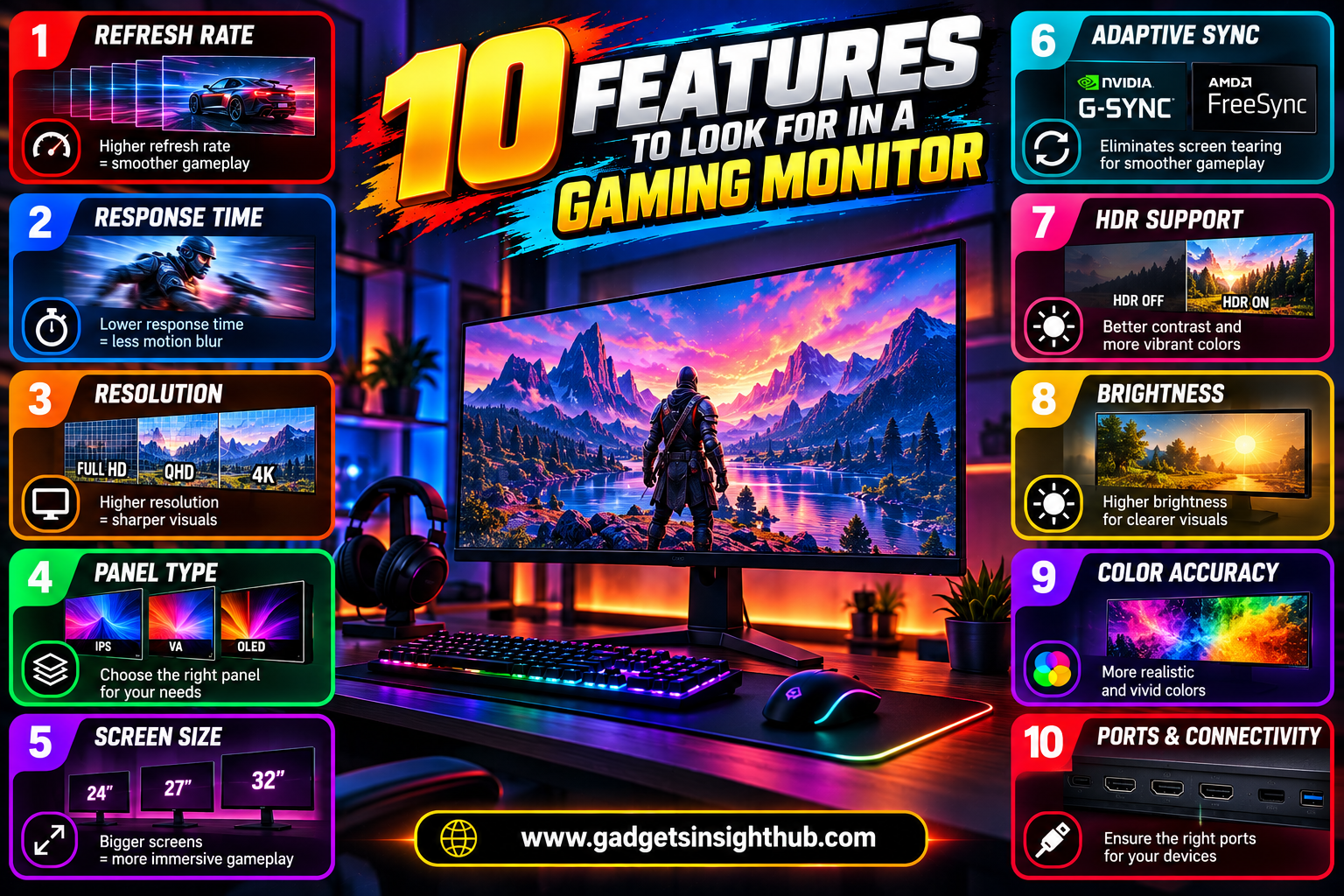
Resolution: Full HD is suitable for budget gaming and high frame rates. QHD, or 1440p, offers a strong balance of clarity and performance. 4K provides greater detail but requires more powerful hardware.
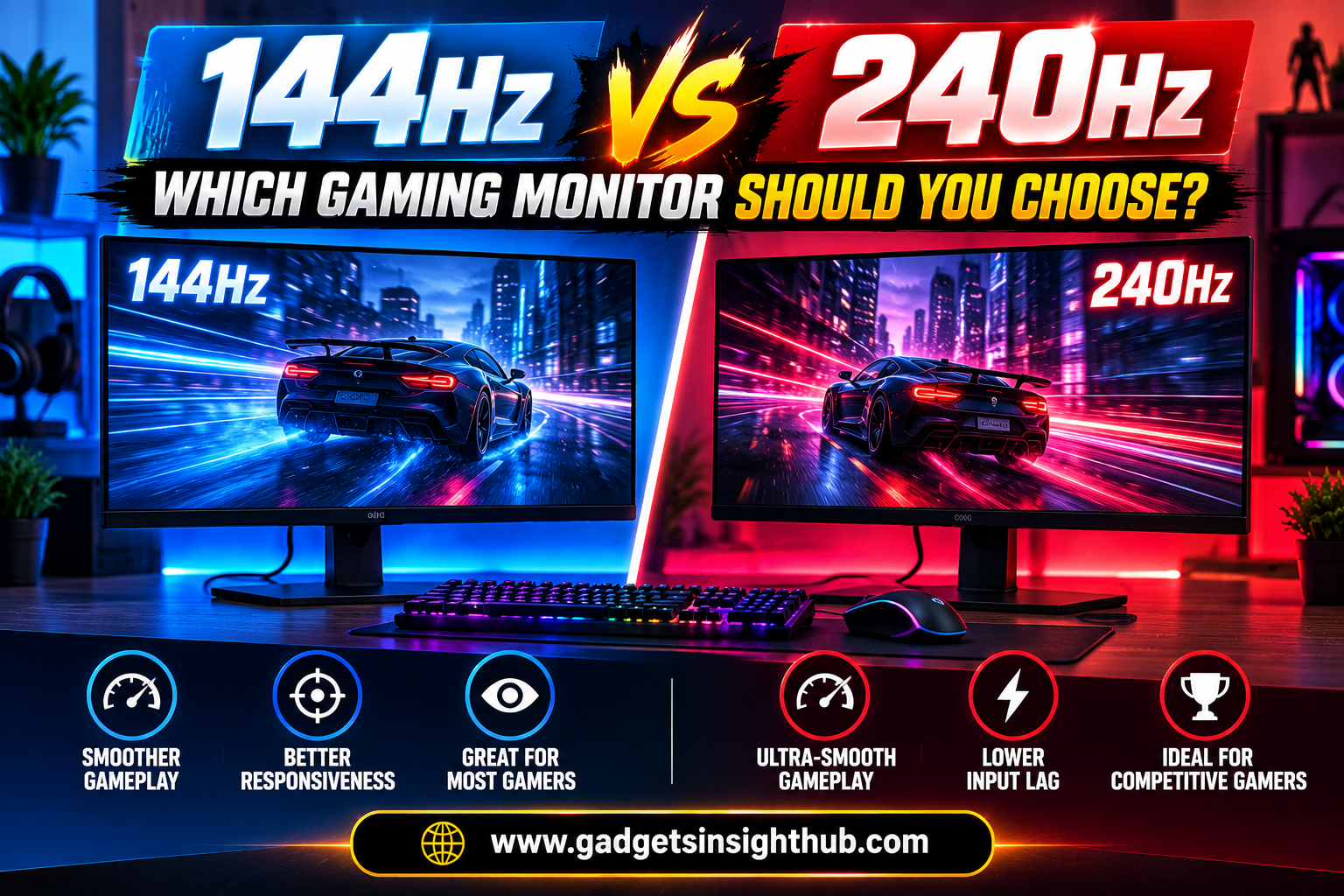
Refresh rate: A 144Hz or 165Hz monitor is a significant upgrade for many players using 60Hz displays. Competitive gamers may prefer 240Hz or higher if their PCs can produce the necessary frame rates.
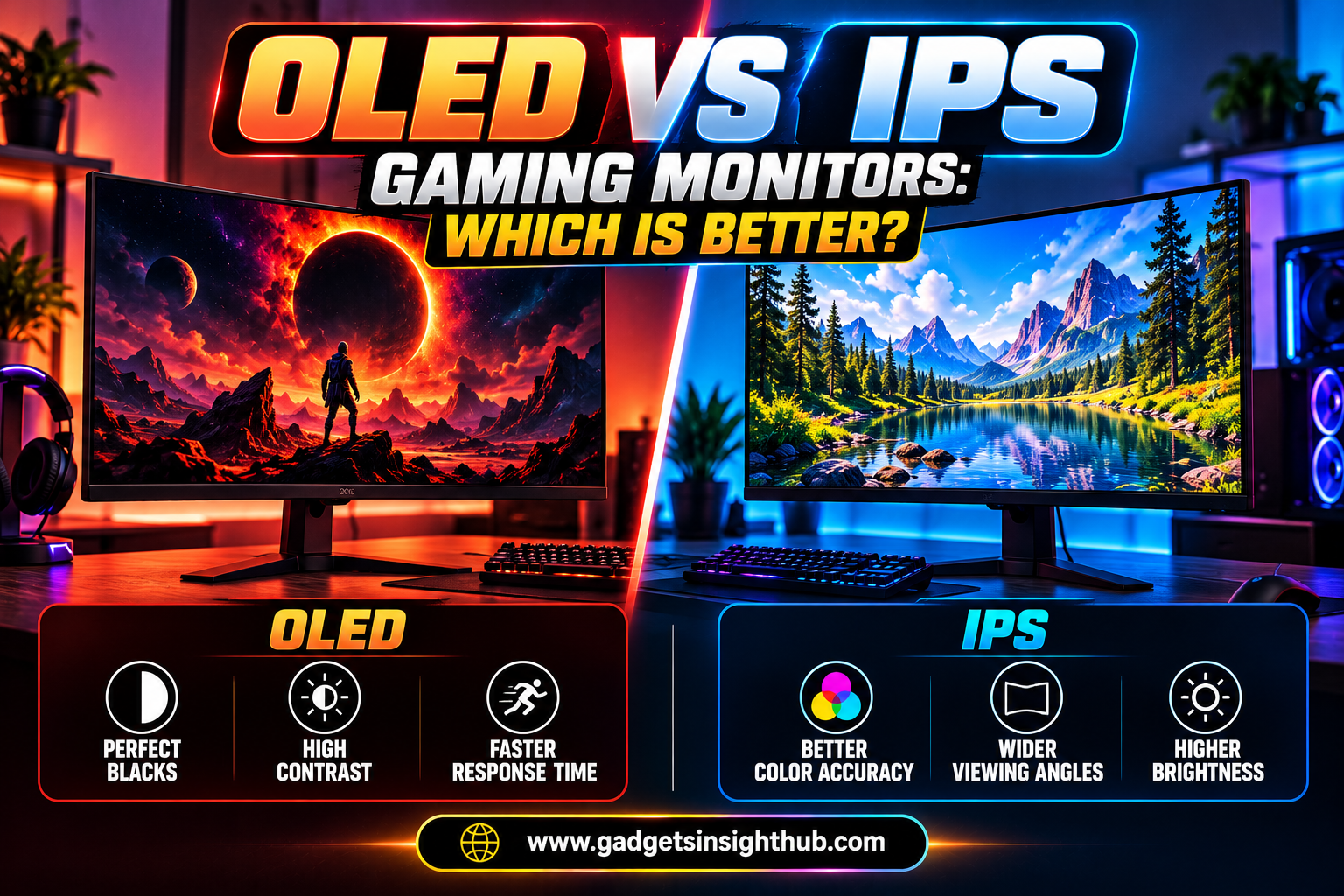
Panel technology: IPS panels offer balanced colors and viewing angles. OLED provides excellent contrast and fast pixel response, while Mini LED can improve HDR performance through more precise backlighting.
Screen size: A 24- or 25-inch display works well for competitive gaming. A 27-inch monitor is a versatile choice for 1440p, while larger screens can improve immersion.
Connectivity and ergonomics: Check HDMI and DisplayPort compatibility, adjustable height, adaptive-sync support, and whether the monitor supports the features you need.
Conclusion
The best gaming monitor depends on your budget, PC hardware, and gaming preferences. The Alienware AW2725DF and ASUS ROG Swift OLED PG27AQDM target enthusiasts seeking premium speed and image quality, while the Dell G2724D and ASUS TUF Gaming VG27AQ3A offer balanced 1440p performance. The BenQ ZOWIE XL2566K suits competitive players, and the AOC 24G2SP is a practical budget choice.
Before purchasing, verify the exact model specifications and compare current prices. A monitor that matches your graphics card and favorite games will provide better value than simply choosing the most expensive option.