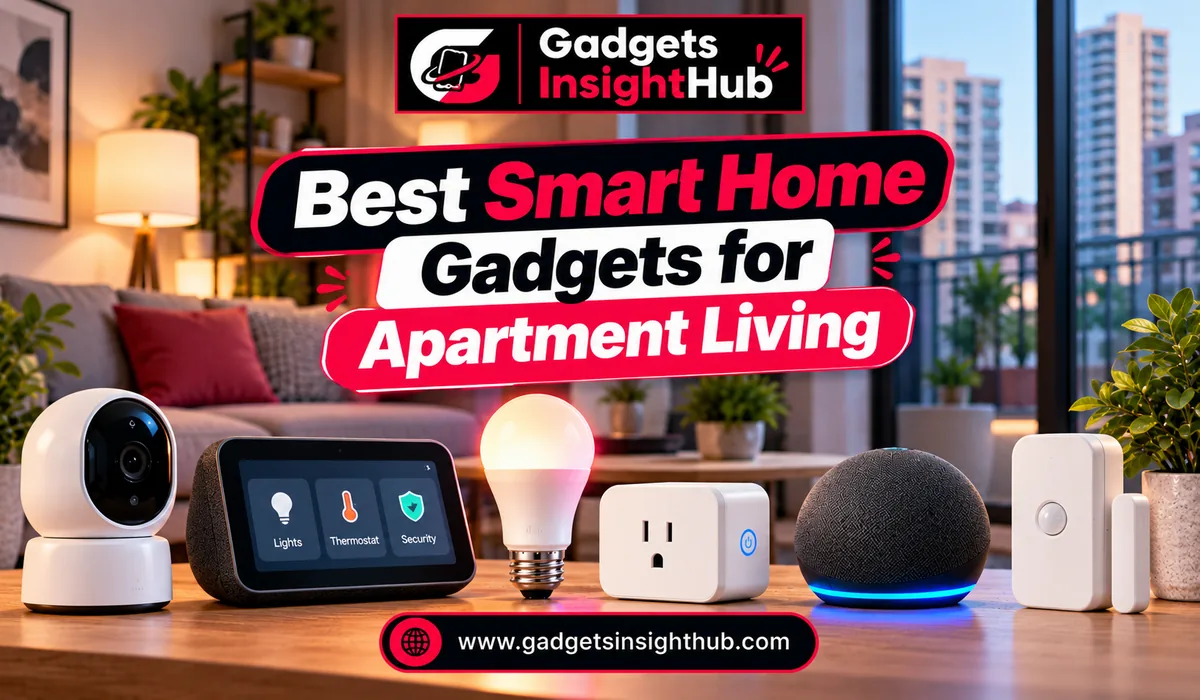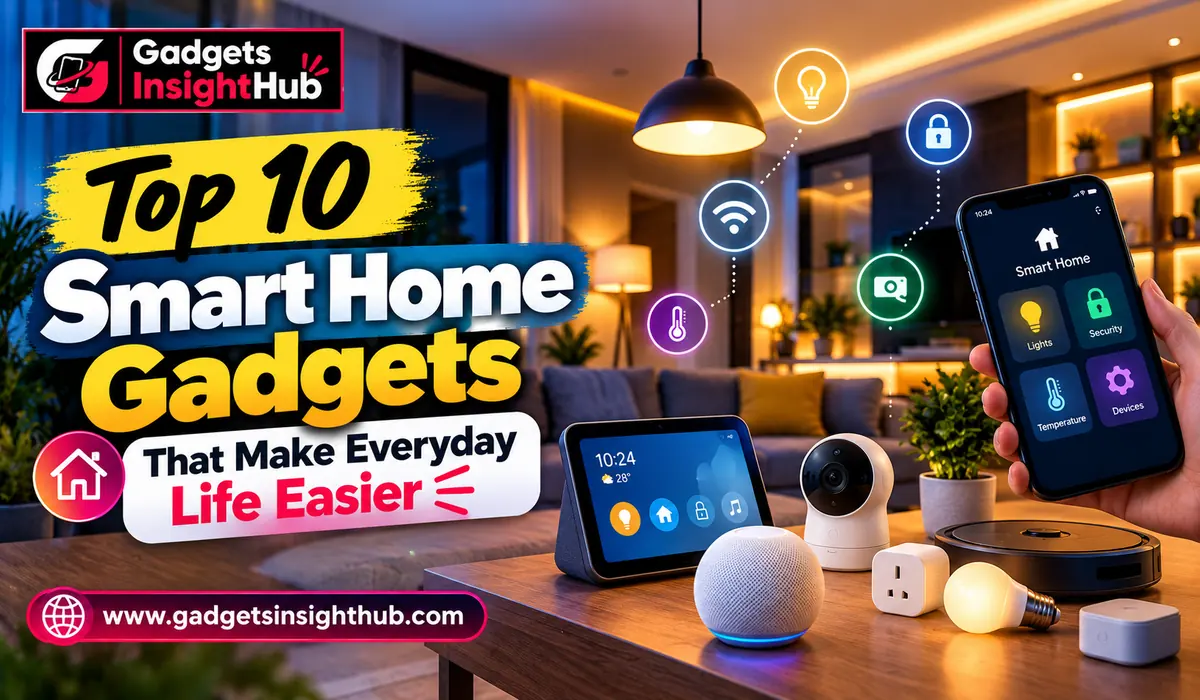
Smart home gadgets can make everyday routines simpler by automating repetitive tasks, improving home security, and giving you more control over appliances. With the right devices, you can switch off lights using your phone, ask a voice assistant to set reminders, monitor your home remotely, or let a robot vacuum clean your floors.
You do not need to automate your entire house at once. Start with a few useful devices and expand your setup as your needs change. The following top 10 smart home gadgets cover different parts of everyday life, from lighting and cleaning to security and energy management.
1. Smart Speaker: Amazon Echo Dot Max
Best for voice control and daily routines
A smart speaker can act as the control centre for compatible devices around your home. The Amazon Echo Dot Max combines voice assistance with room-filling audio, allowing you to manage everyday tasks without reaching for your phone.
Key Features
- Alexa voice assistant for supported commands and services.
- Hands-free control of compatible smart lights, plugs, and other devices.
- Music playback, timers, alarms, reminders, and weather information.
- Support for compatible Matter smart home devices.
- Built-in sensors and smart home functions, depending on configuration.
- Compact design suitable for bedrooms, kitchens, and living rooms.
Best for: People who want to control multiple smart home devices through voice commands.
2. Smart Display: Amazon Echo Show 8

Best for visual information and video calls
A smart display adds a screen to the convenience of a smart speaker. The Amazon Echo Show 8 lets you view information, follow recipes, make supported video calls, and manage compatible smart home devices from one place.
Key Features
- Touchscreen for visual responses and smart home controls.
- Alexa voice assistance.
- Music and video streaming through supported services.
- Video calling with compatible devices and services.
- Control of compatible lights, plugs, cameras, and other devices.
- On-screen timers, calendars, reminders, and weather information.
Best for: Families who want a shared screen for kitchen tasks, reminders, communication, and home controls.
3. Smart Lighting: Philips Hue White and Color Ambiance

Best for convenient lighting and custom ambience
Smart lighting lets you adjust brightness and colour without repeatedly using a wall switch. Philips Hue White and Color Ambiance bulbs can create different lighting settings for reading, working, relaxing, or watching movies.
Key Features
- Millions of colour options on compatible models.
- Adjustable white light, from warm tones to cooler daylight shades.
- App-based brightness and colour control.
- Custom lighting scenes for different activities.
- Scheduling for automatic switching.
- Bluetooth control on compatible bulbs.
- Philips Hue Bridge support for expanded automation and remote control.
Best for: Anyone who wants personalised lighting and automatic routines throughout the day.
4. Smart Plug: TP-Link Tapo P110
Best for automating everyday appliances
A smart plug is one of the easiest ways to begin building a connected home. The TP-Link Tapo P110 lets you control compatible plugged-in appliances through an app, set schedules, and check their electricity consumption.
Key Features
- Remote power control through the Tapo app.
- Automatic schedules and countdown timers.
- Energy monitoring and estimated electricity costs.
- Away Mode to switch connected devices on and off at different times.
- Voice control through supported Alexa and Google Assistant integrations.
- No separate hub required.
- Local app control for supported devices on the home network.
Best for: Automating lamps, chargers, and other compatible appliances within the plug’s electrical rating.
Important: Check the plug’s voltage, current rating, socket compatibility, and appliance requirements before connecting high-power equipment.
5. Robot Vacuum: Roborock Qrevo Series
Best for reducing daily cleaning work
Robot vacuums help maintain clean floors without requiring you to sweep every day. Models in the Roborock Qrevo series combine automated vacuuming with mopping, mapping, and a docking station that handles selected maintenance tasks. Features vary by individual model.
Key Features
- Automated floor vacuuming and mopping on supported models.
- Smart mapping to organise cleaning by room.
- Scheduled cleaning routines.
- App-based control and cleaning customisation.
- Docking stations with functions such as mop washing, drying, and dust collection on selected versions.
- Navigation systems designed to plan efficient cleaning routes.
- Support for multiple floor types, subject to the model and manufacturer’s instructions.
Best for: Busy households that want to reduce the time spent on routine floor cleaning.
6. Smart Door Lock: Yale Assure Lock 2
Best for keyless entry
A smart door lock can make entering and leaving home more convenient. The Yale Assure Lock 2 family includes models with different access methods and connectivity options, allowing you to choose a version that matches your door and smart home setup.
Key Features
- Keyless entry on compatible configurations.
- Keypad access on keypad-equipped models.
- Automatic locking options.
- Temporary or scheduled access codes on supported versions.
- App-based control with compatible connectivity accessories.
- Integration with selected smart home platforms, depending on the model.
- Access management for family members and visitors.
Best for: Homeowners who want convenient entry and better control over who can access their property.
Before buying, verify door compatibility, local availability, emergency access options, and the exact connectivity features of the selected version.
7. Smart Security Camera: Aqara Camera G100
Best for connected home security
A smart security camera lets you check your home when you are away. The Aqara Camera G100 is designed for indoor or outdoor monitoring, depending on installation conditions, and can work with compatible smart home platforms.
Key Features
- 2K video recording.
- Motion detection and event notifications.
- Night vision for low-light monitoring.
- App-based live viewing.
- Smart home integration on supported configurations.
- Local recording options, depending on the setup and regional version.
- Indoor or outdoor placement according to the manufacturer’s installation requirements.
Best for: People who want to combine video monitoring with compatible smart home routines.
8. Smart Air Purifier: Dyson Purifier Cool PC1
Best for monitoring and improving indoor air quality
Indoor air quality can change because of dust, cooking fumes, smoke, and other pollutants. The Dyson Purifier Cool PC1 combines air purification with connected controls, helping you monitor air quality and manage the device from a compatible smartphone app.
Key Features
- HEPA H13 filtration designed to capture 99.95% of particles as small as 0.1 microns.
- Activated carbon filtration for certain gases and odours.
- Sensors that monitor indoor air quality.
- LCD display showing air quality information.
- MyDyson app support for remote control and monitoring.
- Scheduling and filter-life notifications.
- Oscillating airflow to circulate purified air around the room.
Best for: Households that want connected air-quality monitoring and air purification in one device.
9. Smart Ceiling Fan: Crompton Energion Hyperjet Smart BLDC Fan
Best for convenient cooling and fan control
A smart ceiling fan can make it easier to adjust airflow without getting up to reach a regulator. The Crompton Energion Hyperjet Smart BLDC Fan offers several control methods and operating modes for everyday comfort.
Key Features
- Smart controls through a compatible mobile app.
- Voice control with supported assistants.
- Wi-Fi, Bluetooth, and remote-control options.
- ACTIV BLDC motor technology.
- Five speed adjustments.
- Timer settings for scheduled operation.
- Sleep and other specialised operating modes.
- Manual or supported local controls when Wi-Fi is unavailable.
Best for: People who want to adjust fan speed, set timers, and manage cooling through convenient controls.
10. Smart Door and Window Sensor: Aqara Door and Window Sensor P2
Best for entry alerts and home automation
A smart contact sensor can notify you when a door or window opens. The Aqara Door and Window Sensor P2 is particularly useful for creating automations, such as turning on a light when a door opens or receiving an alert when a monitored window is disturbed.
Key Features
- Detects door and window opening and closing.
- Sends smartphone alerts when triggered.
- Native Matter support for compatible smart home platforms.
- Thread wireless connectivity.
- Local automation support through compatible systems.
- Compact design for discreet installation.
- Adhesive-based mounting for flexible placement.
Best for: Households that want entry notifications and simple security-related automations.
Compatibility note: A compatible Matter controller and Thread Border Router are required for supported integrations.
If you are planning to start automating your home, explore these 15 best smart home devices for beginners to discover easy-to-use gadgets that improve convenience, comfort, and everyday home management.
Comparison of the 10 Smart Home Gadgets
| Gadget | Main benefit | Ideal use |
| Amazon Echo Dot Max | Voice assistance | Daily commands and routines |
| Amazon Echo Show 8 | Screen-based controls | Family communication |
| Philips Hue White and Color Ambiance | Automated lighting | Room ambience |
| TP-Link Tapo P110 | Appliance scheduling | Lamps and compatible electronics |
| Roborock Qrevo Series | Automated cleaning | Floors and routine housekeeping |
| Yale Assure Lock 2 | Keyless access | Main entrances |
| Aqara Camera G100 | Video monitoring | Home security |
| Dyson Purifier Cool PC1 | Air-quality monitoring | Indoor air care |
| Crompton Energion Hyperjet Smart Fan | Convenient cooling | Bedrooms and living rooms |
| Aqara Door and Window Sensor P2 | Entry notifications | Doors and windows |
How to Choose the Right Smart Home Gadgets
1. Start with your daily routine
Choose devices that solve problems you experience regularly. For example, a robot vacuum may help if you spend too much time cleaning, while smart plugs are useful if you frequently forget to switch off compatible appliances.
2. Check compatibility
Before purchasing, decide whether you prefer Alexa, Google Home, Apple Home, or a compatible Matter-based setup. Not every device supports every platform, and some features may require a hub or additional subscription.
3. Consider installation and maintenance
Smart bulbs and plugs are generally easy to set up. Smart locks, ceiling fans, and some security systems may require professional installation. Also consider filter replacements, battery changes, software updates, and ongoing service costs.
4. Think about electricity use
Smart plugs with energy monitoring can help you understand how much electricity connected appliances consume. However, smart features alone do not guarantee savings. Real savings depend on your usage habits, appliance efficiency, and the schedules you create.
5. Protect your connected devices
Use strong passwords, enable two-factor authentication when available, install firmware updates, and limit access to trusted household members. Review privacy settings before enabling cameras, microphones, or remote access.
Frequently Asked Questions
1. What are the most useful smart home gadgets?
Smart speakers, smart lights, smart plugs, security cameras, and robot vacuums are useful starting points because they can simplify common daily tasks.
2. Are smart home gadgets suitable for Indian homes?
Yes. Many smart home products are available in India, but you should check local availability, voltage and plug compatibility, Wi-Fi requirements, and support for Indian smart home services before buying.
3. Do smart home gadgets work without Wi-Fi?
Some devices retain manual controls or support local functions without internet access. However, remote access, cloud services, and certain voice commands may stop working during an internet outage.
4. Can smart home gadgets help reduce electricity bills?
They can help you manage electricity use through scheduling, energy monitoring, and automatic switching. However, savings depend on how you use the devices and the appliances connected to them.
5. How should beginners start building a smart home?
Start with one smart speaker or compatible voice assistant, a smart bulb, and a smart plug. Once you understand the setup and compatibility requirements, add security, cleaning, or climate-control devices according to your needs.