Introduction
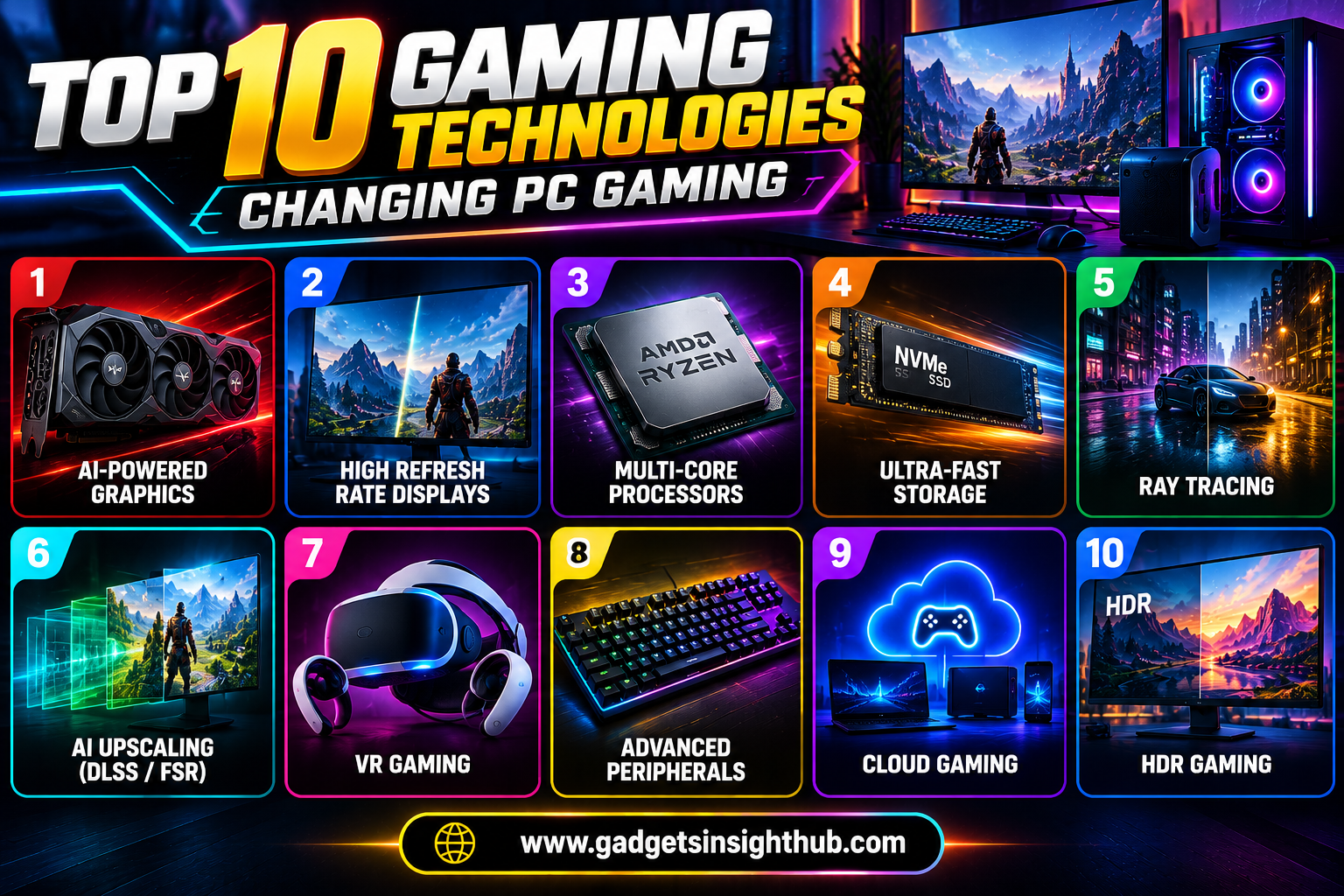
A modern gaming desk is more than a place to keep a computer and monitor. The right gadgets can improve comfort, simplify cable management, enhance audio, and make gaming more enjoyable. Whether you play competitive shooters, racing games, strategy titles, or story-driven adventures, useful accessories can help create a more organized and efficient setup.
Gaming gadgets range from essential peripherals to optional upgrades such as lighting systems, controller docks, and USB hubs. You do not need to purchase everything at once. Start with equipment that improves your daily gaming experience and add extras as your needs change.
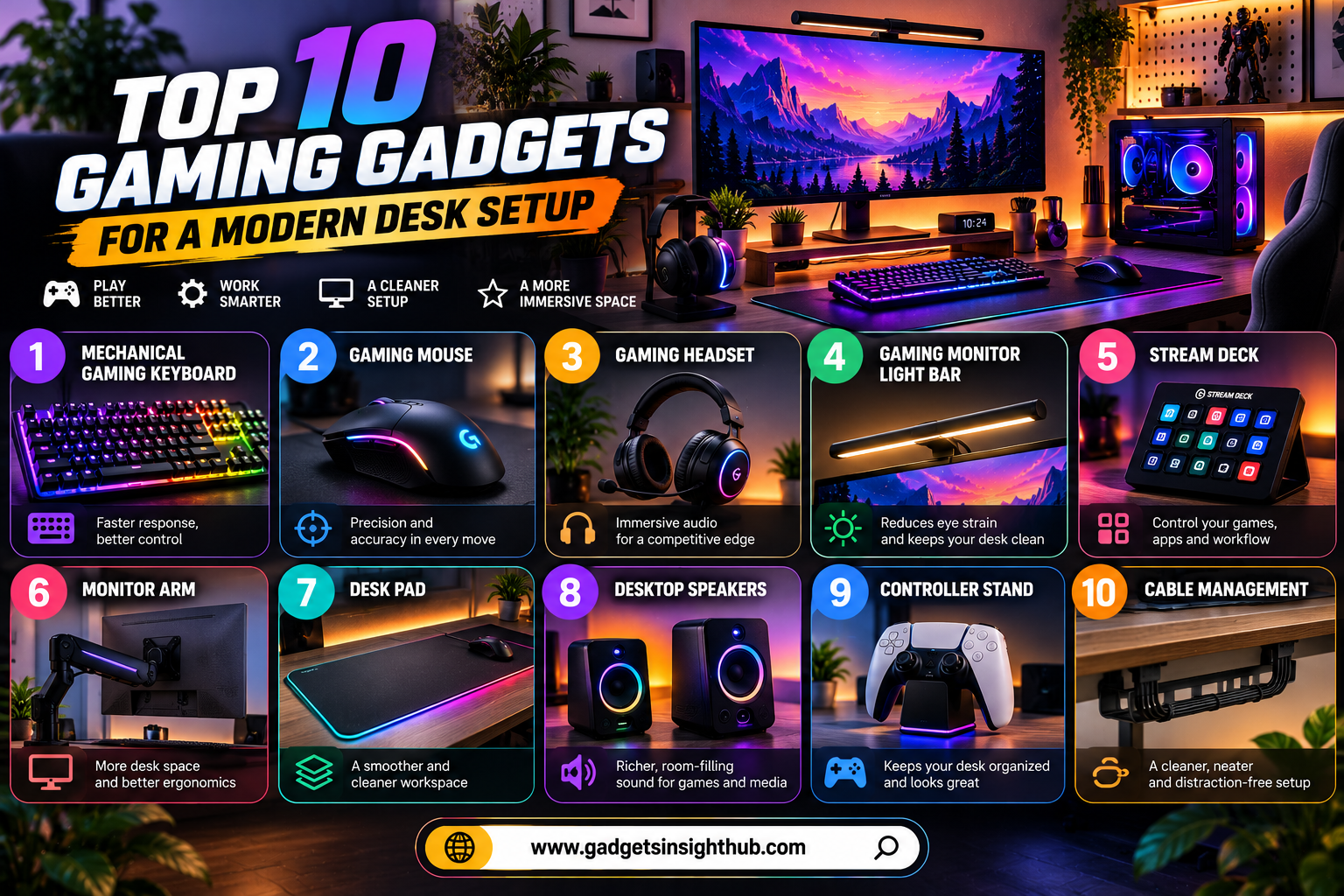
Here are ten gaming gadgets worth considering for a modern desk setup.
1. High-Refresh-Rate Gaming Monitor
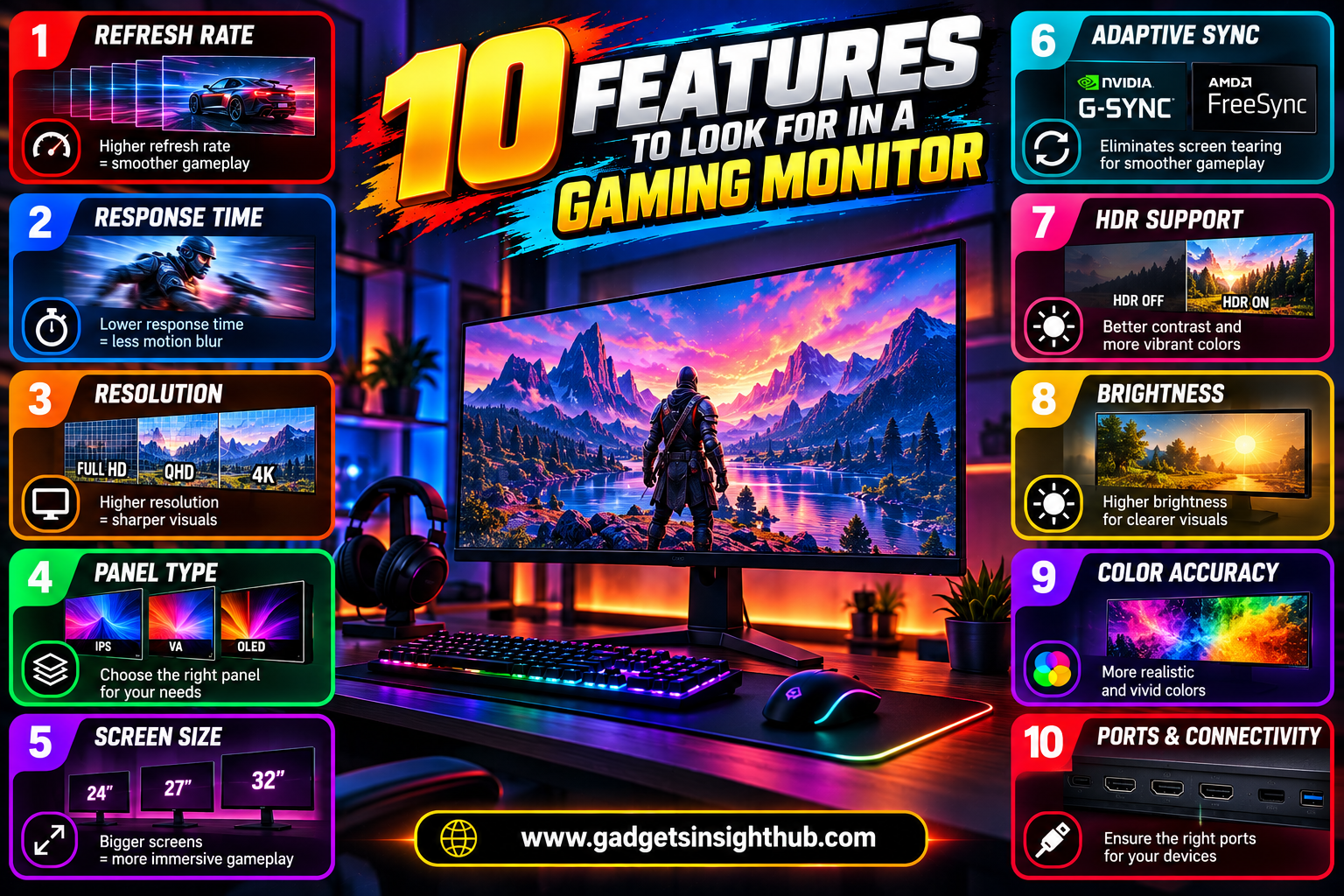
A gaming monitor is one of the most important components of a modern desk setup. It determines how clearly games appear and how smoothly movement is displayed.
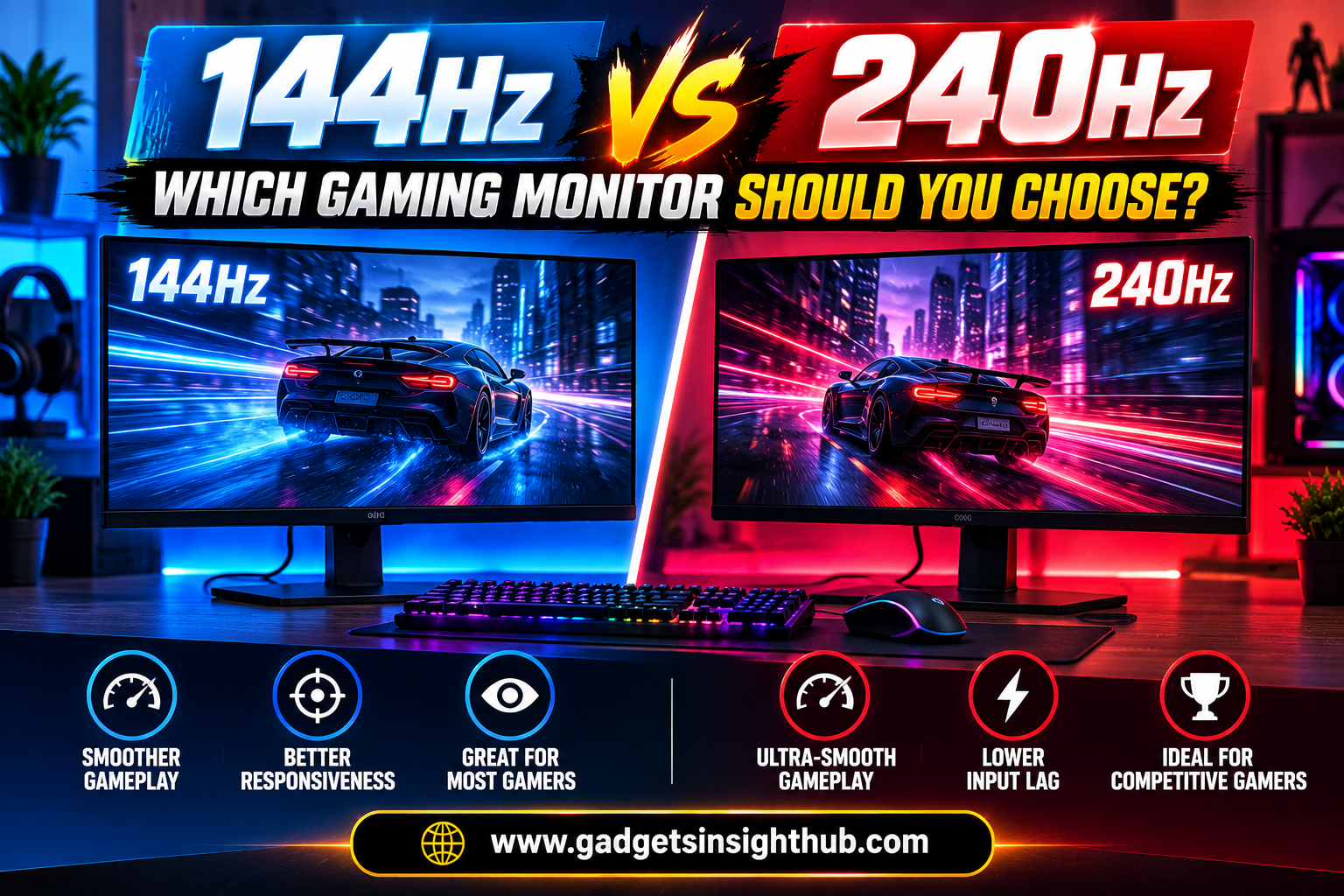
Monitors with refresh rates of 144Hz or higher can deliver smoother motion than traditional 60Hz displays. This can be particularly useful in competitive shooters, racing games, and other fast-paced titles.
Resolution is equally important. Full HD is suitable for budget gaming and high frame rates, while 1440p offers a balance between detail and performance. A 4K monitor provides sharper images but requires more graphics processing power.
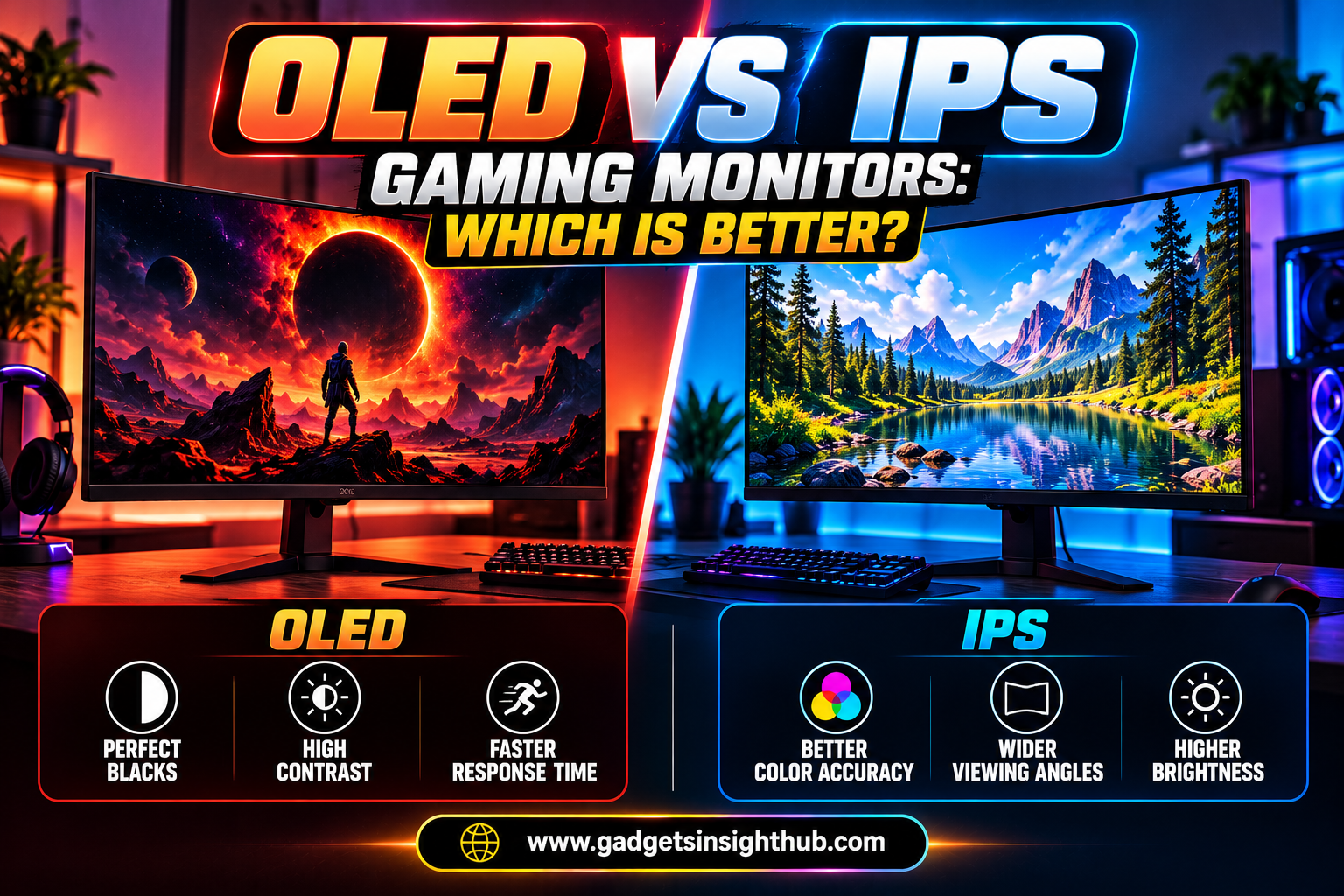
When choosing a monitor, consider response time, panel technology, adaptive-sync support, screen size, and connectivity. A good display should match your computer’s capabilities rather than simply offer the highest specifications.
2. Mechanical Gaming Keyboard
A mechanical keyboard can improve the feel and responsiveness of gaming controls. Its individual mechanical switches provide distinct key movement and feedback, allowing users to choose a typing experience that suits their preferences.
Linear switches offer smooth movement, tactile switches provide a noticeable bump, and clicky switches produce audible feedback. The best option depends on personal preference and how much keyboard noise is acceptable in your environment.
Compact keyboards, such as tenkeyless and 75% models, leave more room for mouse movement. Full-size keyboards retain the number pad, which can be useful for productivity and certain games.
Additional features may include RGB lighting, programmable keys, and onboard profiles. However, a comfortable layout and reliable switches are more important than decorative effects.
3. Precision Gaming Mouse
A precision gaming mouse is especially valuable for PC players who need accurate aiming and responsive control.
Modern gaming mice offer optical sensors, adjustable sensitivity, programmable buttons, and lightweight designs. Some models use wireless technology designed to provide low-latency performance, while wired mice avoid battery charging.
Competitive shooter players often prefer lightweight mice that can be repositioned quickly. Strategy and multiplayer online battle arena players may benefit from additional buttons for shortcuts and abilities.
Comfort should be a priority. Mouse shape, size, and grip style influence control during long sessions. A mouse that fits your hand naturally may be more useful than a model with specifications you rarely need.
Choose a reliable mouse with consistent tracking and suitable controls for your favorite games.
4. Gaming Headset or Dedicated Headphones
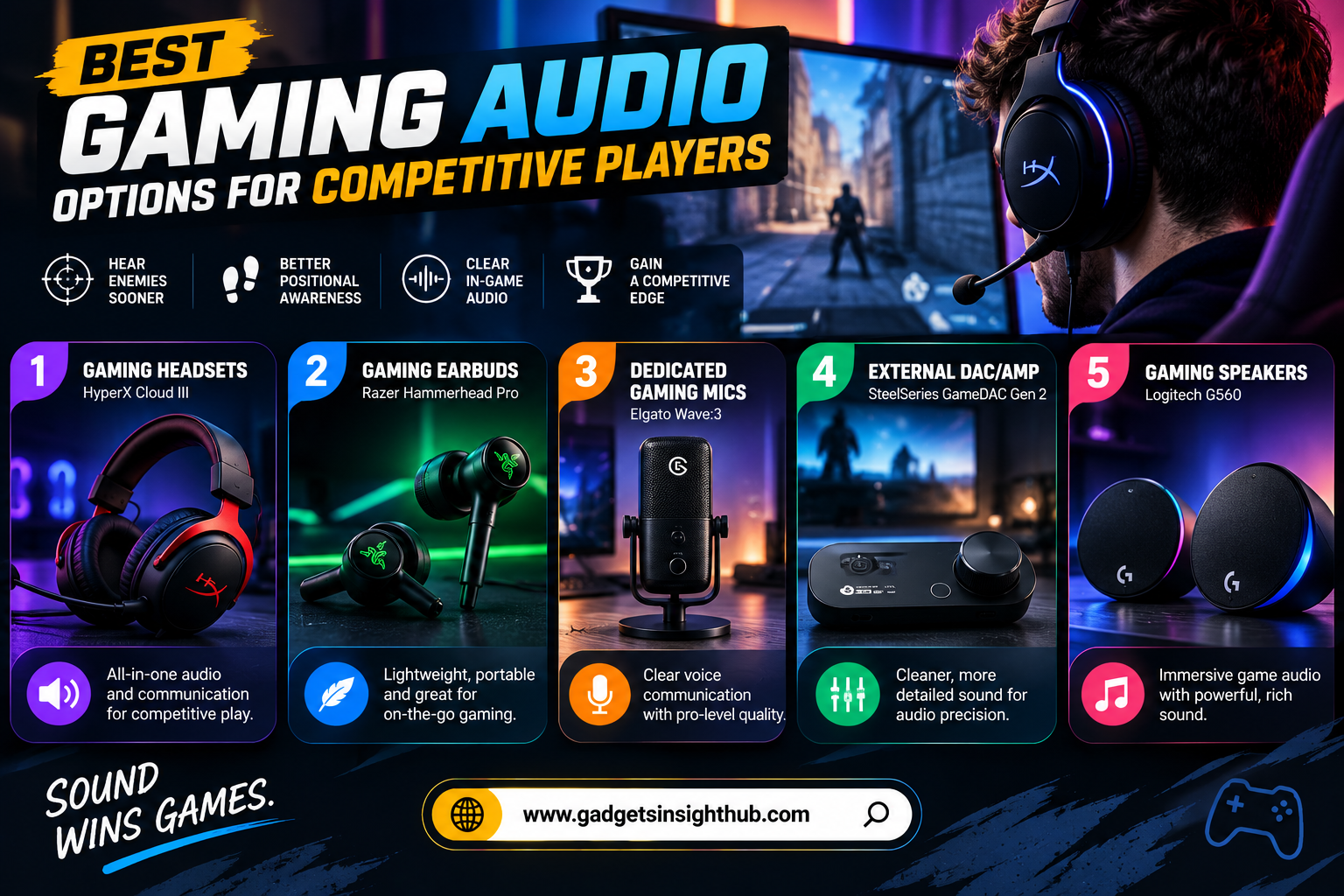
Good audio helps create a more immersive gaming experience. It can make environmental effects, dialogue, music, and directional sounds easier to distinguish.
A gaming headset combines headphones and a microphone, making it convenient for multiplayer communication. Look for comfortable ear cushions, a clear microphone, and compatibility with your PC or console.
Wireless headsets reduce cable clutter, while wired models do not require charging. Some headsets also offer customizable equalizers, spatial audio, and active noise cancellation.
If you already own good headphones, a separate USB microphone may be a better investment than replacing them.
Prioritize sound quality and comfort over unnecessary extras. A headset should fit comfortably and deliver clear audio during extended gaming sessions.
5. RGB Desk Lighting
RGB lighting can give a gaming desk a distinctive appearance. LED light strips behind a monitor, under a desk, or along shelves can add color without occupying much workspace.
Some lighting systems synchronize with games, music, or on-screen colors. Others provide simple adjustable brightness and color settings.
Indirect lighting can also reduce the visual contrast between a bright monitor and a dark room. This may make the setup feel more comfortable, although excessive brightness or rapidly changing effects can become distracting.
Choose lighting that matches the rest of your desk rather than adding too many competing colors. A consistent palette often looks cleaner than several unrelated lighting effects.
RGB lighting is optional, but it can help personalize a gaming space.
6. USB Hub or Docking Station
A USB hub is a practical accessory for desks with multiple gaming peripherals. Keyboards, mice, controllers, microphones, webcams, and storage devices can quickly use up available ports.
A hub provides additional connections in one accessible location, reducing the need to reach behind the computer. Some models also include USB-C connections, memory card readers, or dedicated power inputs.
A docking station offers more extensive connectivity and may support displays, networking, and power delivery, depending on the model.
Before purchasing, check data-transfer speeds, power requirements, and compatibility with your computer. Devices that require substantial power may need a powered hub.
A well-chosen hub keeps accessories organized and makes connecting or disconnecting equipment easier.
7. Controller Charging Dock
A controller charging dock is useful for gamers who play with wireless gamepads. Instead of searching for charging cables before every session, users can place their controllers in a dedicated charging station.
Some docks support one controller, while others can charge two or more simultaneously. Certain models include rechargeable battery packs, while others require compatible controllers or accessories.
A dock can also provide a convenient storage location and help keep the desk tidy.
Check compatibility carefully because charging docks are often designed for specific controller models. Do not assume that a dock made for one console controller will work with another.
For players who regularly use wireless controllers, a charging dock offers convenience and better organization.
8. Microphone Arm and Pop Filter
A dedicated microphone can improve communication during multiplayer games, streaming, and online meetings. A microphone arm makes it easier to position the microphone near your mouth without taking up valuable desk space.
Many arms clamp to the desk and allow users to adjust microphone height and angle. When not in use, the microphone can be moved aside to clear the workspace.
A pop filter or foam windscreen can reduce certain unwanted vocal sounds caused by bursts of air during speech.
Before purchasing, check the microphone’s mounting compatibility and the arm’s weight capacity. Some microphones also require a suitable shock mount or adapter.
This accessory is particularly useful for streamers and players who frequently communicate with teammates. Casual gamers may find a quality headset microphone sufficient.
9. Cable Management Kit
Cable management is one of the simplest ways to improve the appearance and usability of a gaming desk.
Power cables, display connections, charging leads, and peripheral wires can create clutter when left unmanaged. Reusable cable ties, adhesive clips, cable sleeves, and under-desk trays help keep these connections organized.
A cleaner setup is easier to dust and maintain. Proper routing can also prevent cables from becoming tangled around chair wheels or accidentally pulling devices off the desk.
When organizing cables, avoid sharp bends and ensure that plugs remain accessible. Do not overload electrical outlets or hide damaged cables beneath furniture.
Cable management may not increase frame rates, but it can make a gaming space safer, cleaner, and more convenient.
10. Ergonomic Desk Accessories
Ergonomic accessories can improve comfort during long gaming sessions. Useful options include a monitor arm, wrist rest, footrest, and desk mat.
A monitor arm allows you to adjust screen height, distance, and angle while freeing up space beneath the display. A wrist rest may provide support during typing, although it should not force the wrists into an uncomfortable position.
A footrest can help users whose feet do not rest comfortably on the floor when seated. A large desk mat can provide a consistent mouse surface and protect the desktop.
These accessories should fit your body, furniture, and working habits. No single product guarantees perfect posture, and regular movement breaks remain important.
Prioritize accessories that address an actual comfort or workspace problem rather than purchasing every available ergonomic product.
How to Build a Better Gaming Desk
A modern setup does not require every gadget on the market. Begin with the essentials: a suitable monitor, comfortable keyboard and mouse, reliable audio, and a desk that fits your space.
Next, identify the biggest inconvenience in your current setup. If cables are tangled, invest in cable management. If your ports are limited, consider a USB hub. If you stream regularly, a dedicated microphone and arm may be worthwhile.
Set a budget and compare products based on compatibility, durability, and practical benefits. Avoid spending too much on decorative features before addressing the equipment you use every day.
Conclusion
The best gaming gadgets make a desk more comfortable, organized, and enjoyable to use. A high-refresh-rate monitor, mechanical keyboard, precision mouse, and quality headset provide a strong foundation. RGB lighting adds personalization, while USB hubs, charging docks, microphone arms, and cable-management accessories improve convenience.
Ergonomic accessories can also help you arrange your workspace around your needs. You do not have to buy everything immediately. Choose upgrades that solve real problems, match your gaming habits, and fit your budget.
A thoughtfully organized desk with reliable equipment can provide a better gaming experience than an expensive setup filled with unnecessary gadgets.